AI tattoo generator
Style: Fine-line tattoo
Browse styles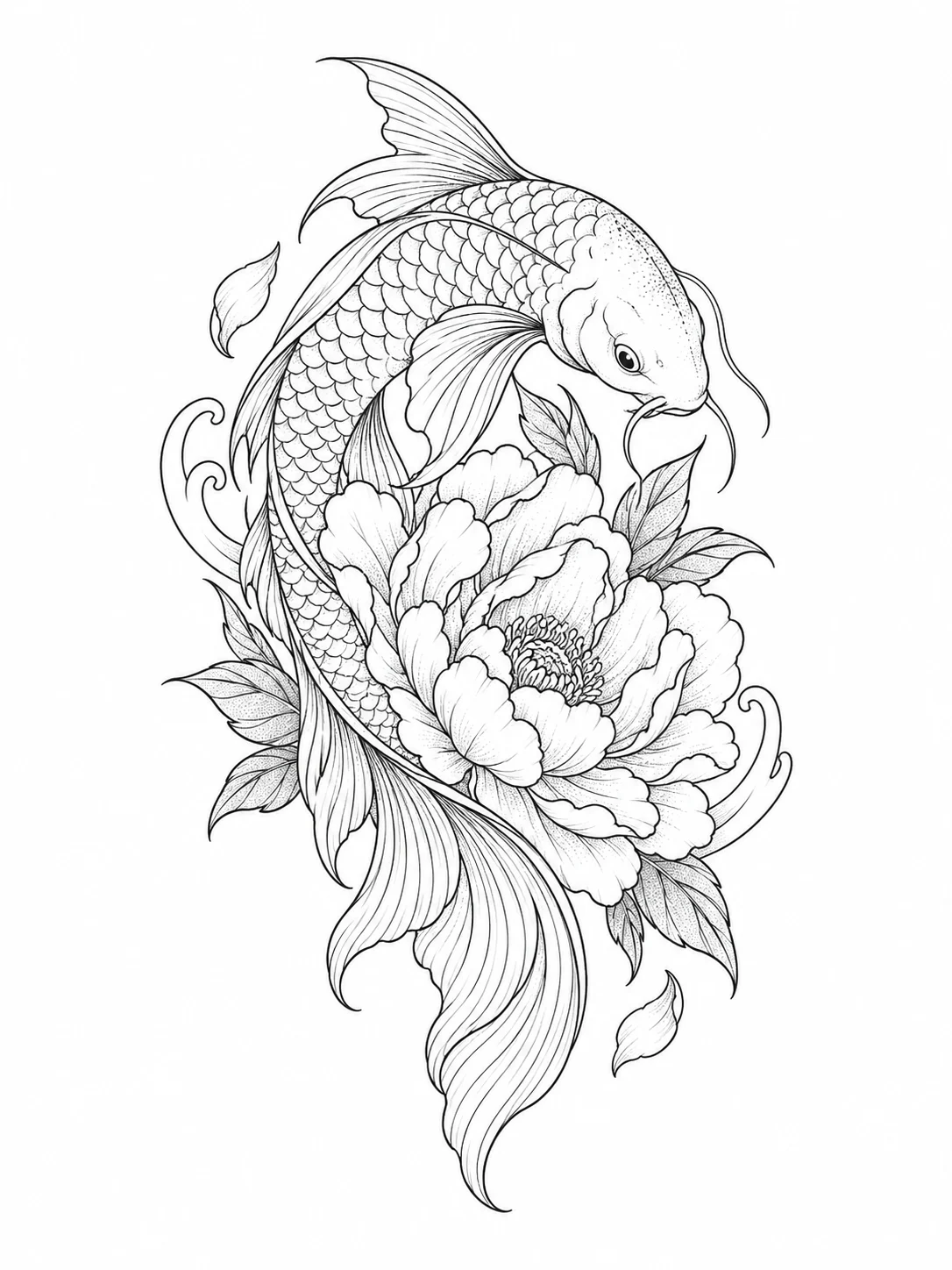
Write what you want inked, pick a style and get a design concept to take to your tattoo artist. No photo needed.
The people in these examples are AI-generated; no real family was photographed.
- 01
Pick a style
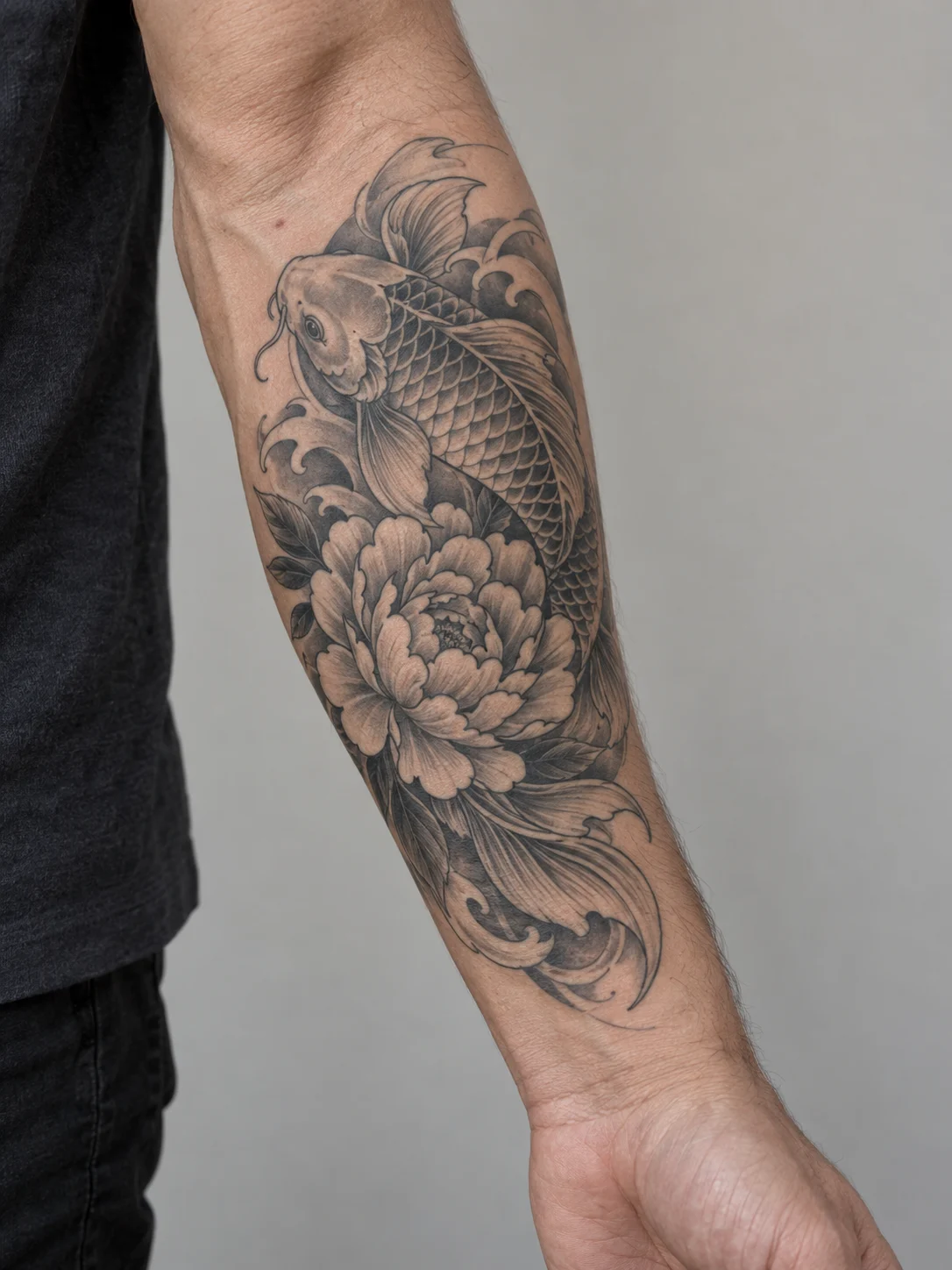
Fine-line for delicate black linework, Japanese for bold color, or a forearm preview to see it on skin.
- 02
Describe your tattoo
Replace the subject in the first sentence, for example "a fox curled up in ferns" or "a lighthouse in a storm".
- 03
Take it to your artist
Download the design and use it as a reference. Your tattoo artist will redraw the stencil to fit your body.
Three tattoo styles
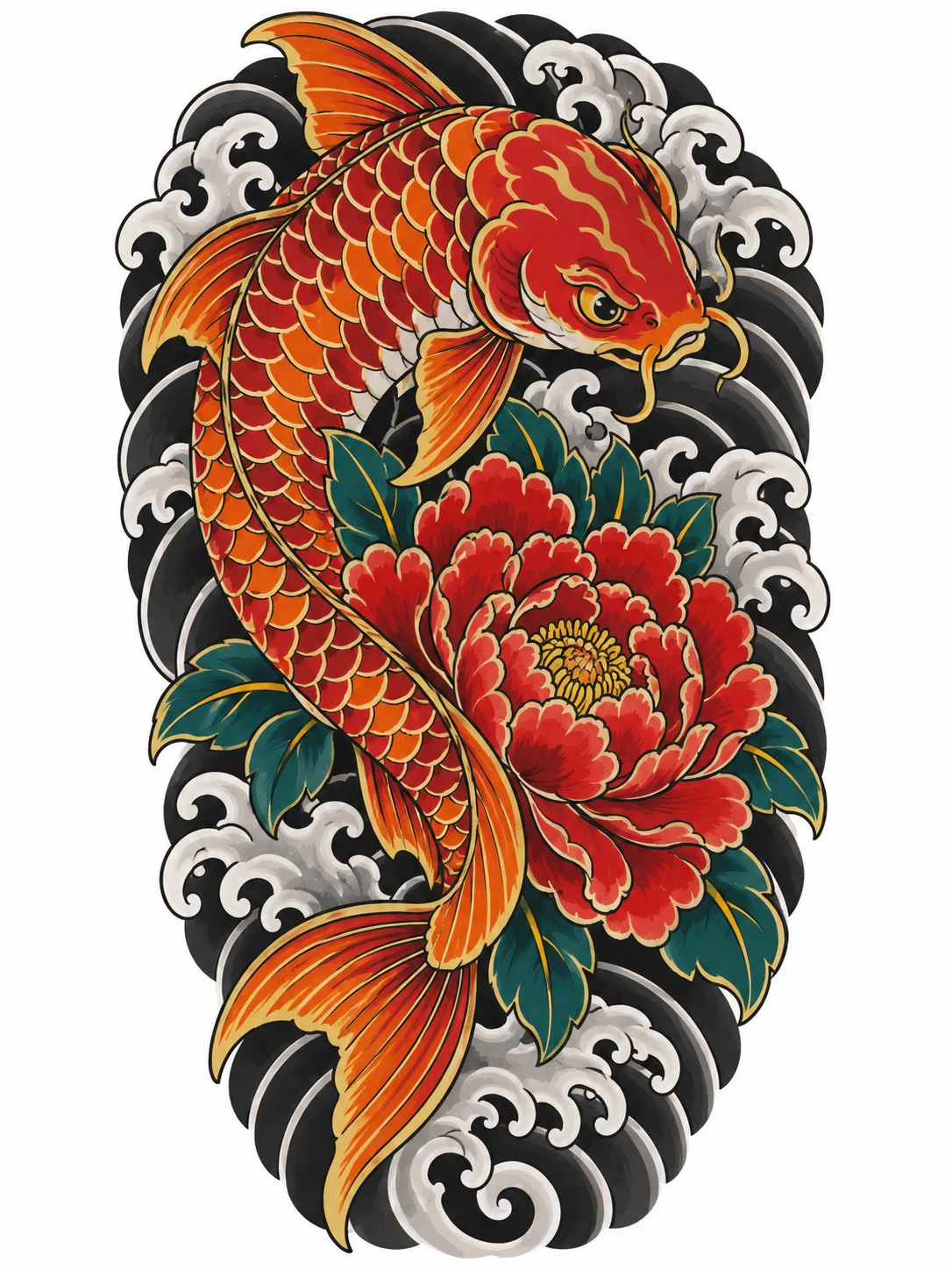
Each example was generated from the prompt shown with it, using a koi fish and a peony as the subject.
How to describe a tattoo
The model draws what you write, so a precise first sentence gets a better design.
- Name one main subject and one or two supporting elements. "A koi fish curling around a peony" works better than a list of six things.
- Say where it will go. A long, narrow design suits a forearm or calf; a round one suits a shoulder or the back of a hand. Add it to the prompt, for example "sized for an inner wrist".
- Leave room for detail. Fine lines can spread over the years, so ask your artist how small a fine-line design can safely be.
- Lettering is turned off in these prompts because generated letters are often misspelled. Ask your artist to add any words.
Tattoo generator questions
Can I take the design straight to a tattoo artist?
Use it as a reference. Artists redraw designs into a stencil and adjust line weight, size and placement for your skin and body, so expect some changes.
Do I need to upload a photo?
No. These styles work from your description alone. The forearm preview shows the design on a generic arm, not on yours.
Why are there no words in the design?
The prompts ask for no lettering because generated text is often misspelled. For a script tattoo, have your artist draw the words.
Can I change the style?
Yes. The whole prompt is editable: change "black ink" to "dotwork", add "with a small crescent moon", or change the placement. "Reset to the original prompt" brings back the version behind the example.
How much does it cost?
Each design uses credits, and new accounts receive free credits. The cost is shown on the button before you generate.
Want to write your own version? Open the image generator, paste a prompt and optionally add a reference image.