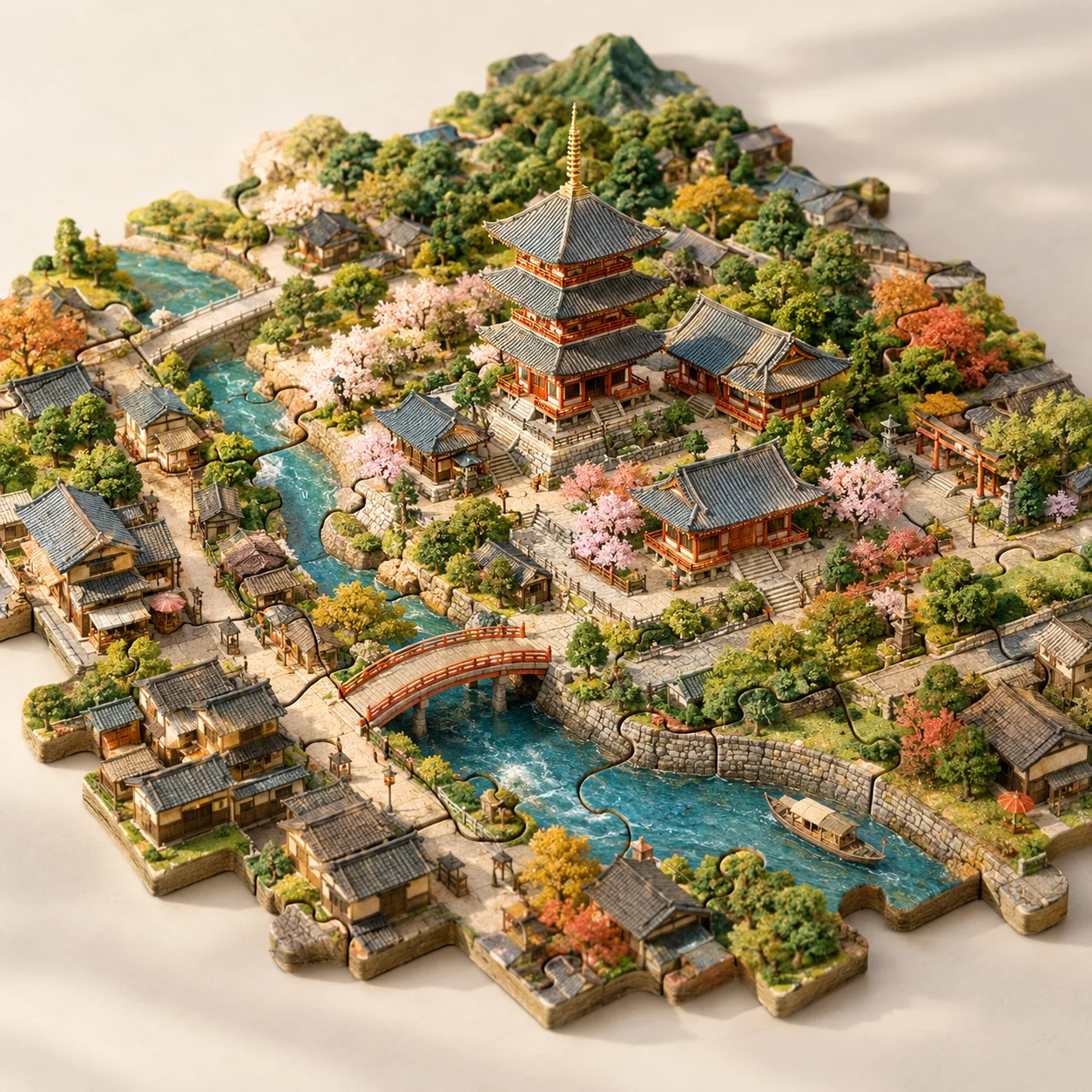
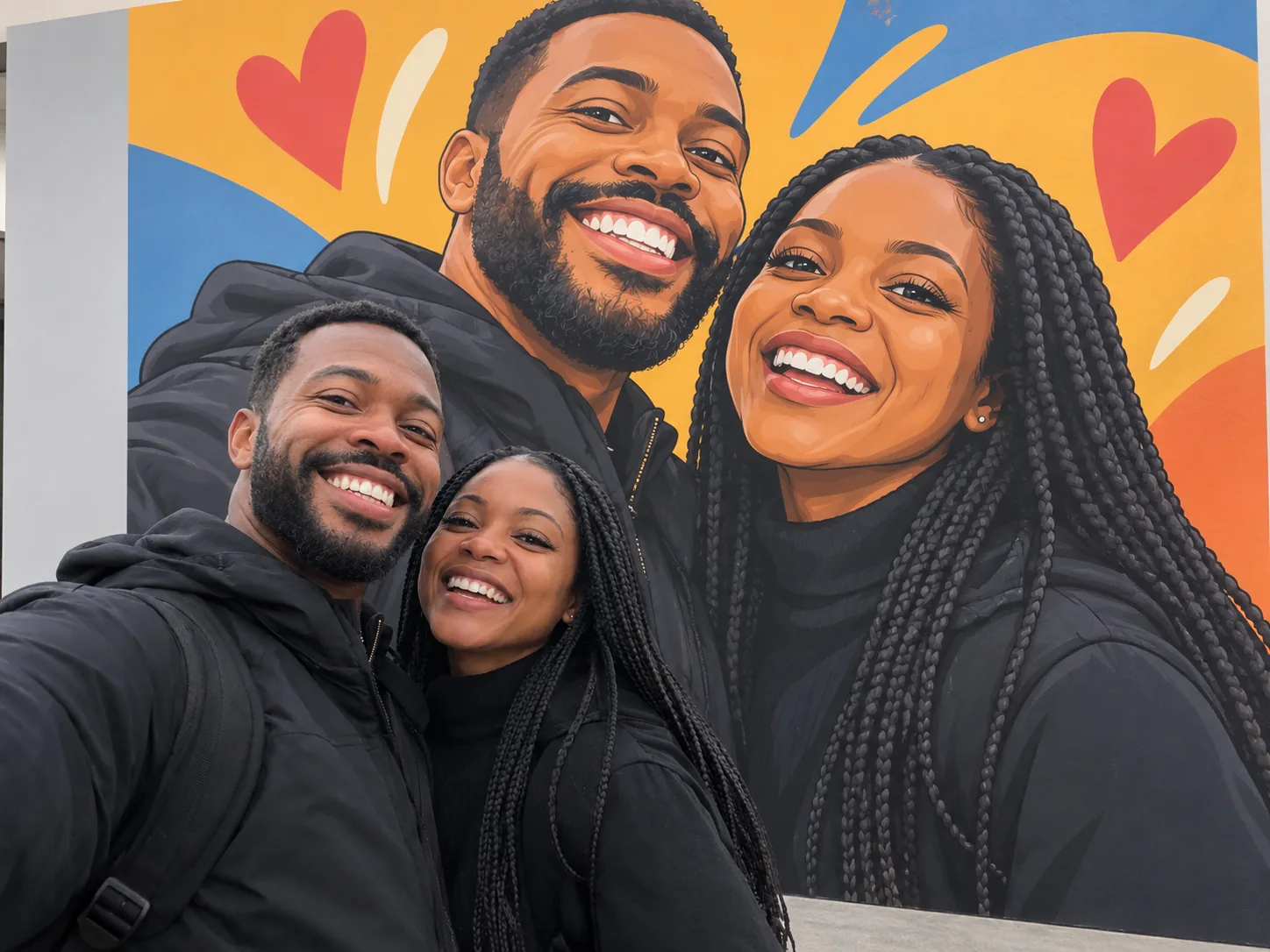
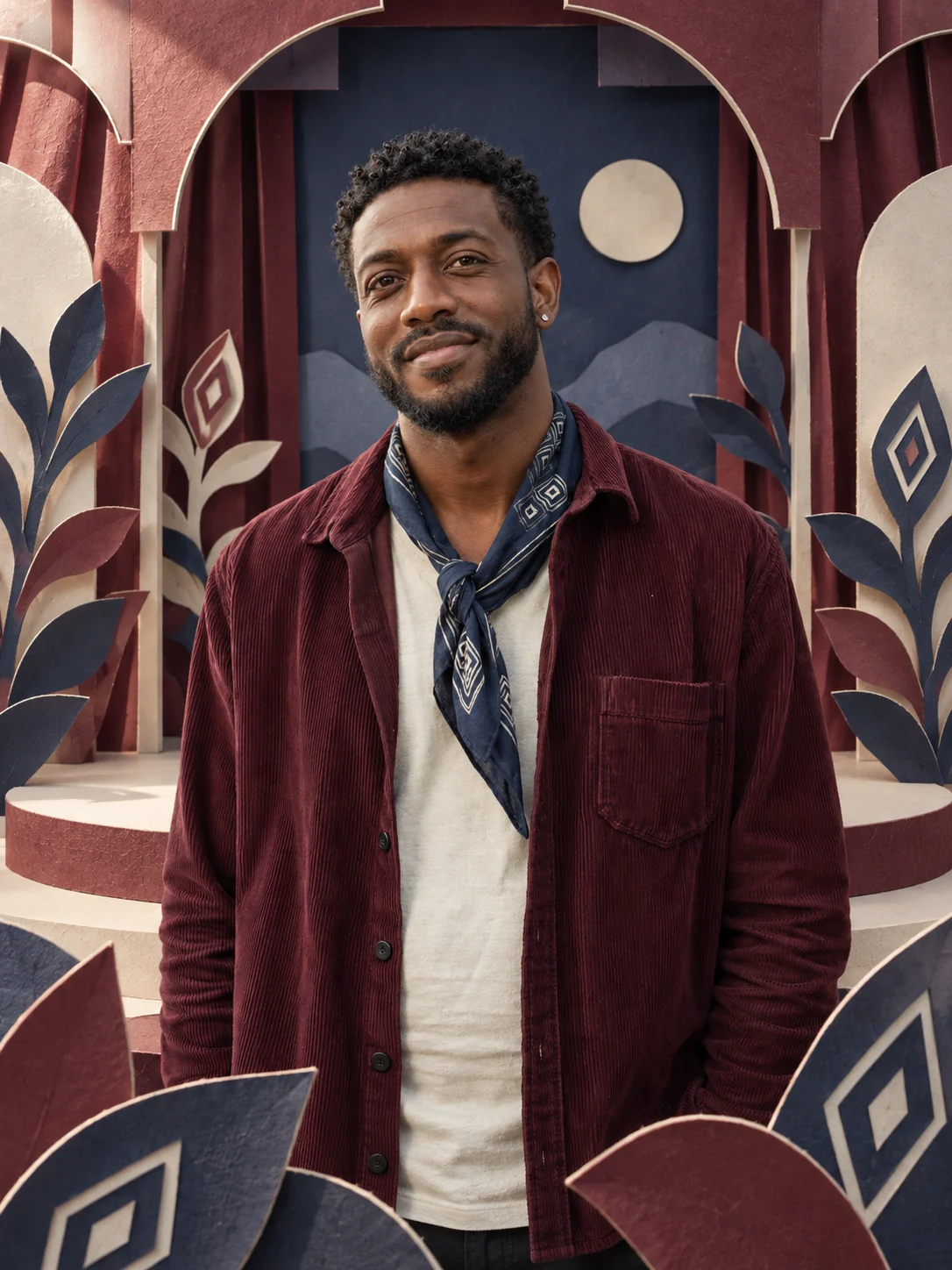
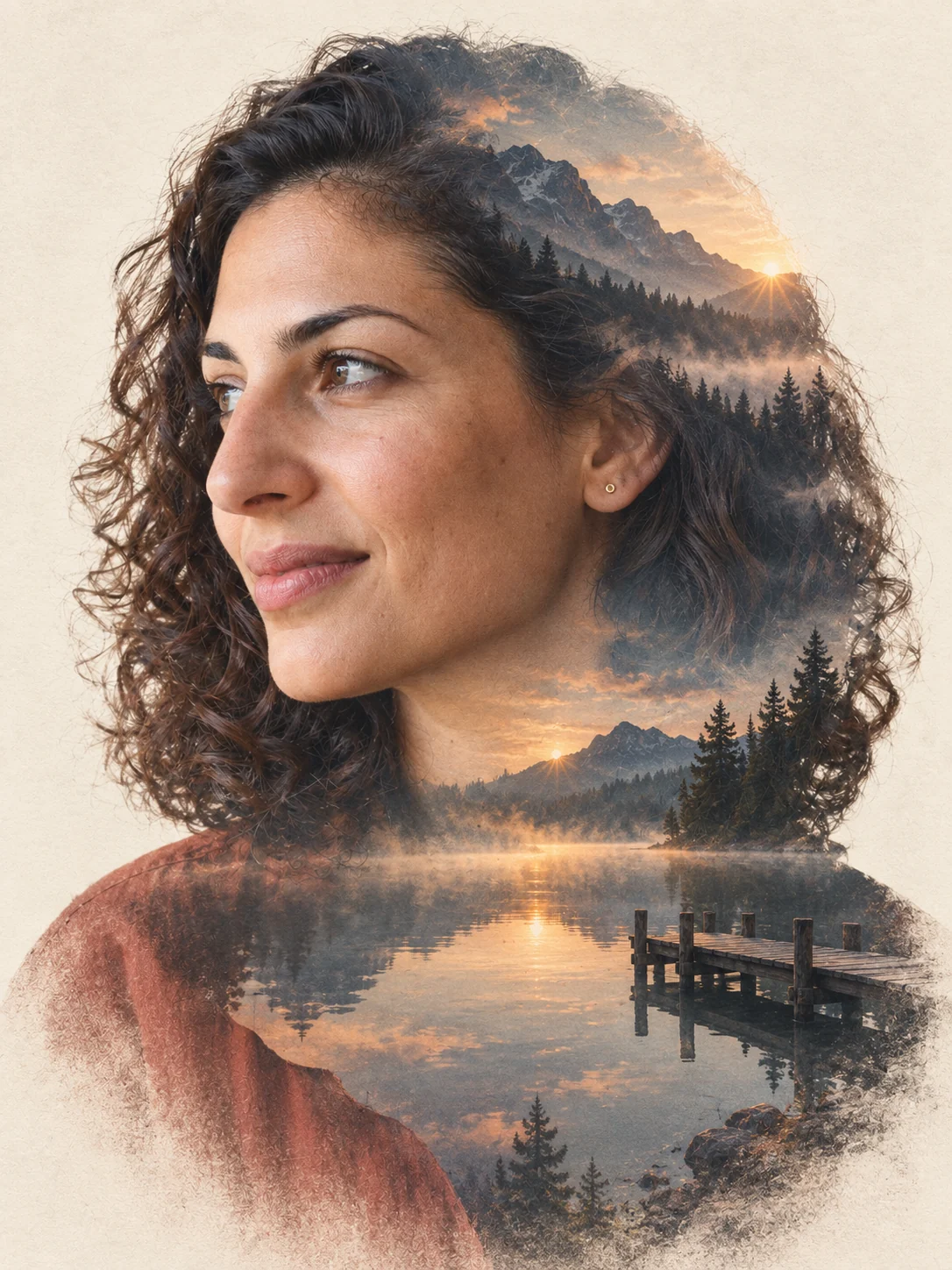
Text to image
Describe a subject, style, lighting and composition to create a new image from scratch.
 TikTomato
Type a prompt to create an image from scratch, or add up to 4 reference photos and describe how to edit, restyle or combine them. Results up to 4K.
Write what you want in plain language. Mention subject, style, lighting and framing for best results.
Optional. Upload photos to edit, restyle or combine — the prompt then describes the change you want.
1K for quick drafts, 2K for sharing, 4K for printing. Results are kept for 30 days.
Don't want to write a prompt? Pick an effect and upload a photo; the prompt is already written for you.
See all effects →Start with a prompt alone, or use images to give the model visual context for the result.
Describe a subject, style, lighting and composition to create a new image from scratch.
Upload a photo and describe what to change, remove, add or restyle.
Use up to 4 images as visual references, then explain how their subjects or styles should work together.
Draft at 1K or 2K, then choose 4K when the aspect ratio supports a larger final output.
The model interprets your prompt and references to create a new image. Faces, text, logos and exact product details can change, even when the composition looks convincing.
No. A text prompt is enough to create an image from scratch. References are optional and help guide edits, subjects, composition or style.
You can upload up to 4 JPG, PNG or WebP reference images and describe how to edit or combine them.
Use 1K for quick drafts, 2K for sharing and most design work, and 4K for a larger final image when the selected aspect ratio supports it.
New accounts receive free credits. The cost for the selected resolution is shown before you generate.
Generated images stay in your recent images for 30 days. Download the versions you want to keep.