Clearer text and infographics
Google lists enhanced text rendering and more accurate infographic layouts. Posters, labels and diagrams with short text come out well.
 TikTomato
Google's newest Nano Banana model, released in October 2026 as an update to Nano Banana 2, with clearer text, more faithful edits from reference images and output up to 4K.
On this page you can add up to 4 reference images (the model itself accepts more). Nano Banana 2.1 has no transparent-background option.
Nano Banana 2.1 is an image generation and conversational editing model from Google, part of the Gemini 3 series. Google released it in October 2026 as an update to Nano Banana 2, keeping that model’s speed and adding improvements in visual quality, prompt adherence, character consistency and text rendering.
It makes images from a text prompt or edits and combines the reference images you give it, at 1K, 2K or 4K. In Google's own side-by-side human evaluations, the model card reports higher scores than Nano Banana 2 for overall preference and for infographic design.
From the Gemini API model page and the Nano Banana 2.1 model card.
Google lists enhanced text rendering and more accurate infographic layouts. Posters, labels and diagrams with short text come out well.
Better character consistency when you combine or edit reference images: the same person or object can move into a new scene.
Improved visual quality and realism at every output size. Choose 4K when you need fine detail or a large print.
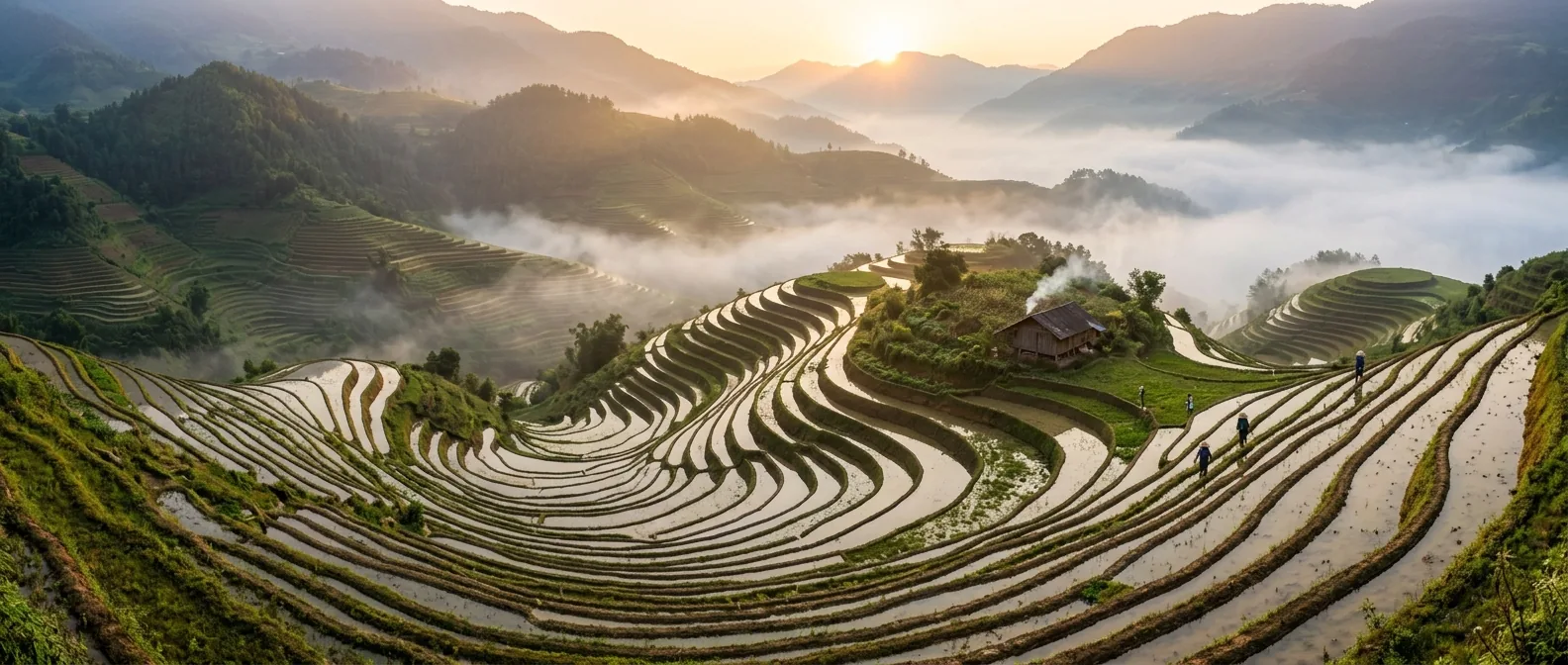
Each of these was generated with Nano Banana 2.1 at 1K. The caption is the exact prompt sent to the model.
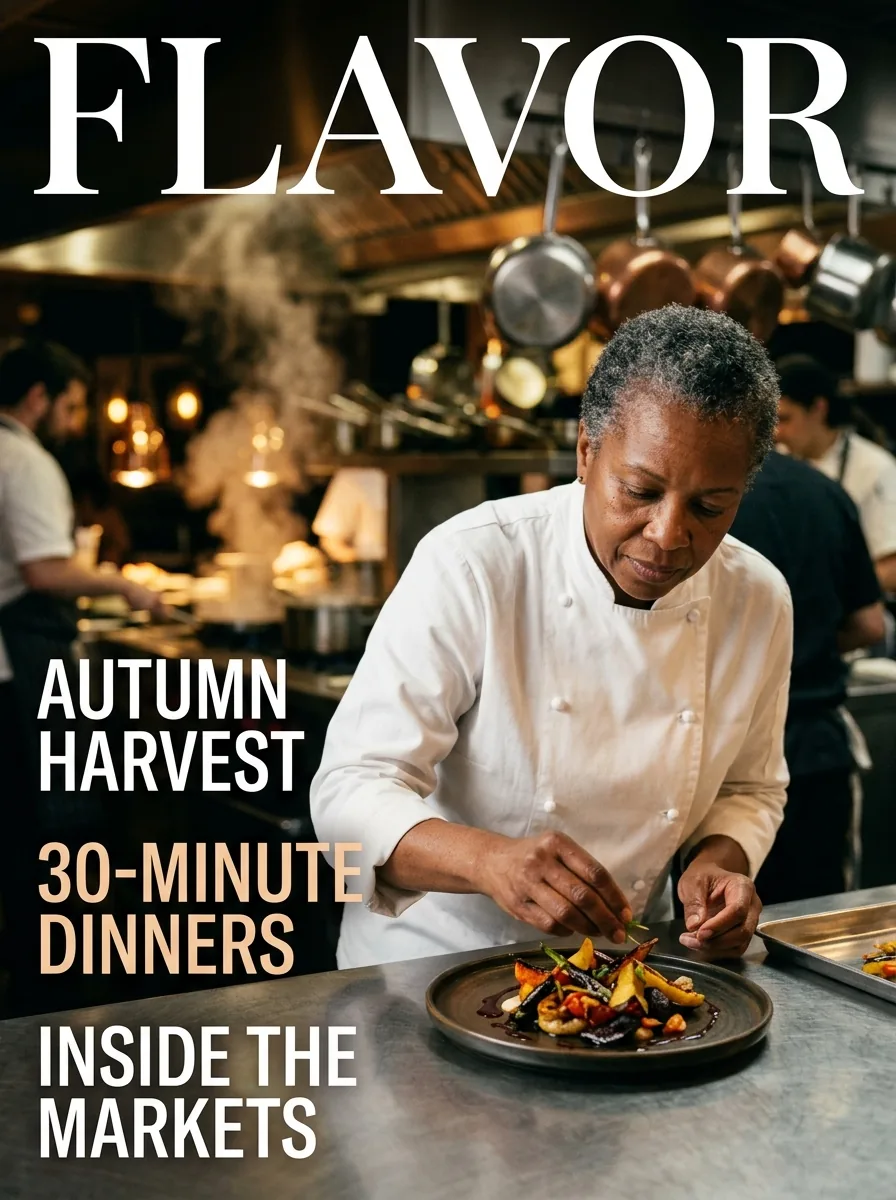
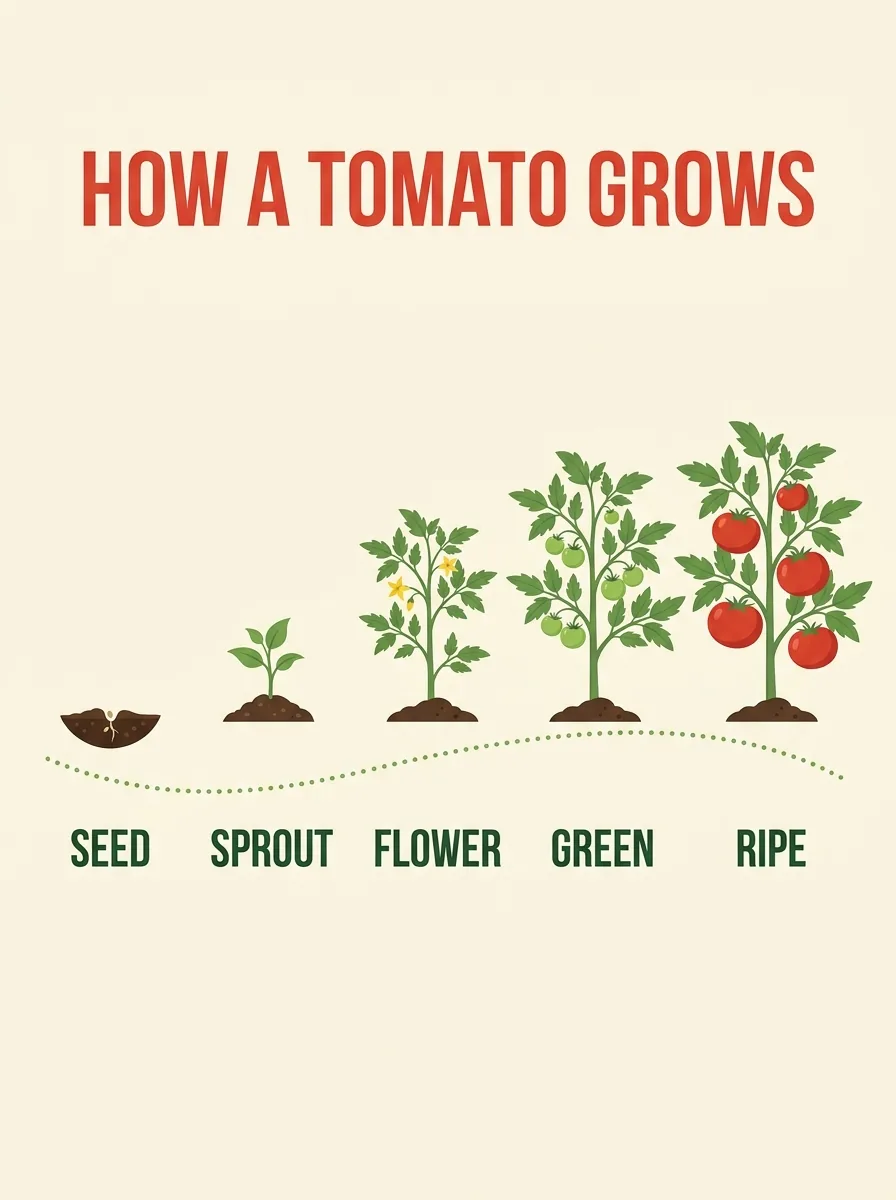
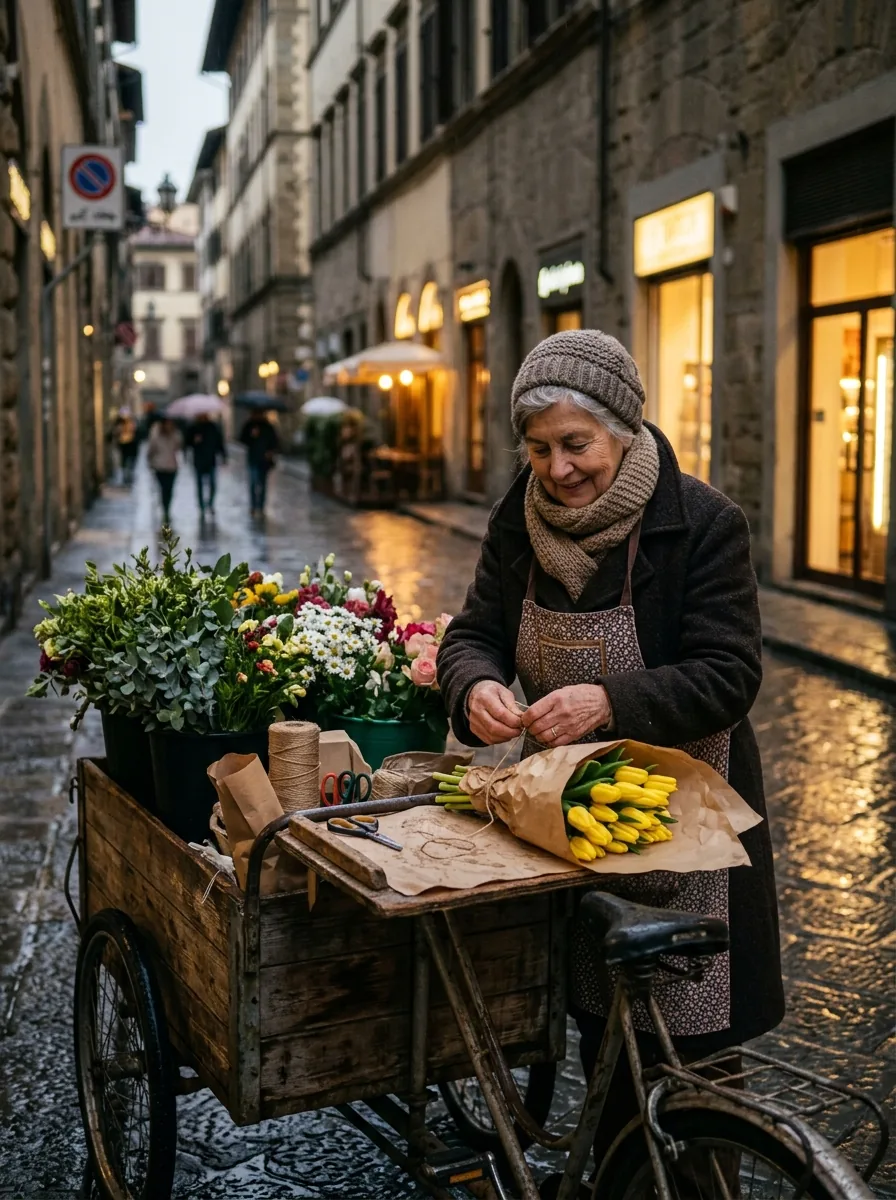
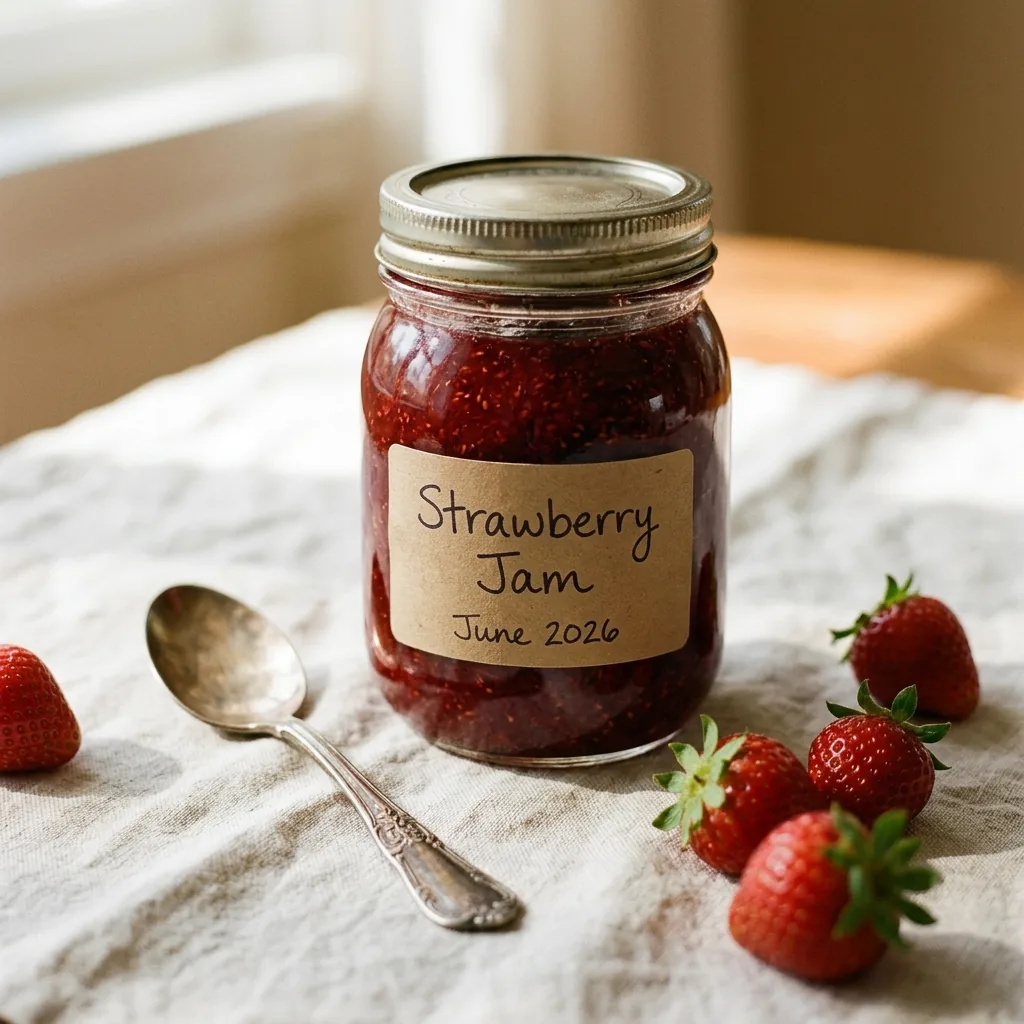
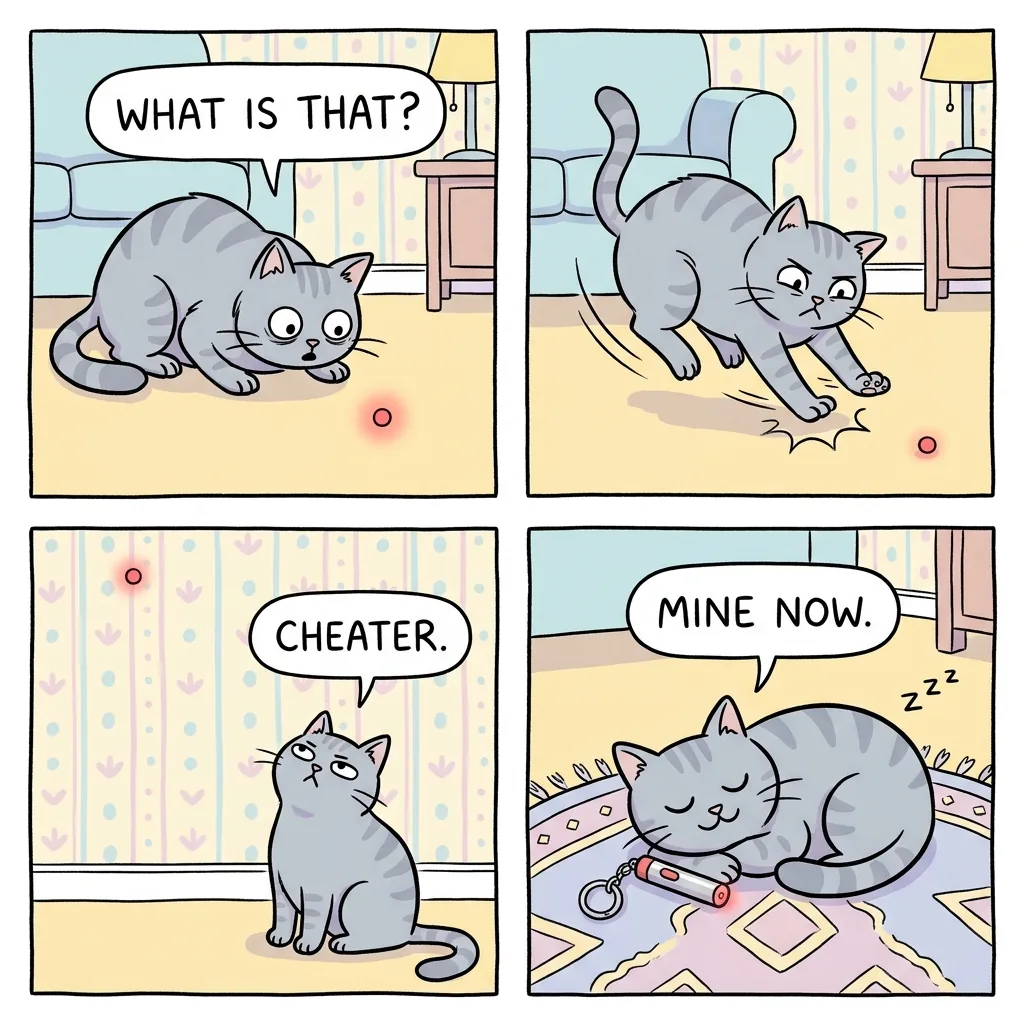
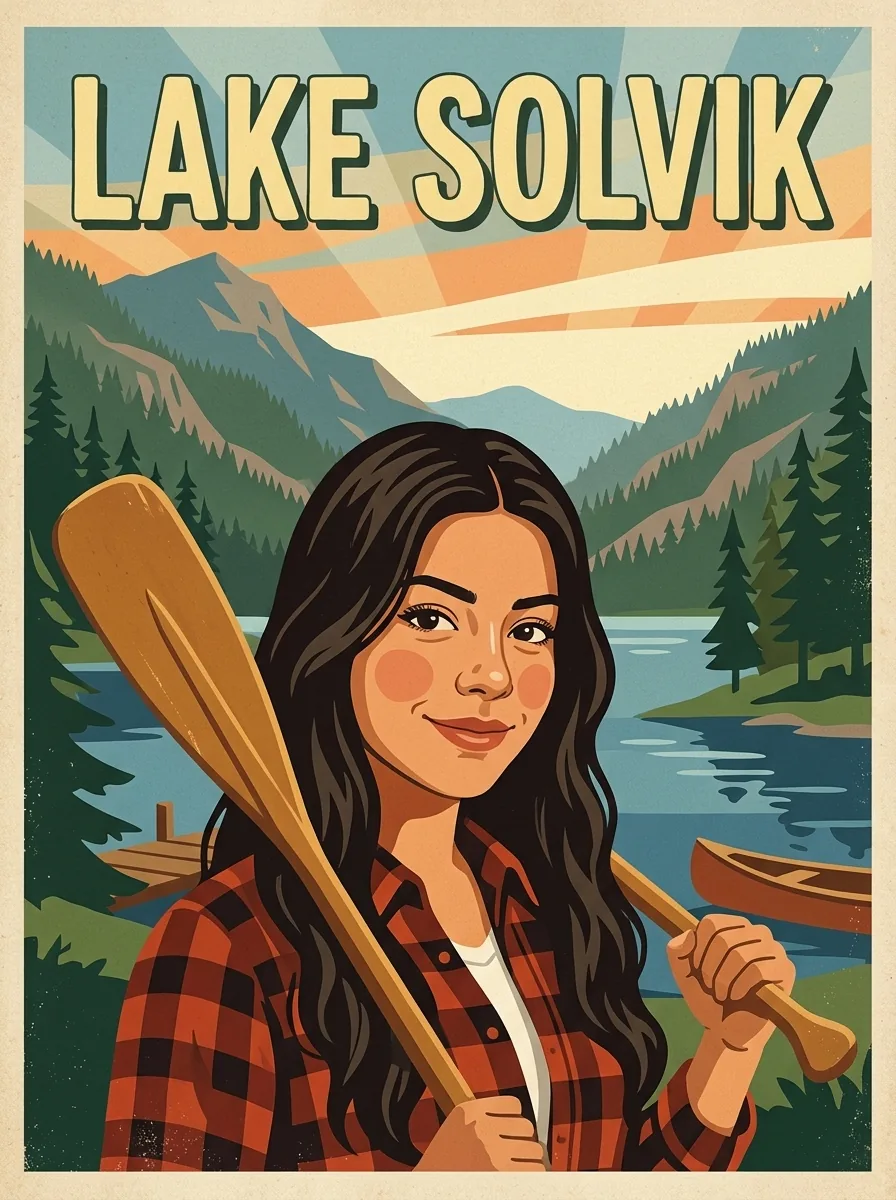
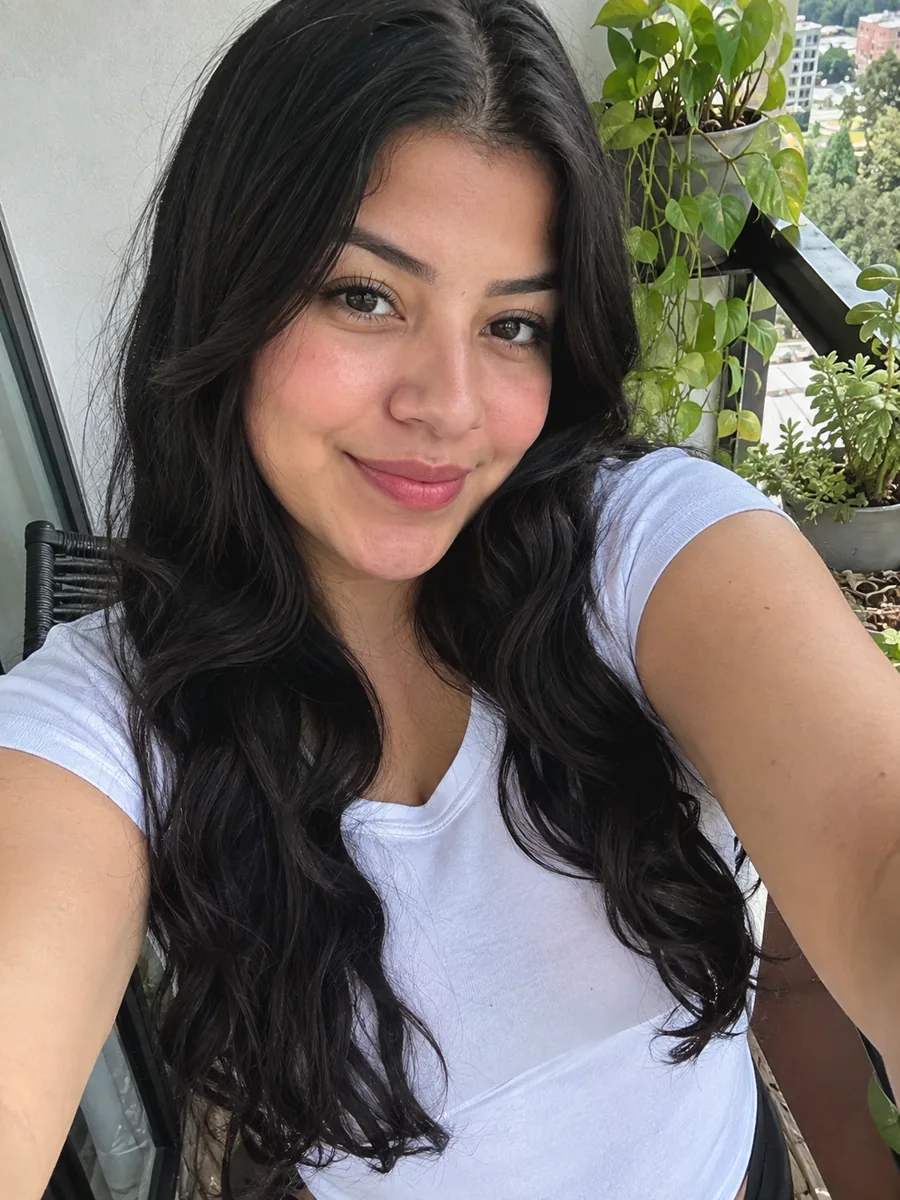 Reference photo
What follows from the model card and from the examples on this page.
Put the exact words in quotes. The model card notes that small text can blur at 1K and long paragraphs are weak, so use a few large words, or choose 2K or 4K for smaller lettering.
With a reference image, name what must stay the same (face, hairstyle, the product label) and what should change. Consistency is good but not perfect, so generate a couple of versions.
Subject, setting, light, camera or art style. The model follows detailed prompts closely, so the detail you give is the detail you get.
Choose 21:9 for panoramas and 9:16 for phone wallpapers before you generate, rather than cropping afterwards.
Yes. Every image on this page is generated with Google's Nano Banana 2.1, not another model. The examples above were made here with the prompts shown.
Each image uses credits, and the price depends on the output size you choose. The cost is shown on the button before you generate, and new accounts receive free credits.
Yes. Add up to 4 reference images and describe what to change or how to combine them. Google says the model supports more reference images; this page accepts 4.
Google's model card lists small text at 1K and long paragraphs as known weaknesses. Use fewer, larger words, or switch to 2K or 4K when the text has to be small.
Not with Nano Banana 2.1: it has no transparent-background option. Use our background remover on the result, or the standard image generator, which can make transparent images.
Both are strong general-purpose image models from different companies, and each has its own style. For an important image, try the same prompt on both pages and keep the one you like.
Prompts, reference images and results are checked for sexual and other sensitive content, and flagged requests are declined. Rephrase the prompt and try again. Credits for declined or failed requests are refunded.