Free to try
New accounts get free credits — enough to try a restoration — with no card needed.
 TikTomato
TikTomato
Remove backgrounds, upscale images, restore old photos, create a new look with AI, or turn a photo into a trend video with sound.

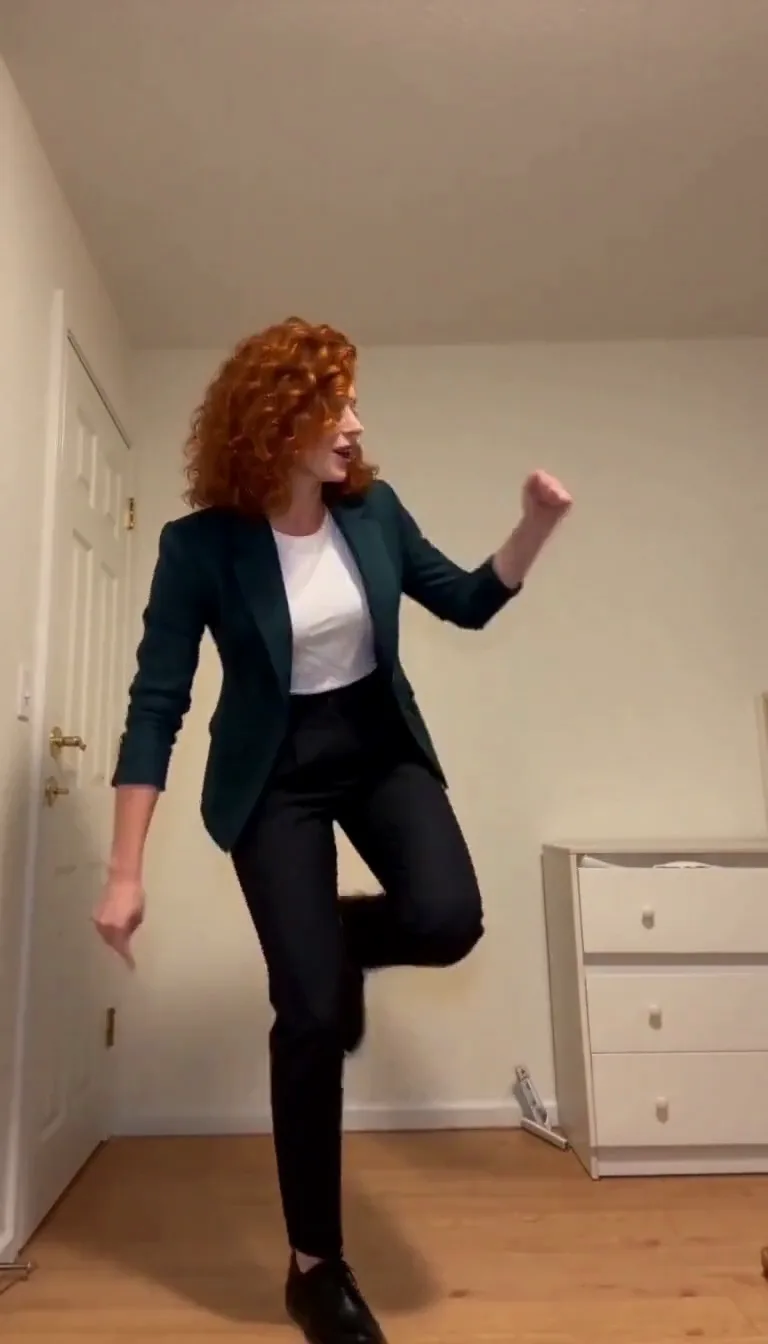
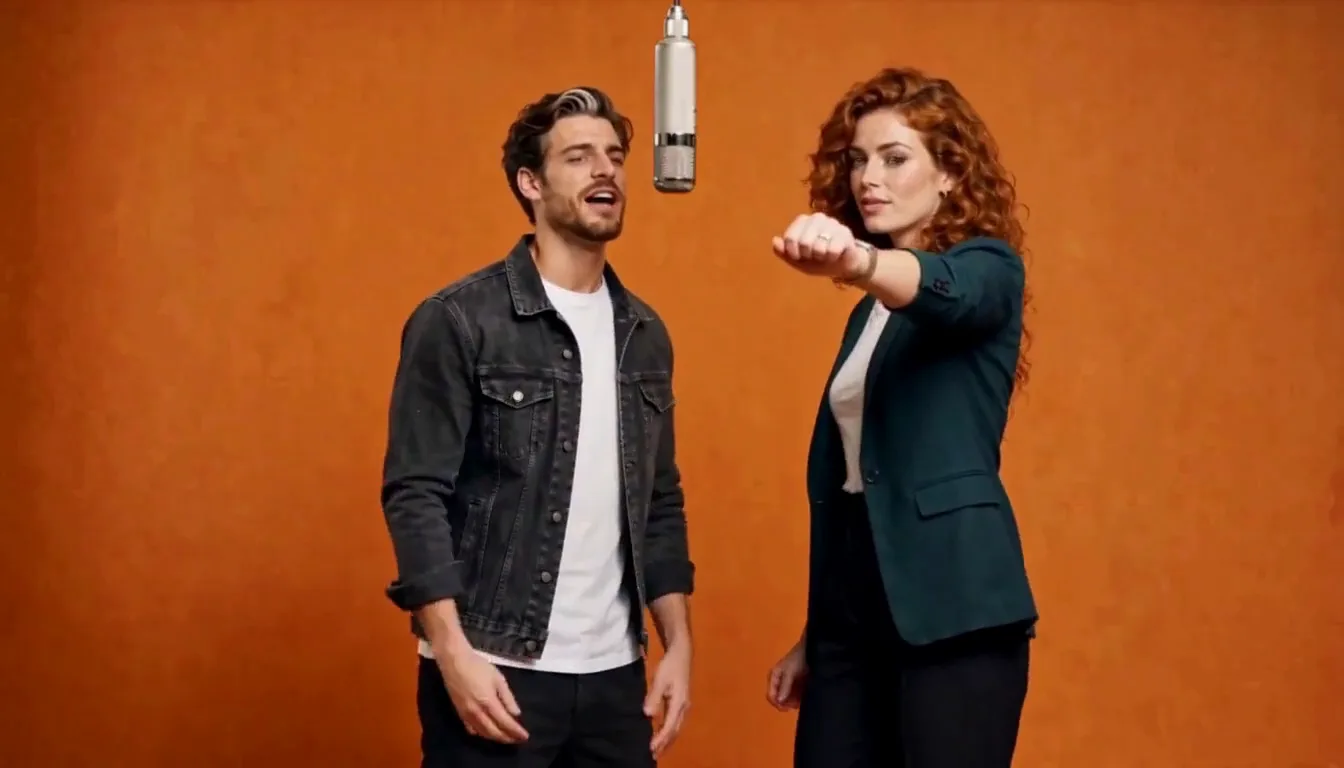
Upload a photo or two and get a short video with sound. Each effect follows a fixed template, so there is nothing to write.

Three steps, whichever tool you pick.
New accounts get free credits — enough to try a restoration — with no card needed.
Every task costs a fixed number of credits, shown on the button before you click. Buy a pack or subscribe — packs never auto-renew.
We do not claim ownership of your uploads or results. Originals and results are deleted from our storage after 30 days.

AI photo editing in a free iPhone app: pick a photo from your library, and the result saves straight back to it.

Every new account comes with free credits — enough to see a real result before you pay anything.
JPG, PNG and WebP, up to 5 MB per image. Results download as ordinary image files; background removal returns a transparent PNG. Video effects download as MP4.
New accounts get free credits to try a tool, with no card needed. After that you buy credit packs, which never auto-renew, or a monthly membership. Every task shows its price on the button before you click.
They are not public or shared with other users, and are processed by our service providers only to complete the task. Originals and results are deleted from our storage after 30 days; you can delete a task sooner.
TikTomato does not claim ownership of your uploads or results. Commercial use depends on the rights you have in the original and the laws that apply to you.