Choose a version
Select Flare or Sunburst, then choose a resolution and aspect ratio.
 TikTomato
OpenAI's image generation and editing model, strong on photorealistic light and texture and on precise edits. Flare is the fast version; Sunburst trades speed for detail.
Real outputs from GPT Image 2.5 at 1K, with the exact English prompts and model versions used. Copy a prompt and adapt it to your idea; results will vary.
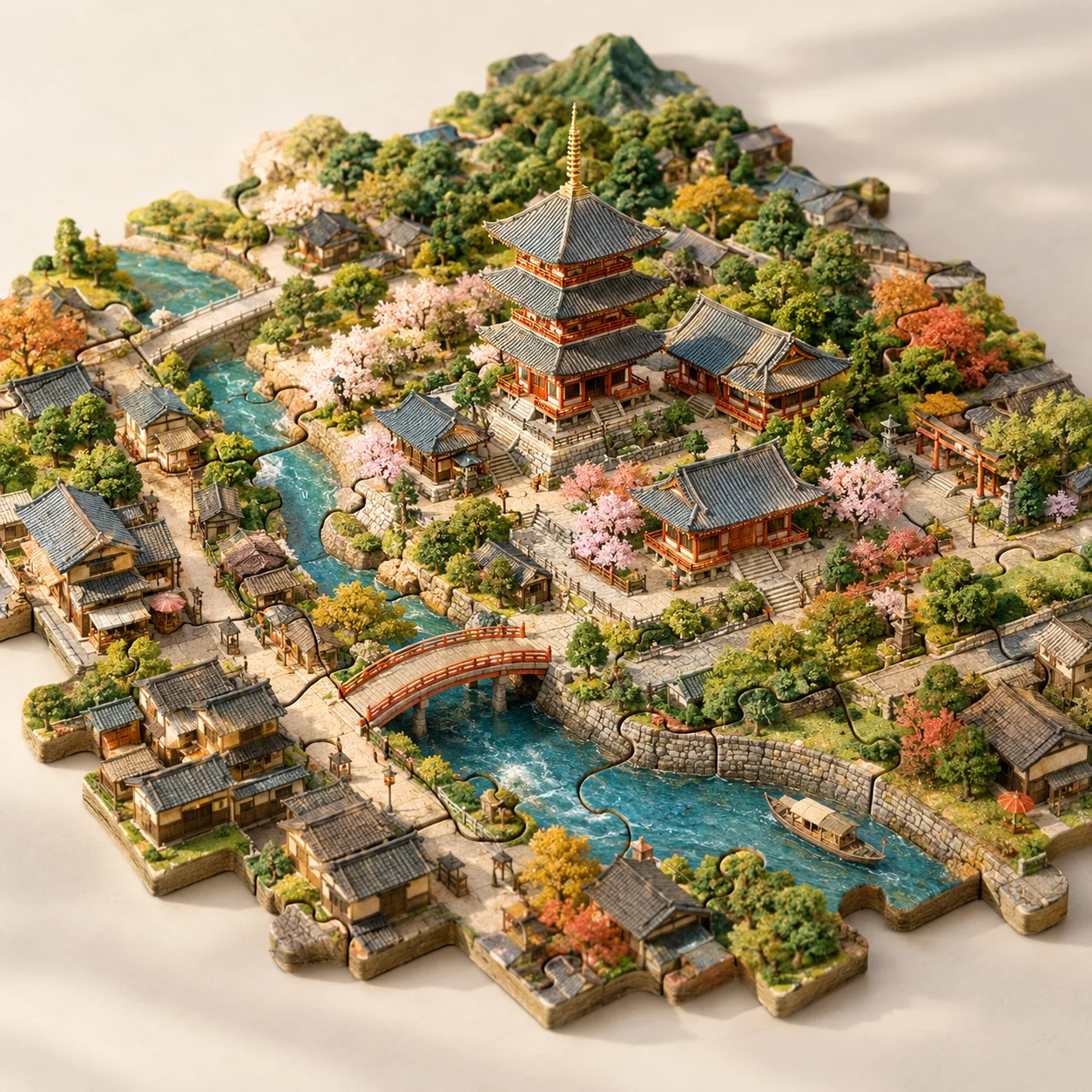
GPT Image 2.5 Flare · 1K · 1:1
Describe the material, viewpoint and how the pieces connect. Try your own city and landmark.
Imagine Kyoto as a tabletop city assembled from interlocking jigsaw pieces. A recognizable temple forms the center, with miniature lanes, a river, bridges and trees distributed across neighboring pieces. Make the puzzle joints clearly visible while keeping all pieces part of one coherent landscape. Use handmade model textures, gentle afternoon light, a pale studio background and an elevated three-quarter view. No extra floating buildings or text.
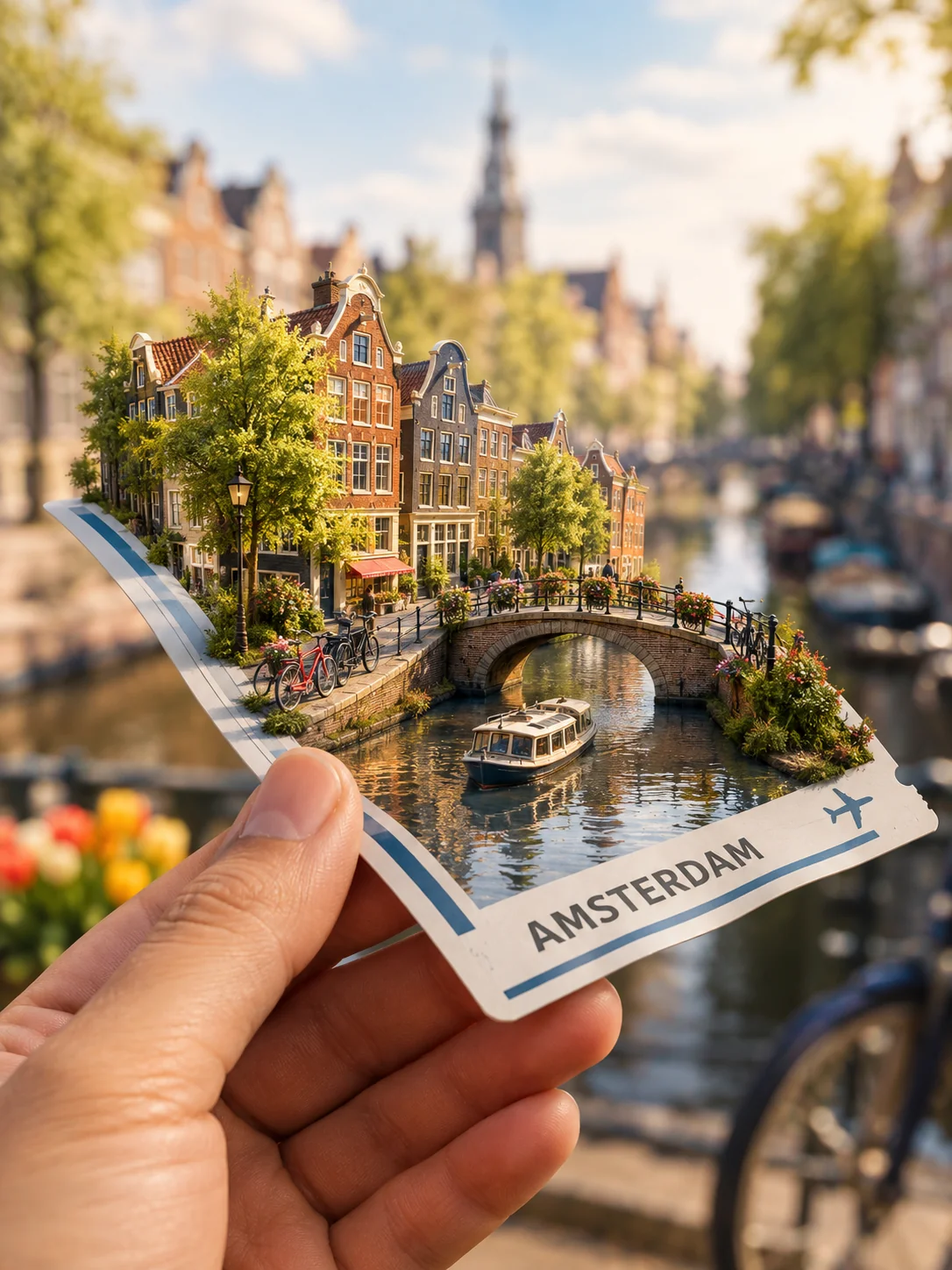
GPT Image 2.5 Sunburst · 1K · 3:4
Anchor the miniature world to a familiar object. Specify contact shadows and what the ticket should say.
Show a hand holding a fictional travel ticket in the foreground. A miniature Amsterdam grows from the ticket's surface: a canal, narrow houses, tiny bicycles and a small bridge. Make the paper bend naturally under the little world, with convincing contact shadows and realistic fingers. Use a softly blurred travel background and warm daylight. The ticket may say AMSTERDAM but should contain no real booking data, barcode or extra fine print.
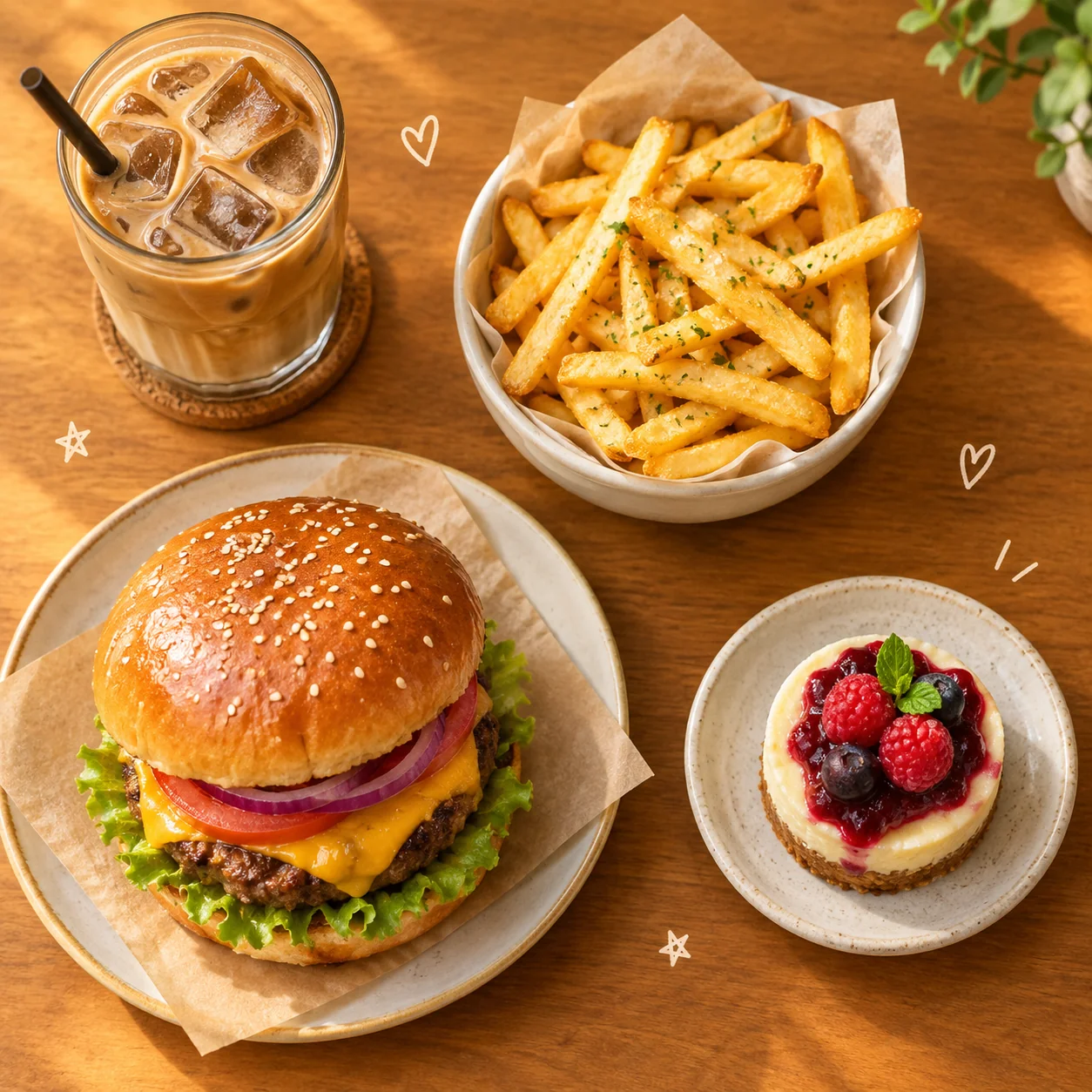
GPT Image 2.5 Flare · 1K · 1:1
Separate the food clearly and reserve empty space for small illustrations. Change the dishes to suit your menu.
Create a cozy overhead café collage featuring a burger, crisp fries, an iced coffee and a small dessert. Make the food photographic and appetizing, then add a few tiny hand-drawn hearts and stars in the empty spaces. Arrange the objects with clear separation on a warm tabletop. Use soft golden light, cheerful restrained colors and believable portions. Keep the composition readable as a square app thumbnail. No brand names, labels or watermarks.
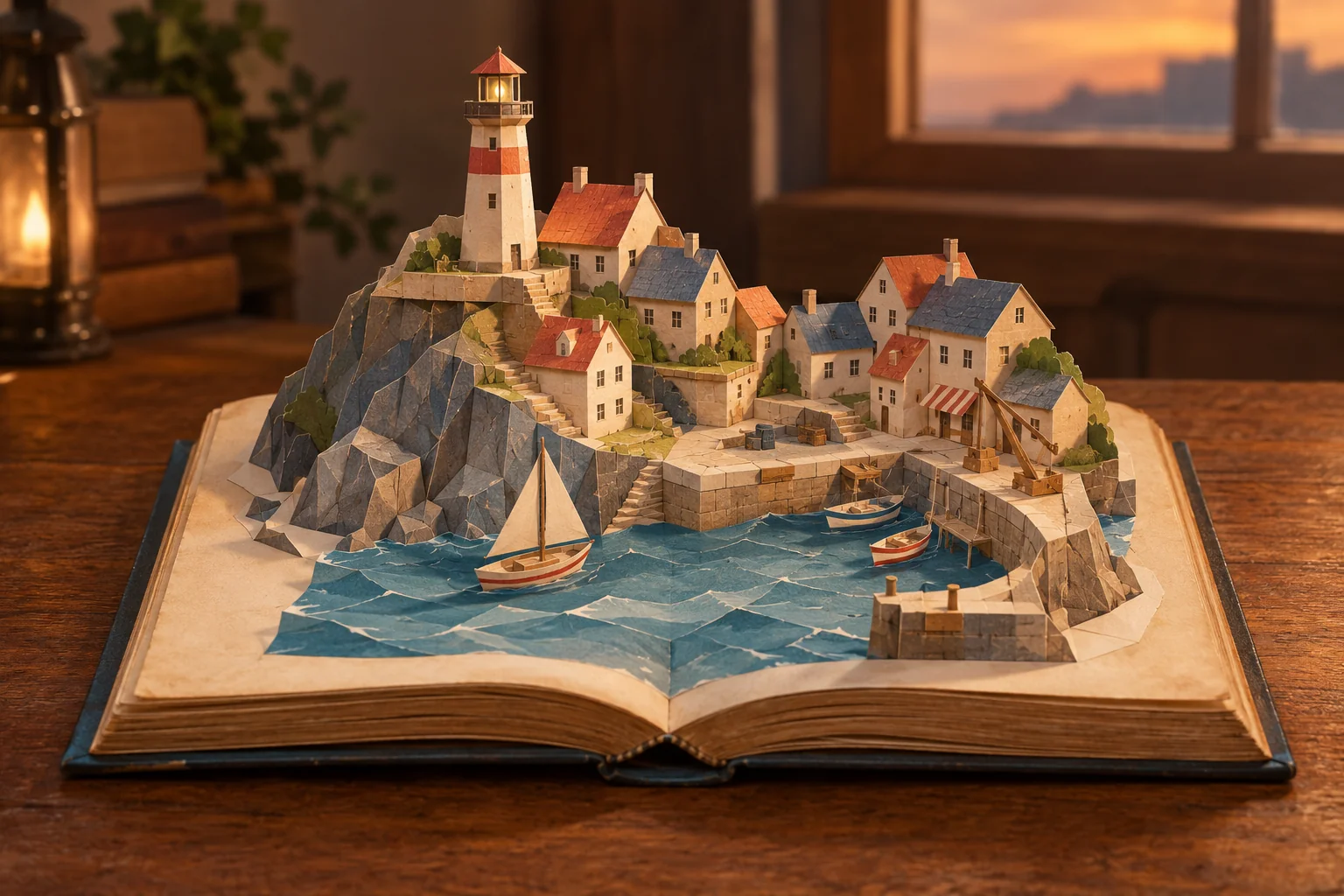
GPT Image 2.5 Sunburst · 1K · 3:2
Name the material and how it is built: folded paper, tabs and soft shadows. Change the town while keeping the construction details.
An open old storybook rests on a wooden table. From its pages rises a handmade pop-up model of a coastal town, with folded-paper rooftops, a lighthouse, steps and a tiny harbor. Show visible paper folds and tabs so the construction feels possible. Use soft evening light and a cozy, tactile color palette. Keep the open book and its complete silhouette inside the frame. No floating scenery outside the book and no readable story text.
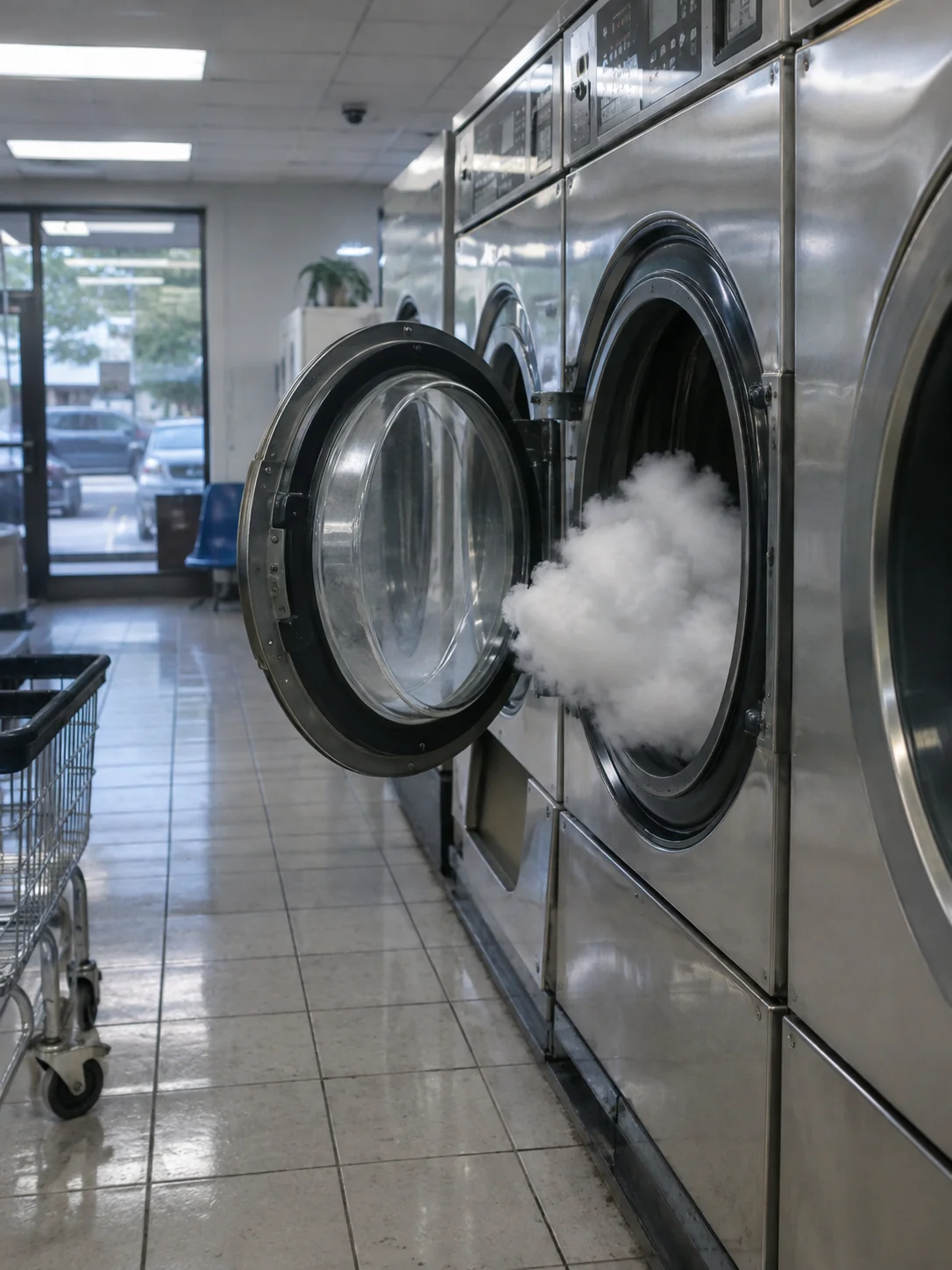
GPT Image 2.5 Sunburst · 1K · 3:4
Pair one impossible subject with an ordinary place. Describe everyday lighting and surfaces to make the joke feel photographic.
Photograph an impossible but peaceful event as if it truly happened: a small cloud has drifted into a neighborhood laundromat and is quietly waiting inside an open washing machine. Render ordinary fluorescent lighting, slightly worn tiles, convincing reflections and a candid eye-level viewpoint. The impossible subject should belong naturally in this mundane setting. Keep the image photographic rather than illustrative. No signs, captions or visual effects.
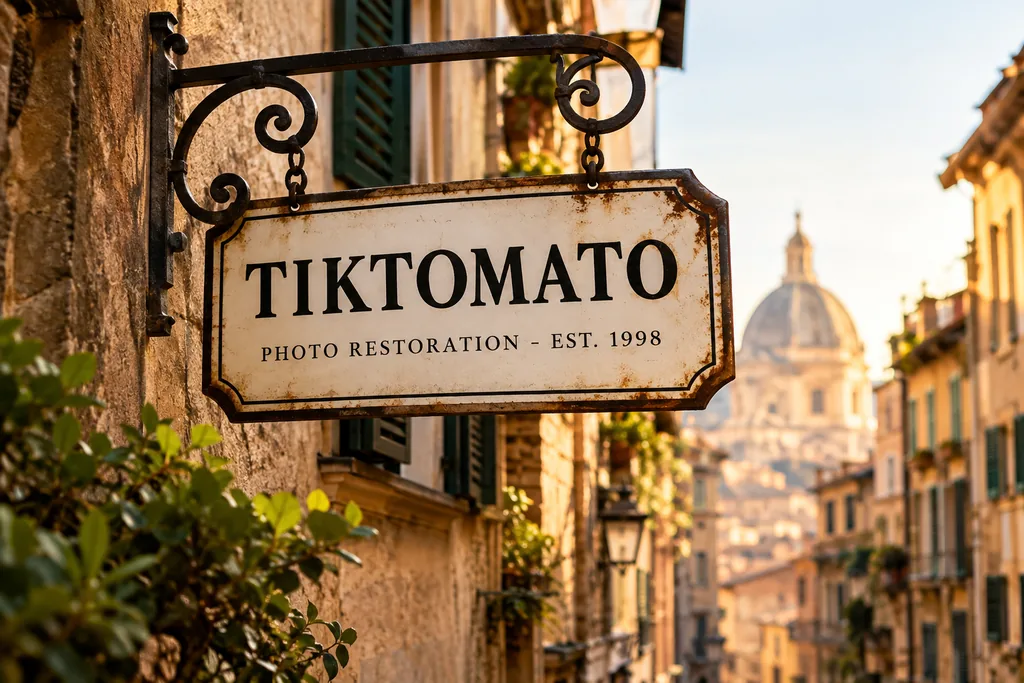
GPT Image 2.5 Flare · 1K · 3:2
Quote the exact words and specify their line order. Check every letter before using the image.
A vintage enamel shop sign hanging above a narrow European street. The sign reads "TIKTOMATO" on the first line and "PHOTO RESTORATION - EST. 1998" on the second line, in clean serif lettering. Warm late-afternoon sunlight, shallow depth of field, photorealistic.
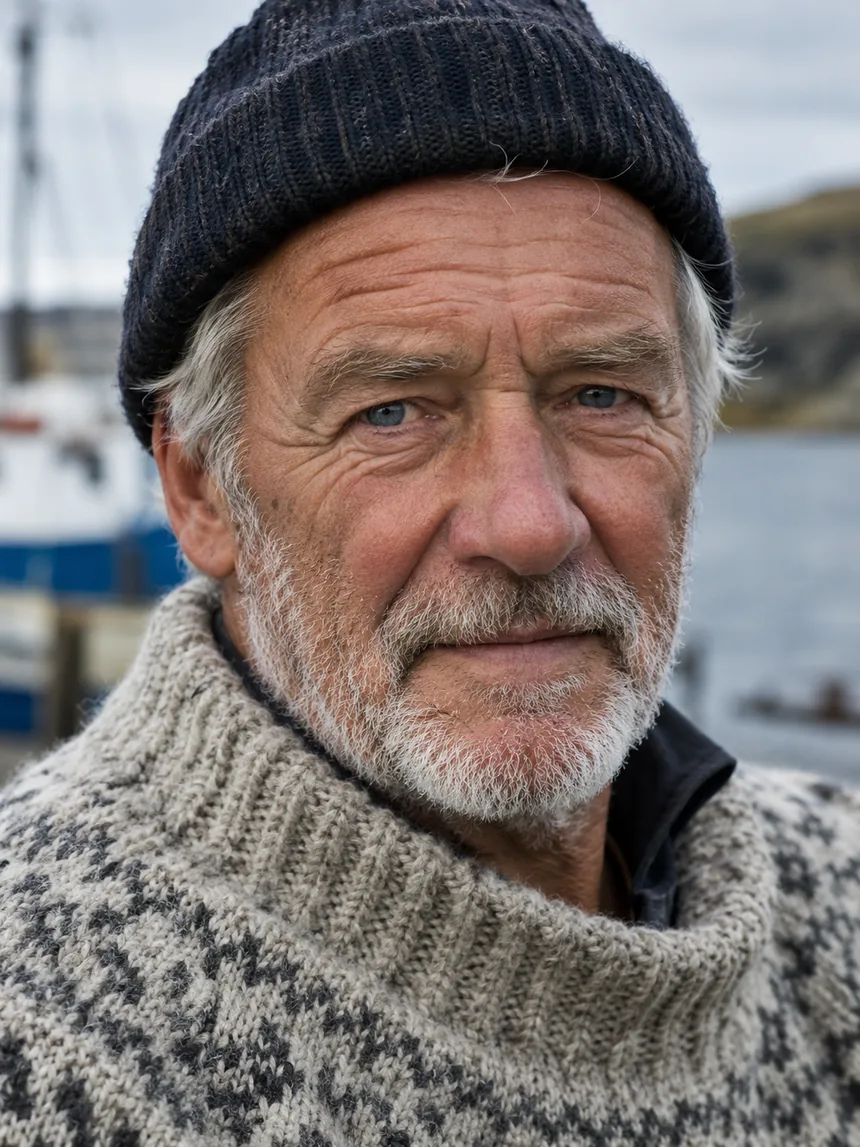
GPT Image 2.5 Flare · 1K · 3:4
Name the light, lens and skin details instead of asking only for a realistic portrait.
Close-up portrait of an elderly fisherman with a weathered face and white stubble, wearing a hand-knitted wool sweater, soft overcast daylight, sharp focus on the eyes, natural skin texture with visible pores and fine wrinkles, shot on an 85mm lens.
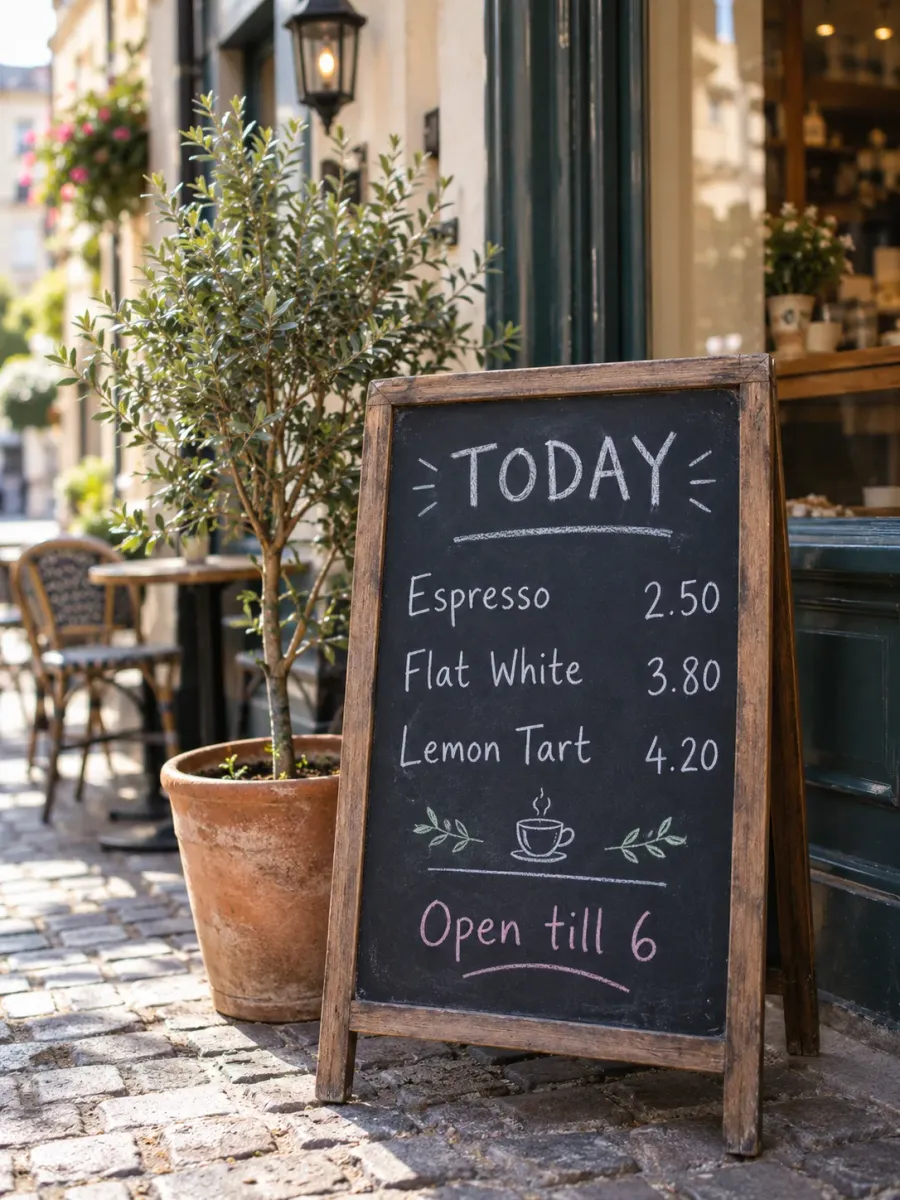
GPT Image 2.5 Sunburst · 1K · 3:4
Give each line separately and define its position. Review spelling and prices in the finished image.
A hand-lettered chalkboard menu standing outside a small cafe on a cobblestone street. The board reads, top to bottom: "TODAY" as the heading, then "Espresso 2.50", "Flat White 3.80", "Lemon Tart 4.20", and at the bottom "Open till 6". White and pastel chalk, slightly imperfect handwriting, a potted olive tree beside it, soft morning light, photorealistic, shallow depth of field.
Select Flare or Sunburst, then choose a resolution and aspect ratio.
Write your own prompt or copy an example below. For edits, add your reference images and describe what to change and keep.
Sign in, check the credit cost on the button, then generate. Download the result or revise the prompt and try again.
GPT Image 2.5 is OpenAI's image generation and editing model, released on September 8, 2026 as the successor to GPT Image 2. In ChatGPT it appears as ChatGPT Images 2.5, and developers use it through the OpenAI API.
It comes in two versions. Flare is OpenAI's fast model for high-quality everyday images. Sunburst takes longer to generate in exchange for extra precision in detailed creative and editing work. You can pick either one on this page; both cost the same.
The improvements OpenAI lists compared with GPT Image 2.
Light falls more naturally and surfaces such as skin, fabric and metal carry richer texture, which suits photorealistic portraits and product photos.
When you add a reference image, the people, products or objects in it stay more recognizable, and their distinctive features are more likely to carry through.
It follows editing instructions more closely and keeps details consistent across repeated edits, so changing one thing is less likely to disturb the rest of the image.
OpenAI reports more accurate infographics and better layout, which helps with posters, diagrams and other images that combine text with structure.
Condensed from OpenAI's image prompting guide.
Start with the subject and the kind of image you want, such as a product photo, a poster or a diagram, then add the details.
Write any words that must appear inside quotation marks and say where they go. Spell unusual brand names letter by letter, then check the spelling in the result.
Name the one thing to change, then list what must stay the same, such as the face, the lighting or a product label. With several reference images, say what each one is for.
Make one change, look at the result, then make the next. Repeat the key details each time instead of writing "same as before".
Yes. Natural-language descriptions of subjects, materials, lighting and composition are useful starting points for both. The pop-up book example here adapts an idea collected for GPT Image 2 and was generated again with GPT Image 2.5 Sunburst. Results can differ, so check the output and revise the prompt; a newer model does not guarantee a better result for every idea.
Both. Choose Flare, OpenAI's fast version for everyday images, or Sunburst, the high-precision version, in the Version option above the prompt. They cost the same here; Flare is selected by default.
No. Sign in with Google or Apple and you get free credits to start. Nothing to install and no API key to manage.
OpenAI reports improvements in lighting, texture, reference fidelity and editing. Results vary by prompt. This page lets you choose Flare or Sunburst and uses GPT Image 2.5 at every resolution.
You choose: 1K, 2K or 4K. At 1K a 3:4 image is 1086x1448 pixels.
It varies with load and with the size you pick; larger sizes take longer. You can leave the page while it runs. The result is kept in your recent images.
Yes. Add up to 4 reference images, describe the change, and say what should stay the same. Keeping the subject of a reference photo is one of the things GPT Image 2.5 improves.
1K costs the same as on our standard image generator. Prices differ at 2K and 4K. The exact credit cost appears on the generate button and updates when you change the resolution.
GPT Image 2.5 follows OpenAI's usage policies, so requests for things like sexual content, graphic violence or deceptive images of real people are refused. Try rewording the prompt. Credits for rejected or failed requests are returned.