
AI caricature generator
Style: Classic caricature · Browse styles
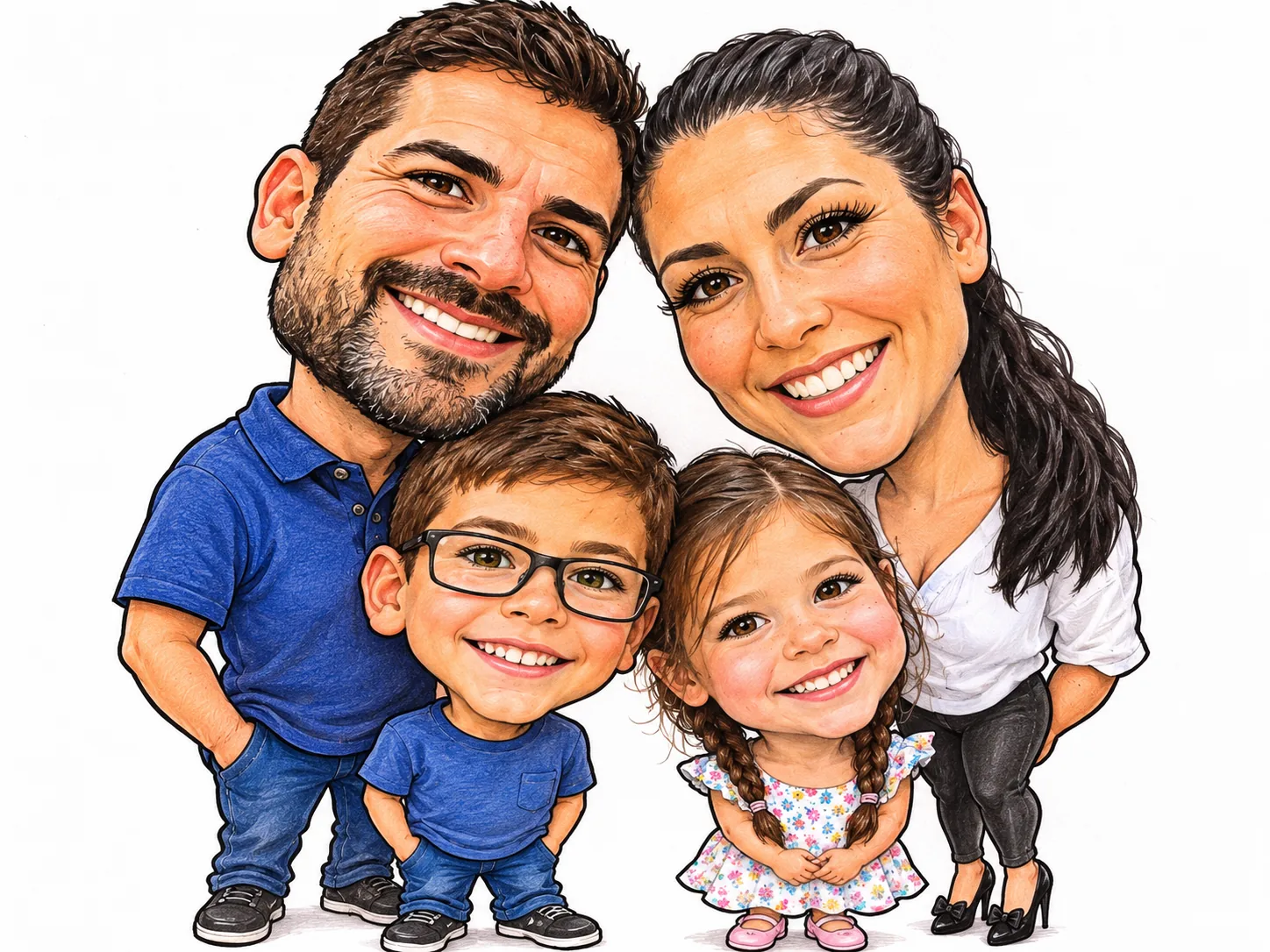
Upload a photo and get a caricature of it: a big head on a small body and playfully exaggerated features. The people and pets in your photo stay easy to recognize.
The people in these examples are AI-generated; no real family was photographed.
- 01
Upload a photo
Any clear photo of you, your family or your pet. JPG, PNG or WebP up to 5 MB.
- 02
Pick a style
A classic hand-drawn caricature, you and your job, or a 3D caricature.
- 03
Download
Save it for a profile picture, a gift or the group chat. It stays in your recent photos for 30 days.
Three caricature styles
Each style was made from an ordinary snapshot with the settings on this page. Open a prompt to see exactly what the style asks for.
Classic caricature
A big head on a small body, drawn in marker and colored pencil like a street artist.
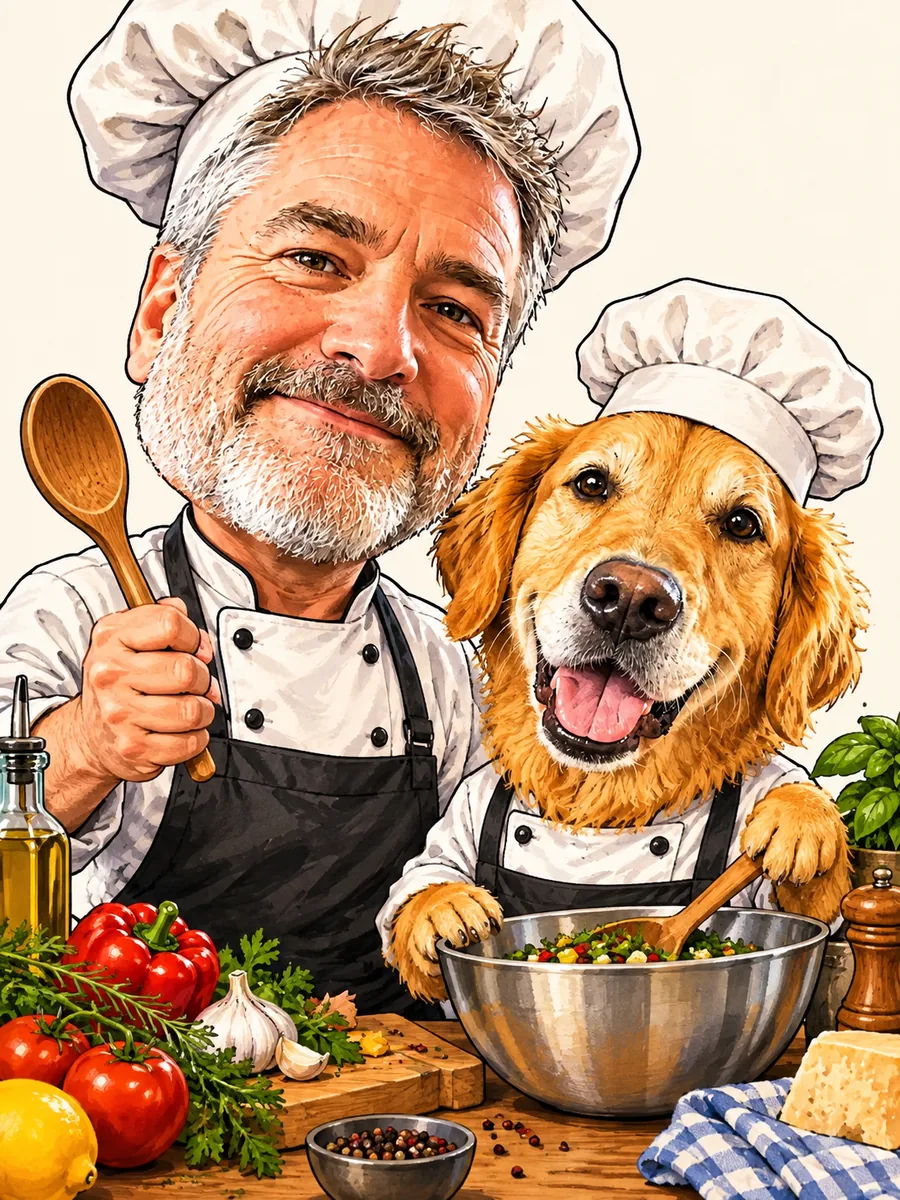
You and your job
You as a caricature at work. Change “chef” in the prompt to your own job.
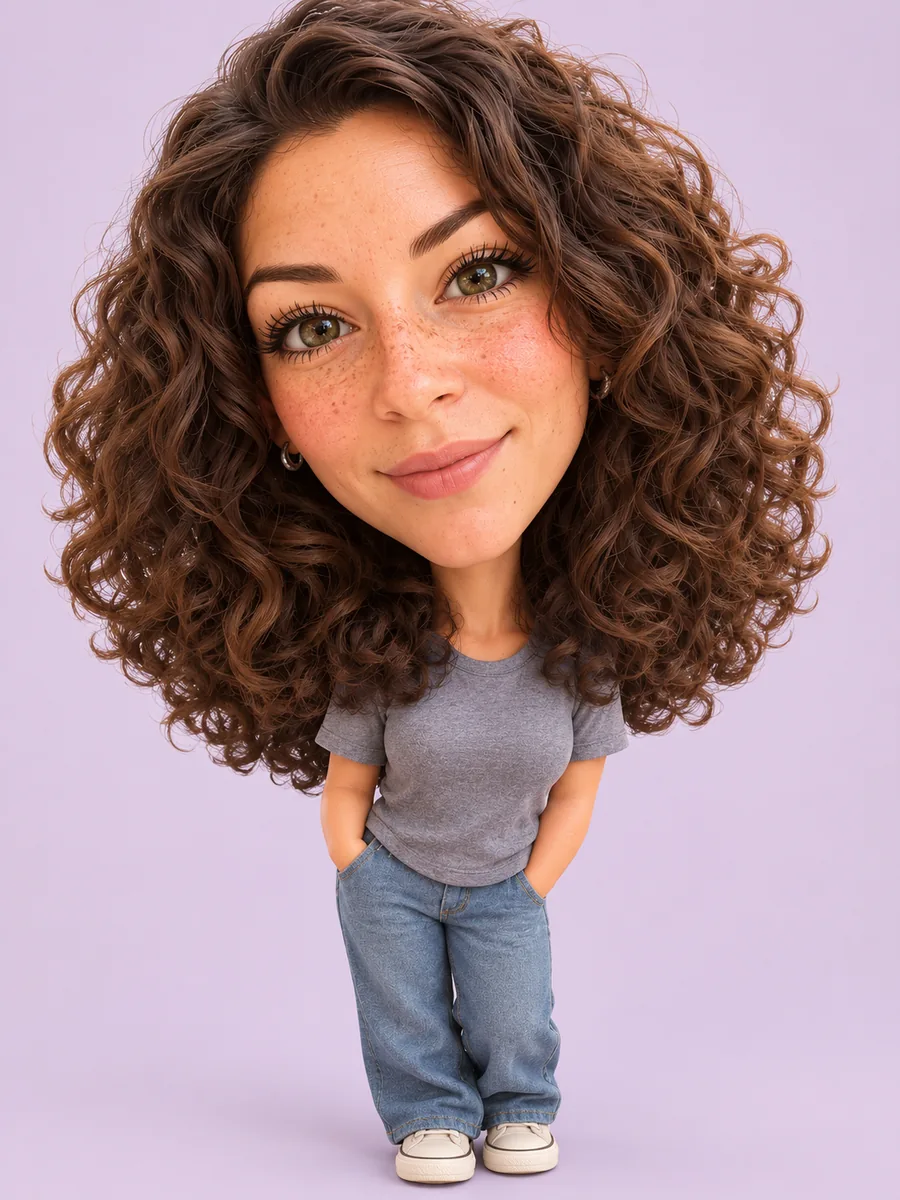
3D caricature
A big-headed 3D figure on a soft pastel background.
Getting a good caricature
The result can only exaggerate what it can see in your photo.
- Faces that are in focus and not too small. A selfie or a photo from a few steps away works better than a wide shot.
- Everyone facing the camera. Faces turned away are harder to keep recognizable once they are exaggerated.
- For “You and your job”, change the word “chef” in the prompt to your own job, such as “nurse”, “teacher” or “software developer”. The outfit and the objects around you follow it.
- The photo keeps its shape: a landscape photo gives a landscape result, a portrait photo a portrait one.
Caricature questions
Will the caricature still look like me?
Each style keeps your hairstyle, hair color, skin tone, age, glasses, facial hair and other details, and the number of people and pets, while making the head bigger and pushing your most distinctive features a little further. That is what a caricature is, so look for the likeness rather than an exact copy. If a result is off, press "Generate another" to make a new version from the same photo.
Is the exaggeration mean?
No. Every style asks for a playful, flattering caricature, never a mean or grotesque one: a bigger smile, bigger eyes, bigger hair. If you want more or less exaggeration, edit the prompt before you press the button.
How do I make a caricature of me and my job?
Pick "You and your job" and change the word "chef" in the prompt to your own job before you press the button. Everyone in the photo, pets included, gets dressed for it.
Can I use a family photo or a photo with my pet?
Yes. Photos with several people and pets work, and pets get the big-head treatment too. The clearer each face is in the original, the better it is kept.
How much does it cost?
Each photo uses credits, and new accounts receive free credits. The cost is shown on the button before you create anything.
What happens to my photo?
Your photo and the result are kept for 30 days so you can find them again in your recent photos, then deleted. You can delete them earlier from My tasks.
Want to write your own version? Open the image generator, paste a prompt and add your photo as a reference image.