
AI photo effects
Effect: Paper pet collectible
Browse effects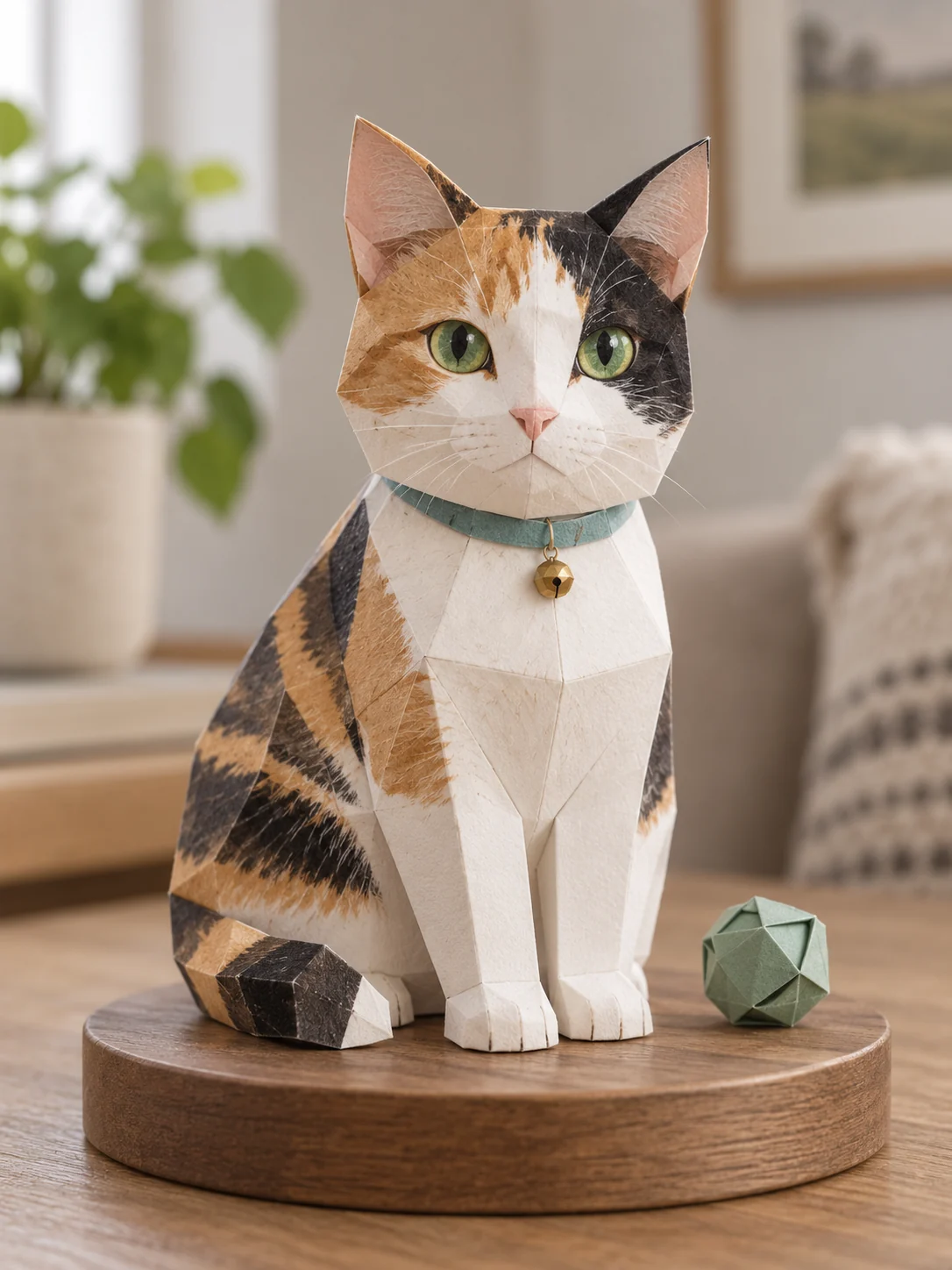
Pick an effect, upload a photo, and get a new version of it in one click. The people and pets in your photo stay recognizable. Every effect below shows a real result and the full prompt behind it.
The people in these examples are AI-generated; no real family was photographed.
- 01
Pick an effect
Press "Try it" under any example below.
- 02
Upload a photo
A clear photo of you, your family or your pet. JPG, PNG or WebP up to 5 MB.
- 03
Download
Save the result, or try another effect. Results stay in your recent photos for 30 days.
All effects
Each example was made from an ordinary snapshot. Press "Try it" to use it on your own photo, or copy the prompt and adapt it in the image generator.
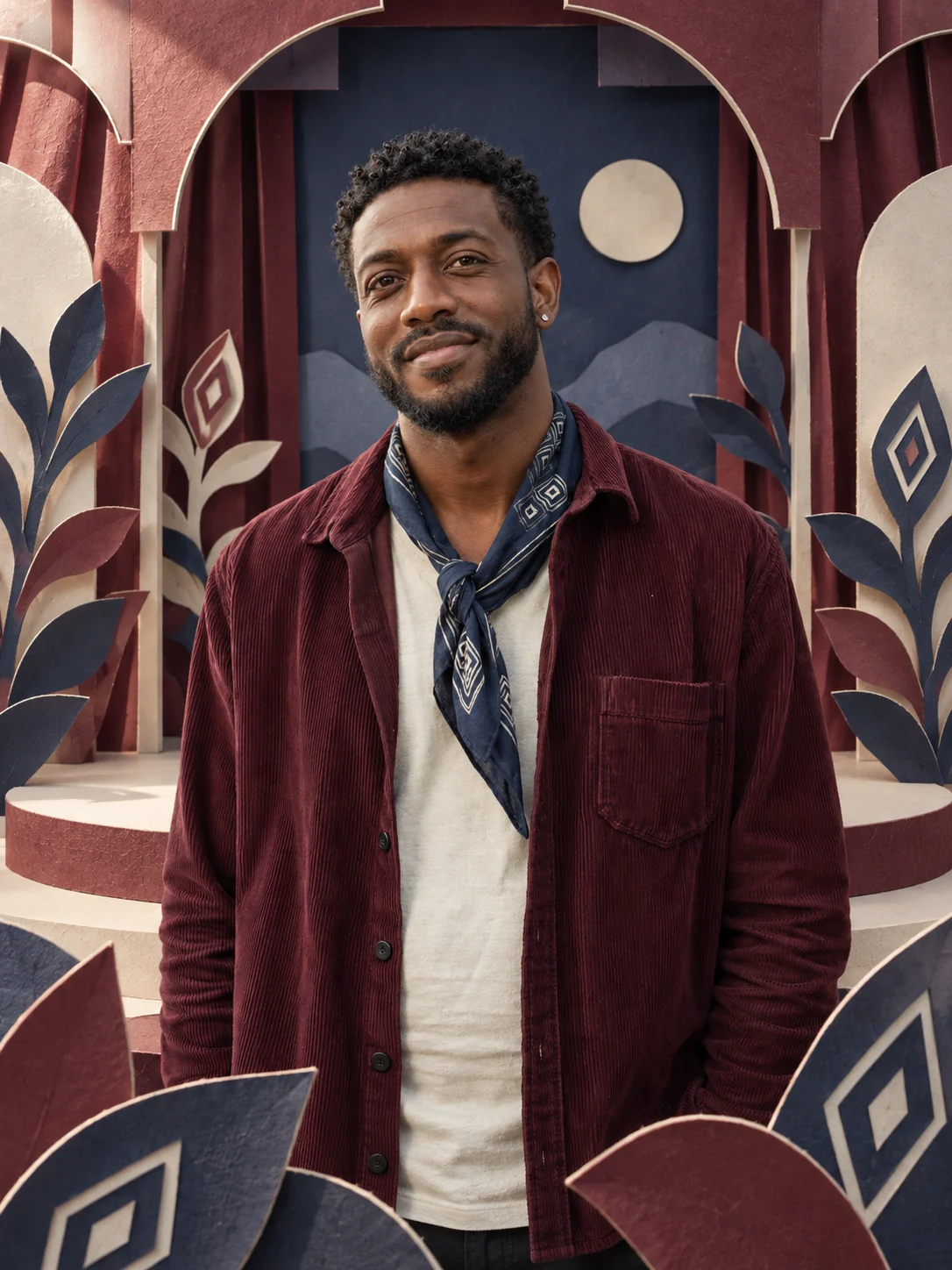
Paper world
A real portrait inside a layered paper theatre, with colors and shapes drawn from your outfit.
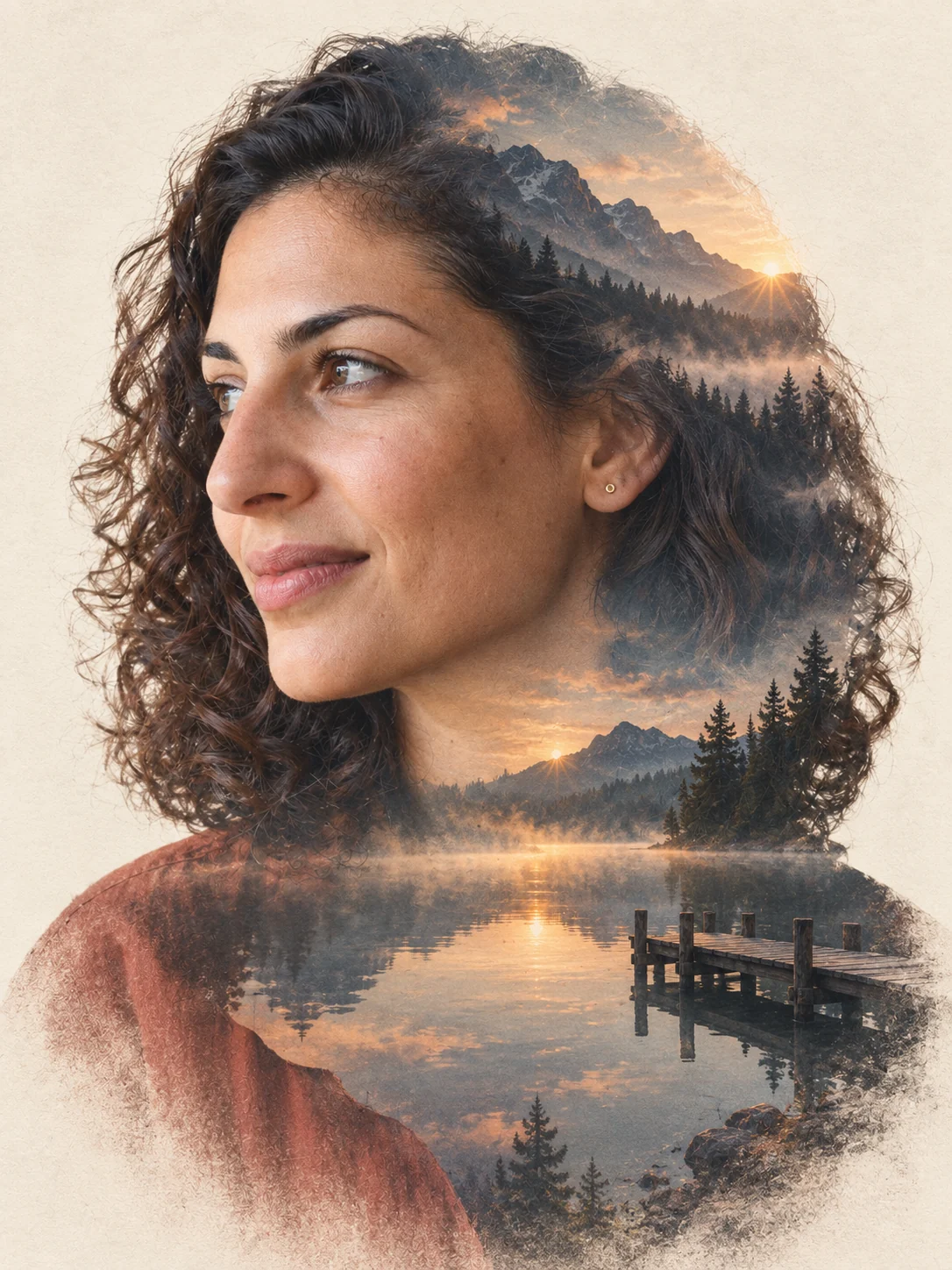
Travel double exposure
Your portrait blended with a mountain lake at sunrise. Add a landscape as a second reference to change the destination.
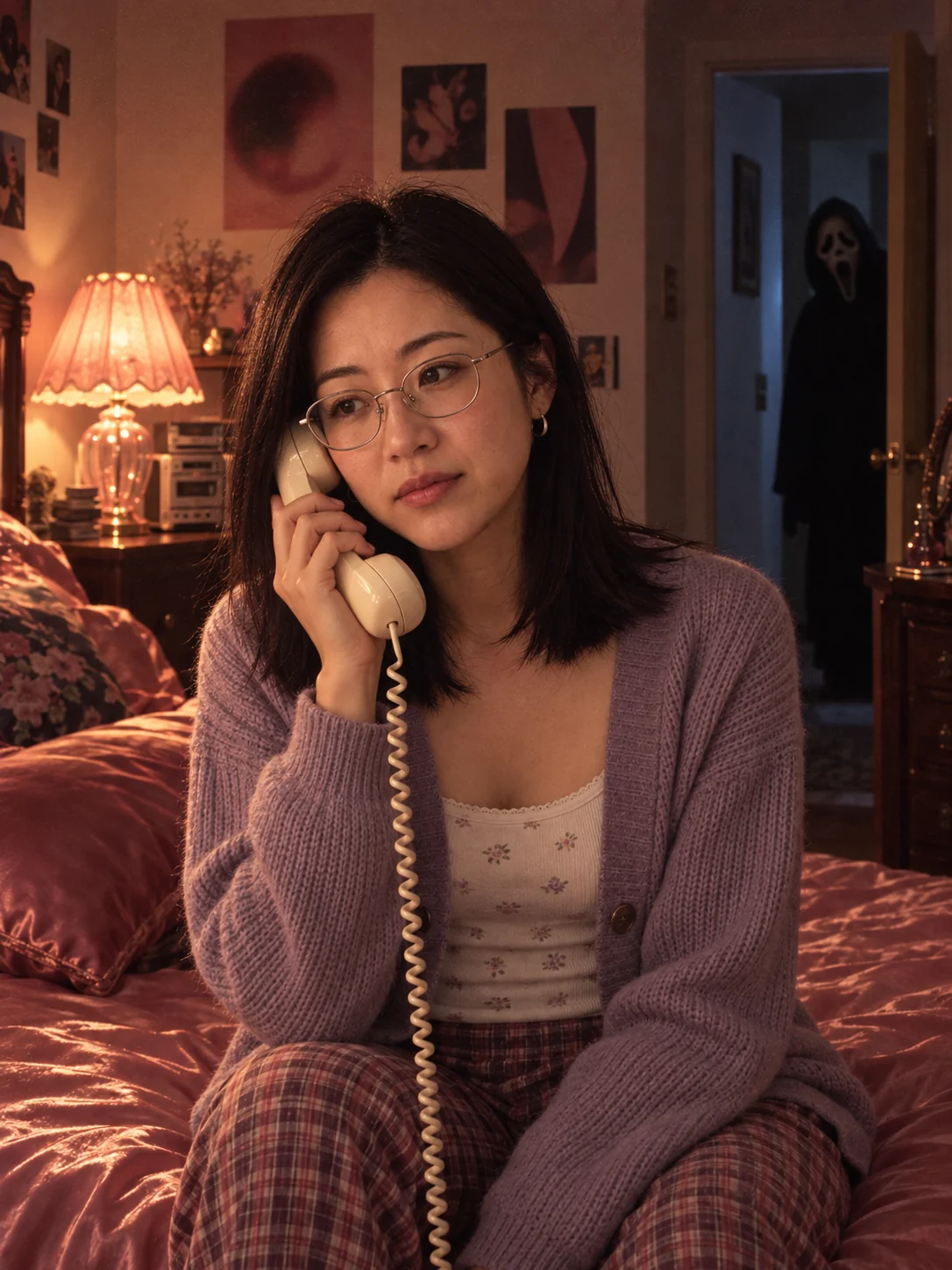
Y2K Ghostface scene
You on a corded phone in a 1990s bedroom, with Ghostface waiting in the doorway. Use a photo of one person.
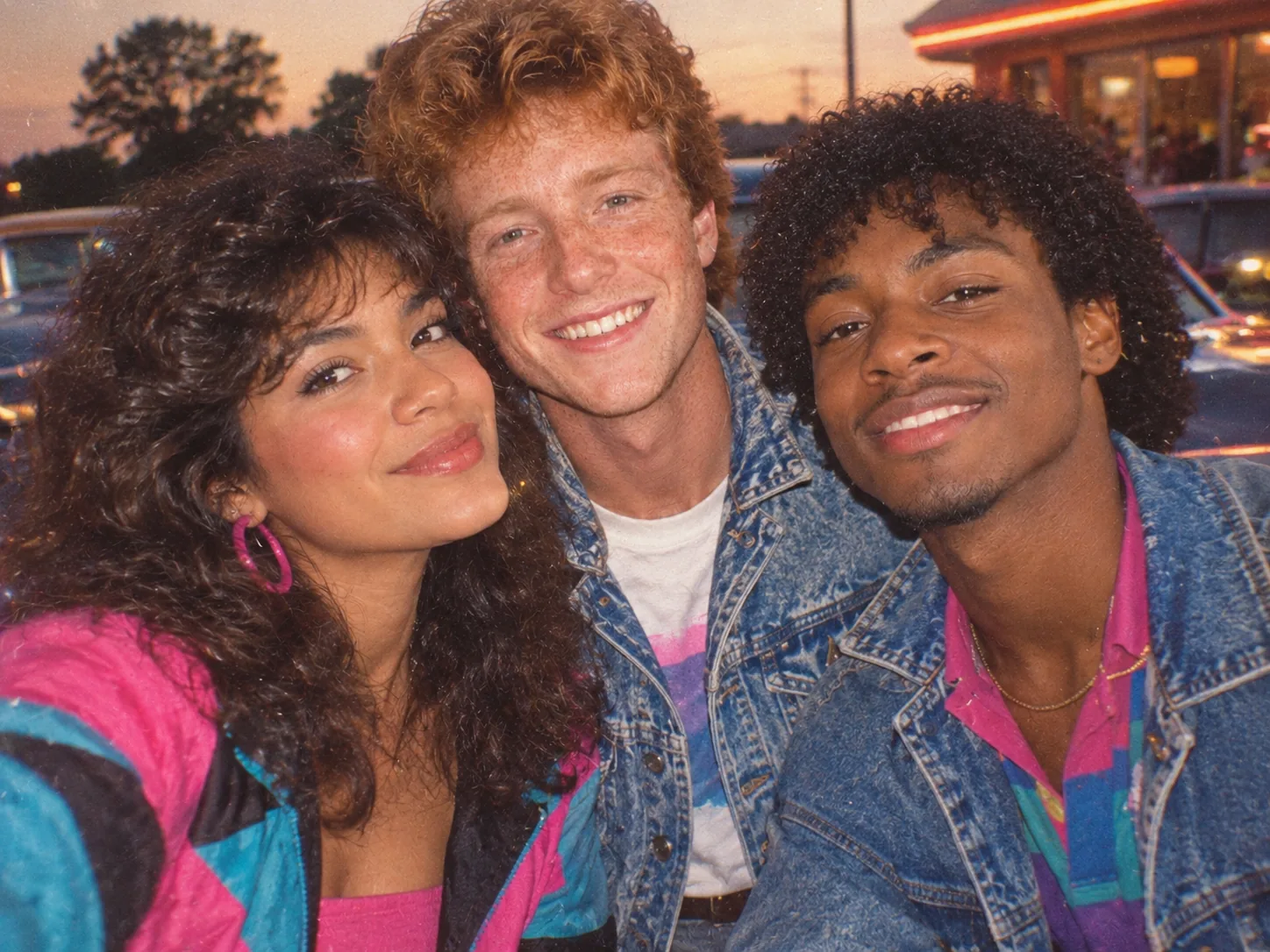
80s photo
Big hair, bright 80s outfits and the look of an old film print.
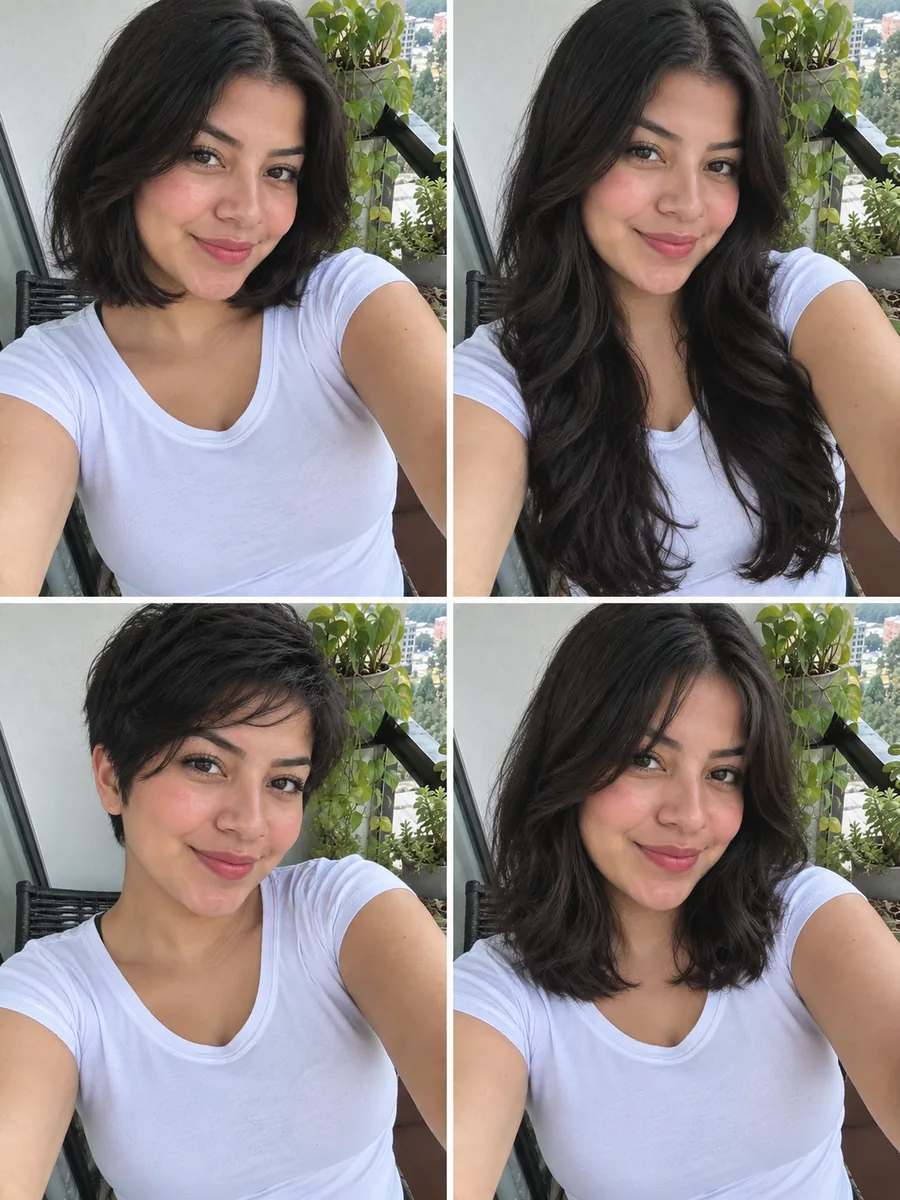
Hairstyle try-on
Four new haircuts on your own photo in one go. Change the four styles in the prompt to any you like. Works best with one person.
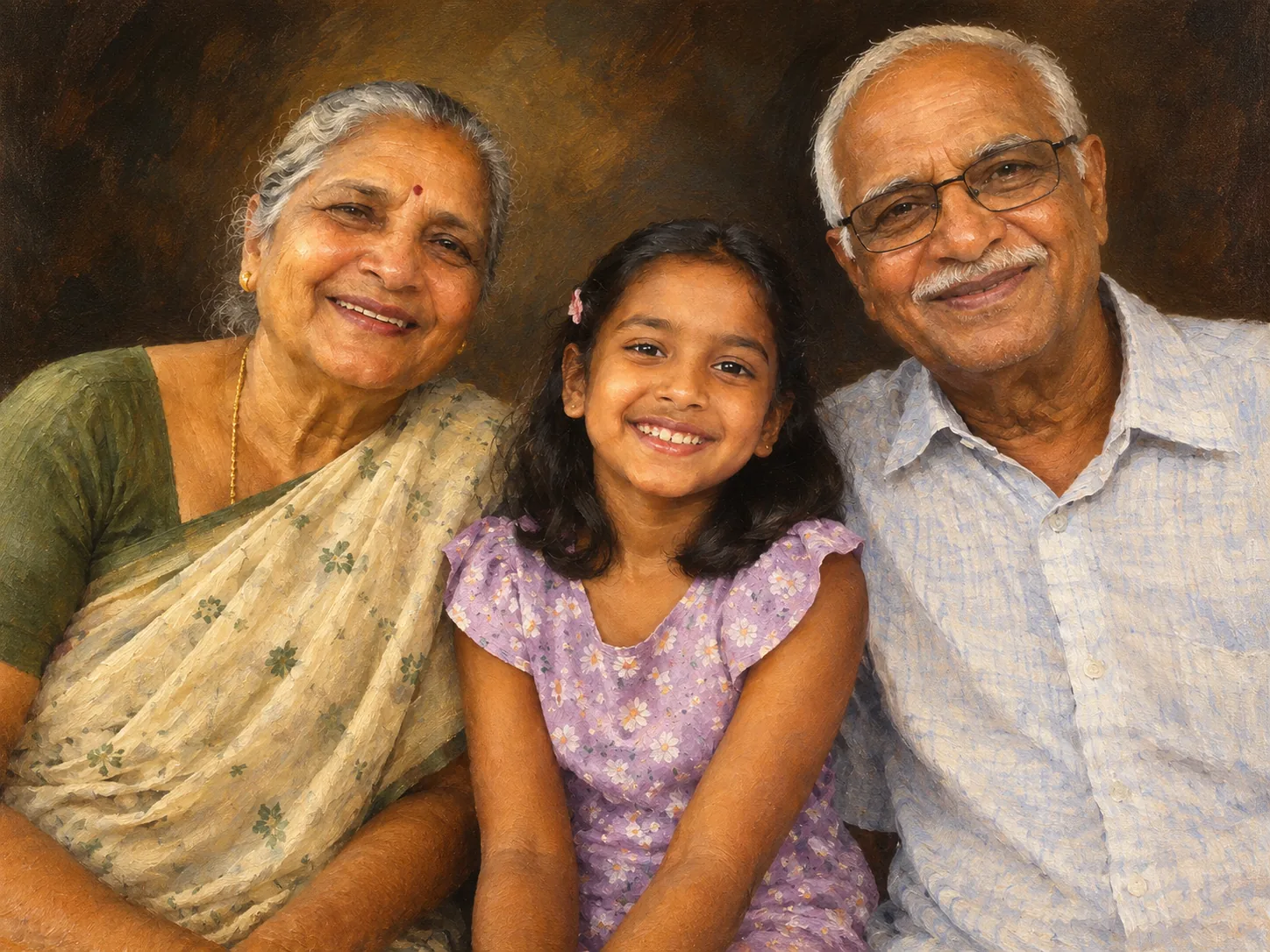
Oil painting
A classical portrait with visible brushstrokes.
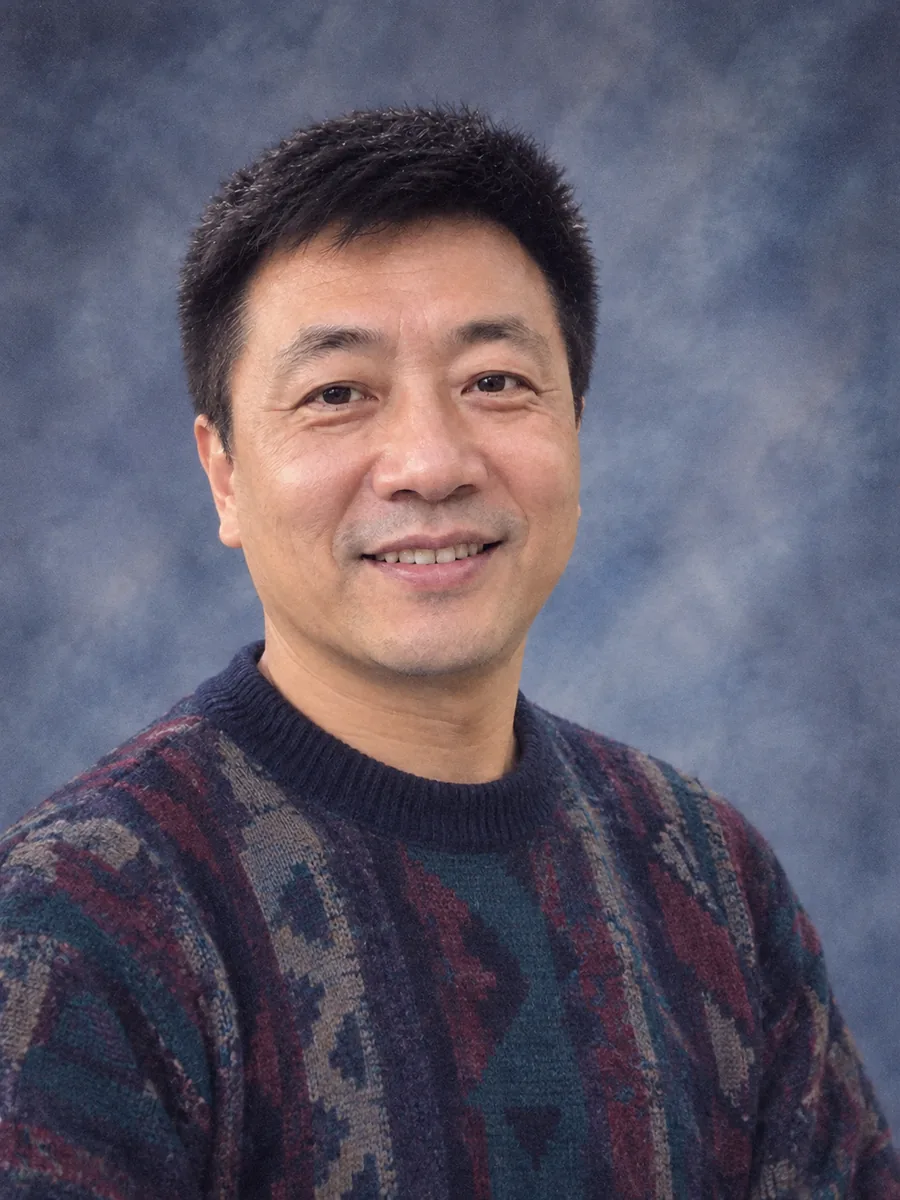
90s yearbook
Everyone gets a 90s school portrait on the classic blue backdrop.
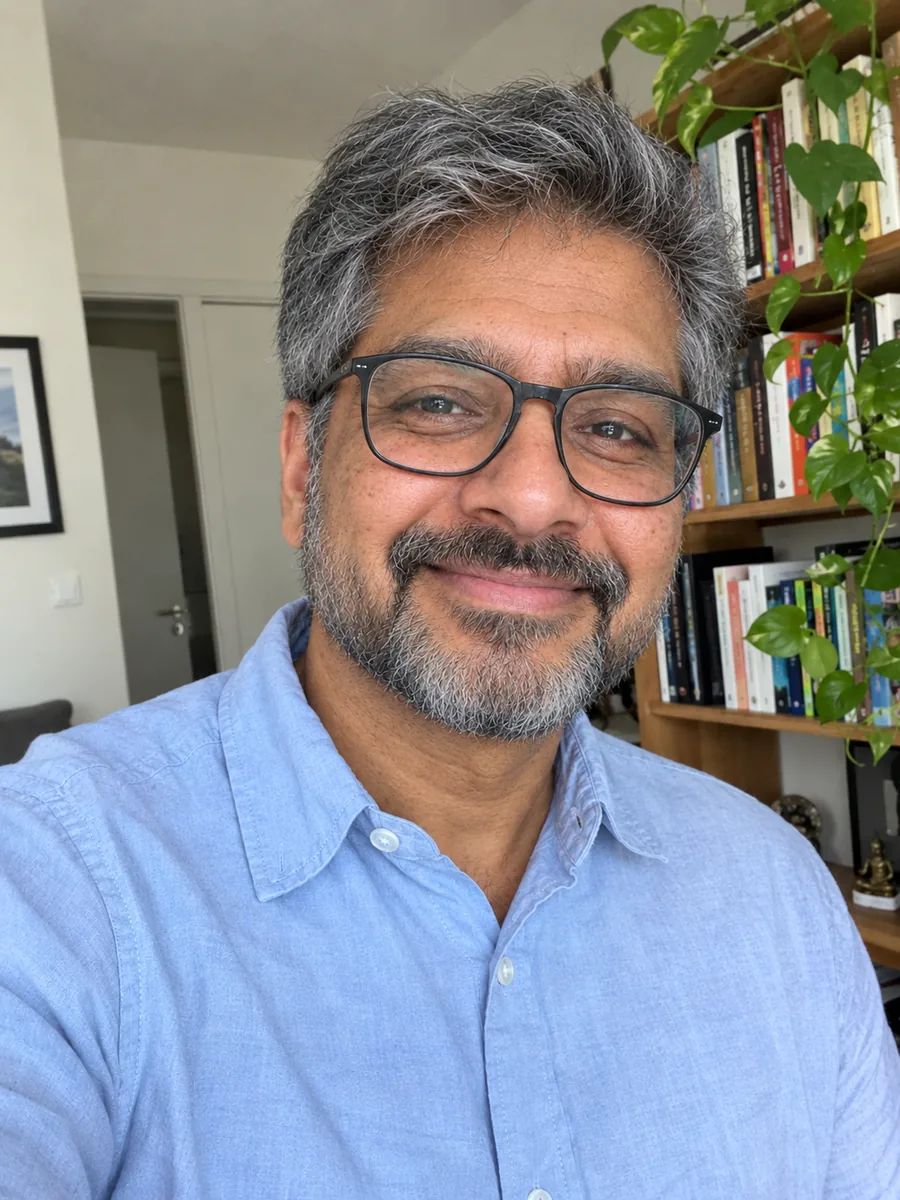
Older you
The same photo about 30 years later. Works best with adults.
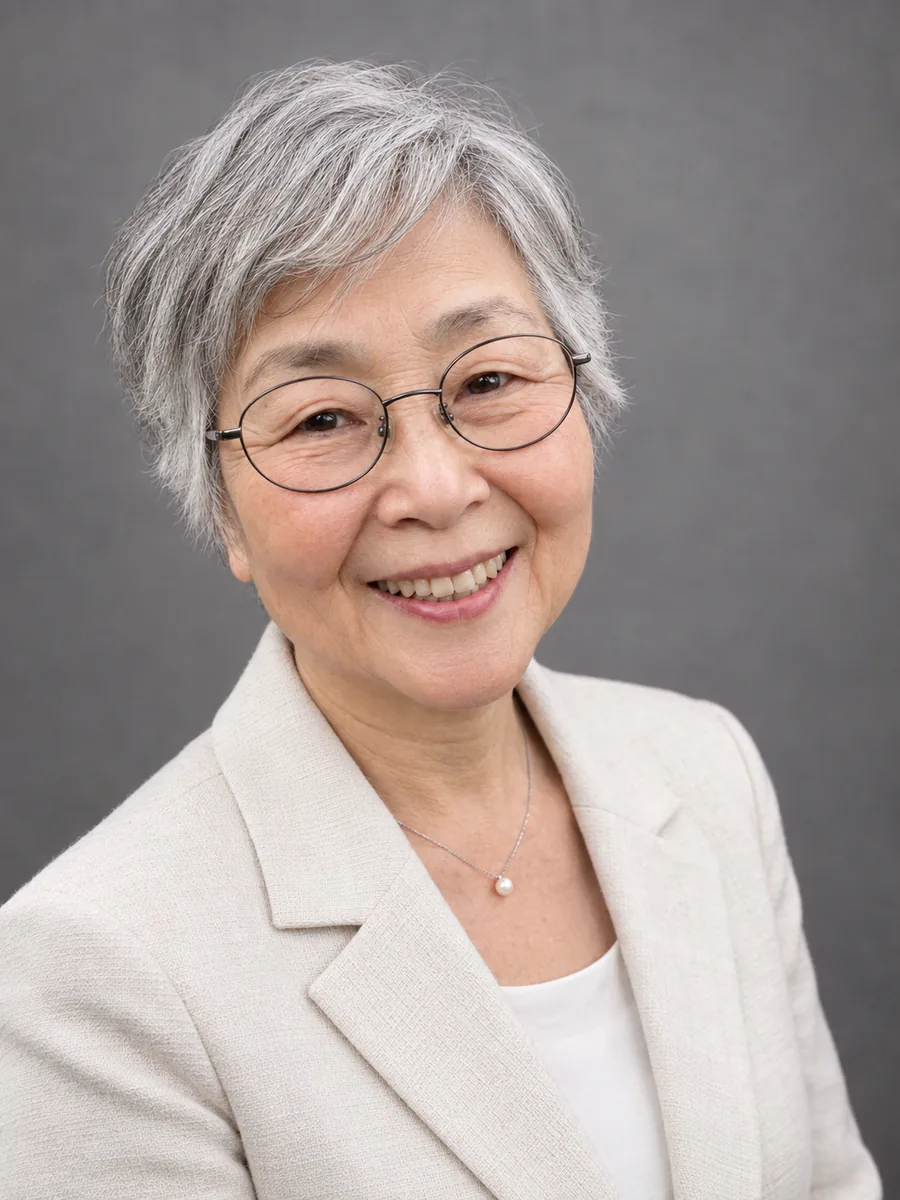
Studio portrait
A professional-looking portrait on a plain gray backdrop.
More effects
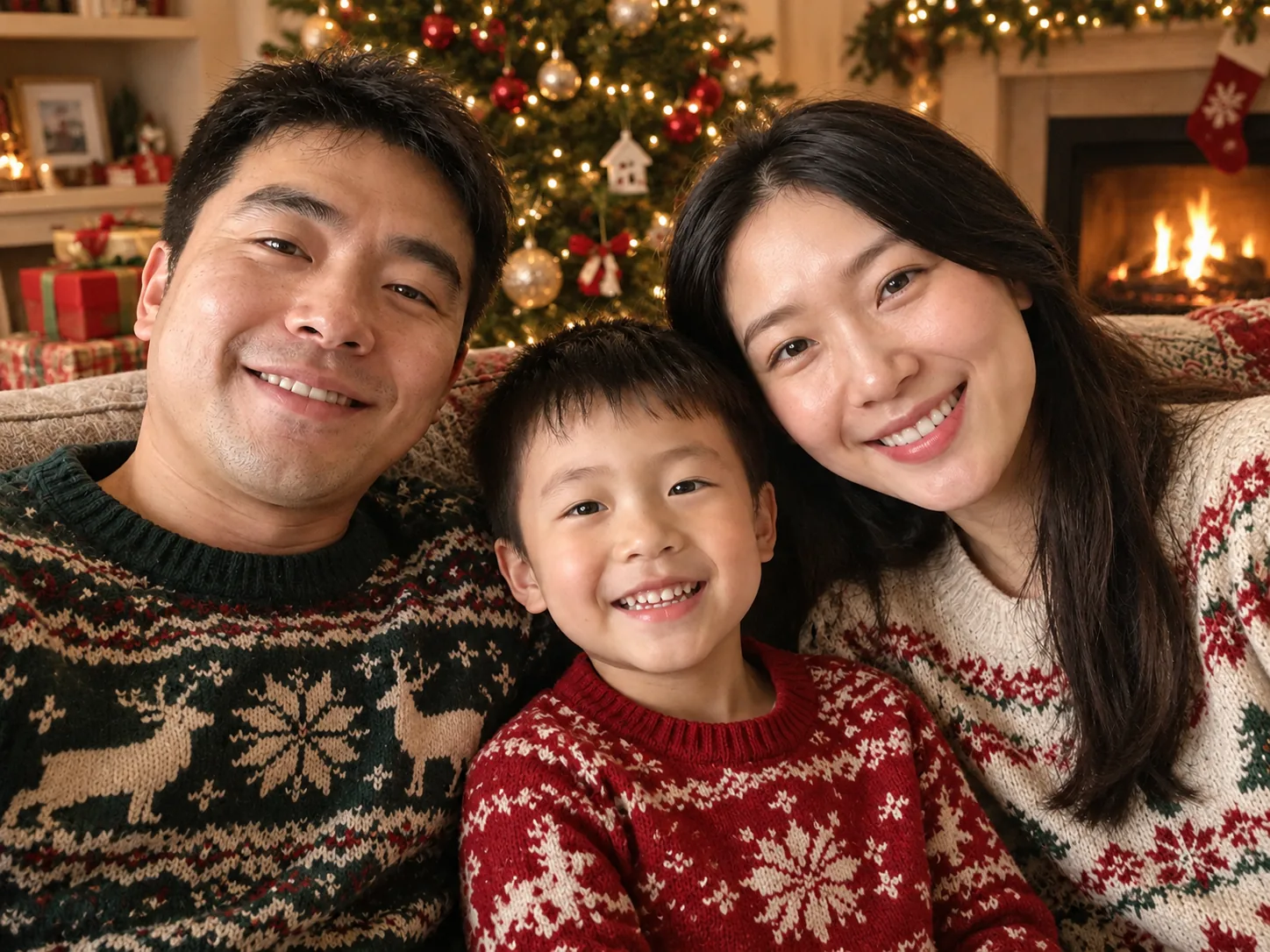 AI Christmas photo generatorTurn an everyday photo of you, your family or your pet into a Christmas photo: cozy tree and fireplace, a snowy card with "Merry Christmas", a Santa hat portrait, or a pop-up paper theatre. Faces stay the same.
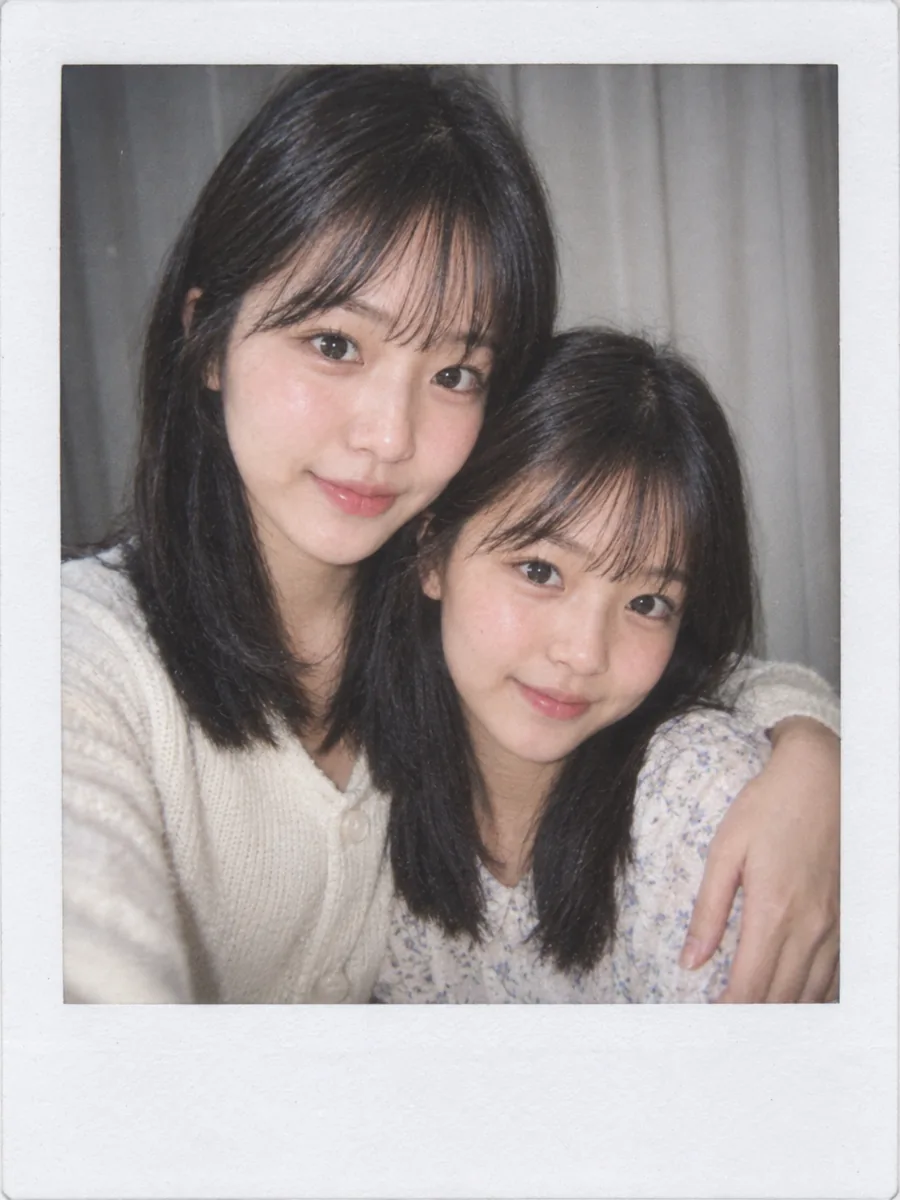 AI Polaroid-style photo generatorMake the AI polaroid trend photo of you hugging your younger self, a flash snapshot against white curtains, or an instant print of any photo. Faces stay the same.
Photo effect questions
Will the people in my photo still look like themselves?
Each effect asks to keep every face, hairstyle, age and detail like glasses, and the number of people and pets. Painted and cartoon effects change the style, so look for the likeness rather than an exact copy. If a result is off, press "Generate another" to make a new version from the same photo.
Which photos work best?
A clear, well-lit photo where faces are in focus and not too small, with everyone facing the camera. A few people and pets work; in big group photos, small faces in the back are harder to keep.
Will the result keep the shape of my photo?
Yes. A landscape photo gives a landscape result and a portrait photo a portrait one.
Can I change a prompt?
Every prompt is shown under its example. Copy it into the image generator, edit it, and add your photo as a reference image.
How much does it cost?
Each photo uses credits, and new accounts receive free credits. The cost is shown on the button before you apply an effect.
What happens to my photo?
Your photo and the result are kept for 30 days so you can find them again in your recent photos, then deleted. You can delete them earlier from My tasks.
Do all effects need a photo?
No. Effects tagged "No photo needed", such as album covers, coloring pages and trading cards, work from a text description: change the first sentence of the prompt. The tattoo and OC generators work the same way.