
AI Halloween costume generator
Style: Witch portrait
Browse Halloween looks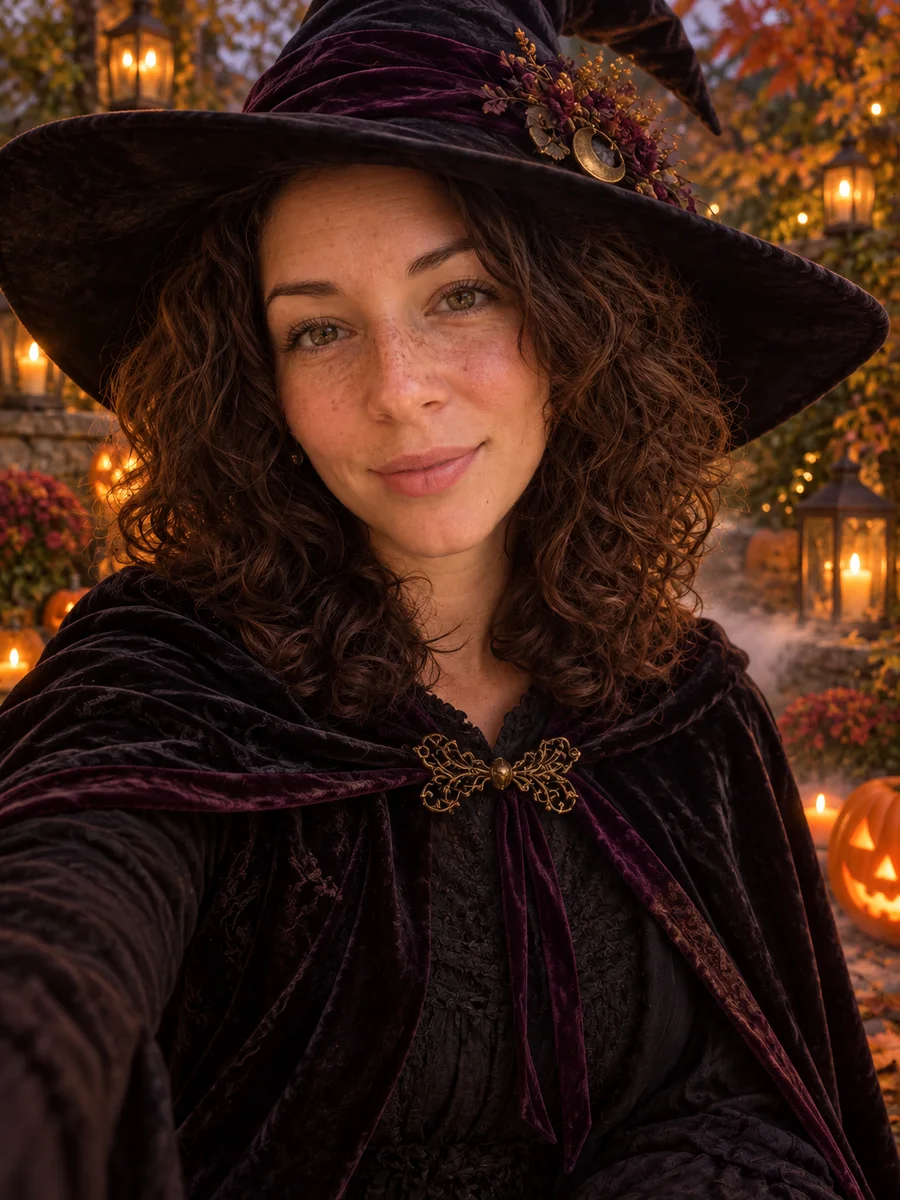
Choose playful or a little eerie: try Halloween costumes, paper and comic art, a haunted TV or a ghostly mirror. Pick an example below and replace its starting photo with yours.
The people in these examples are AI-generated; no real family was photographed.
- 01
Upload a photo
Any clear photo of you, your family or your pet. JPG, PNG or WebP up to 5 MB.
- 02
Choose a look
Choose a costume, art style or mildly eerie scene. Each example loads its own editable prompt and starting photo.
- 03
Download
Save it for a profile picture, a party invite or the family chat. It stays in your recent photos for 30 days.
Halloween photo ideas to try
From playful costumes and handmade art to haunted screens and ghostly reflections. Pick an example to load its prompt, then add your own photo.
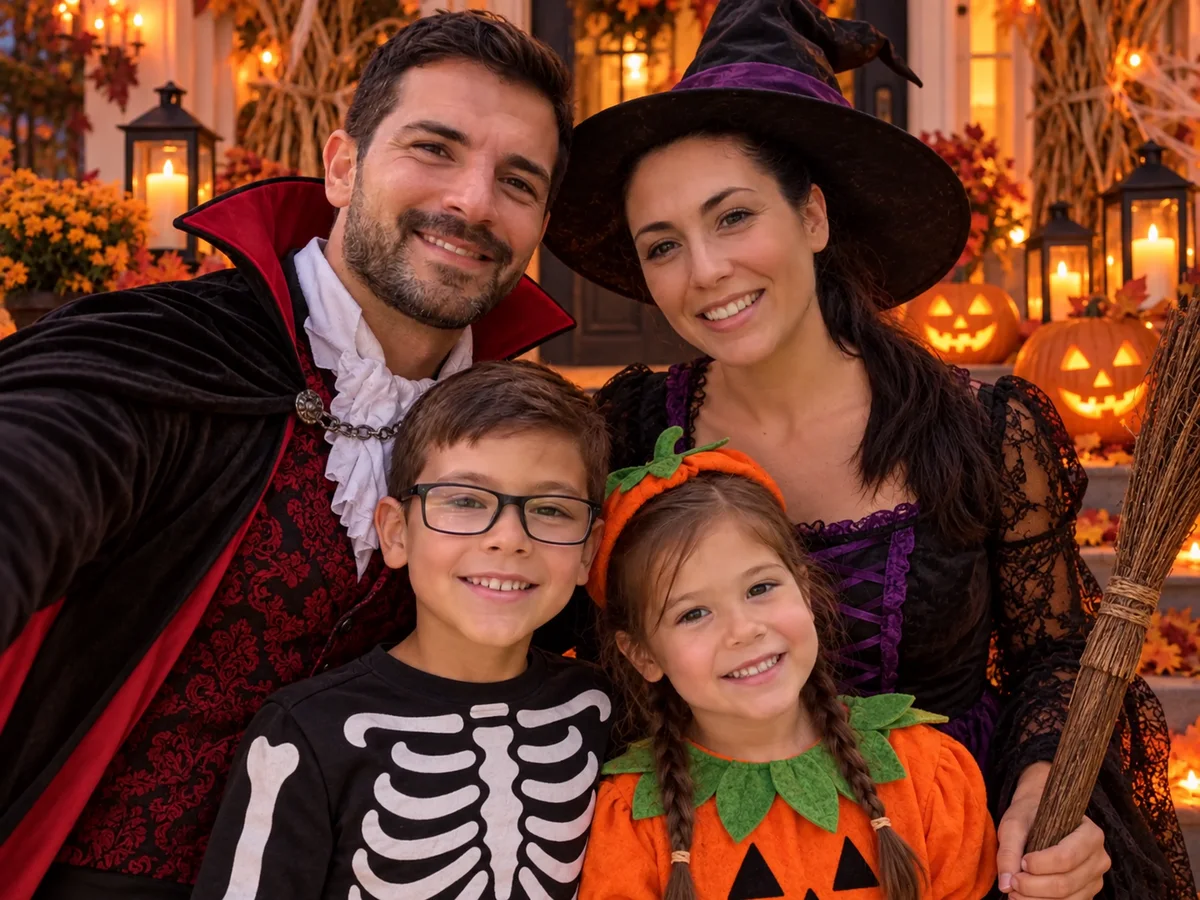
Halloween costume
Everyone in a different costume on a pumpkin-lit porch, pets too.
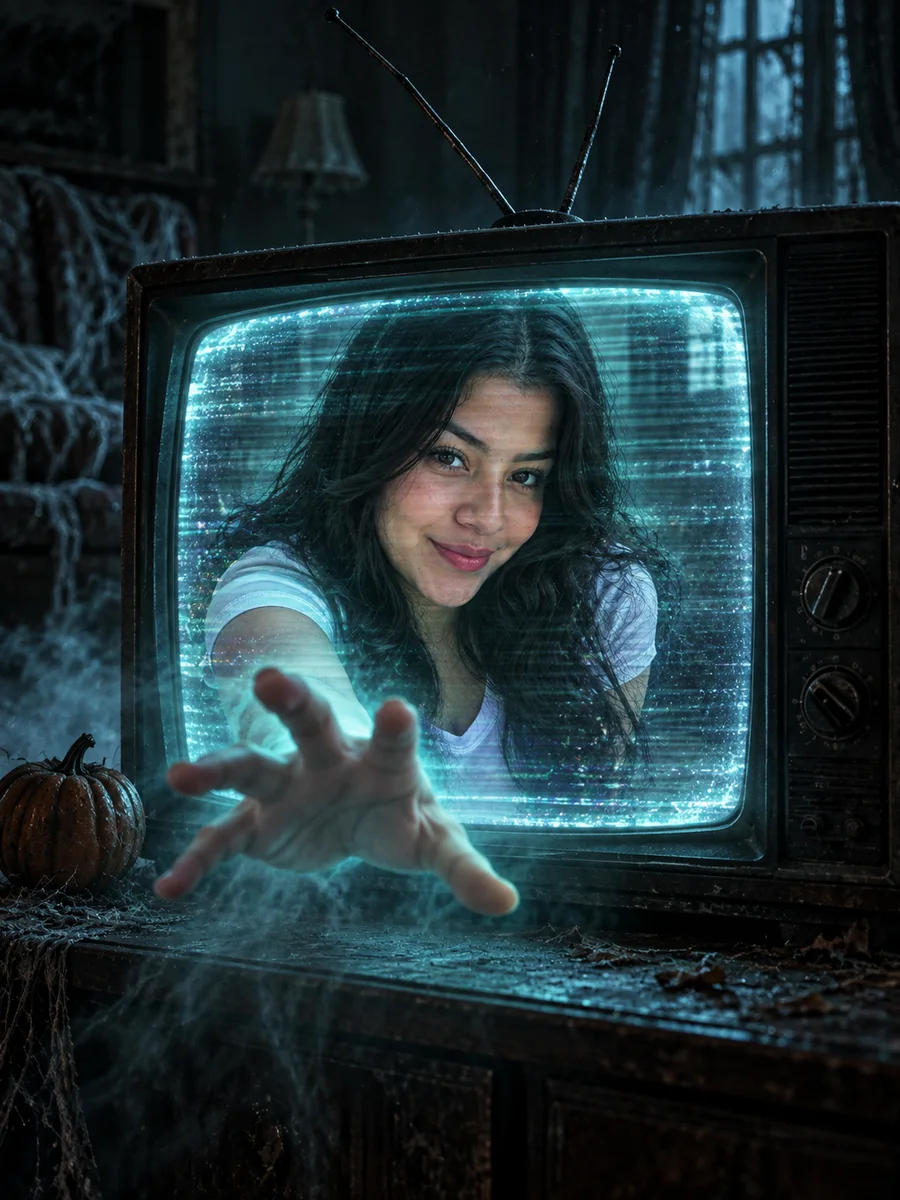
Haunted channel
You inside an old TV, reaching out through the screen. A little eerie; use one person.
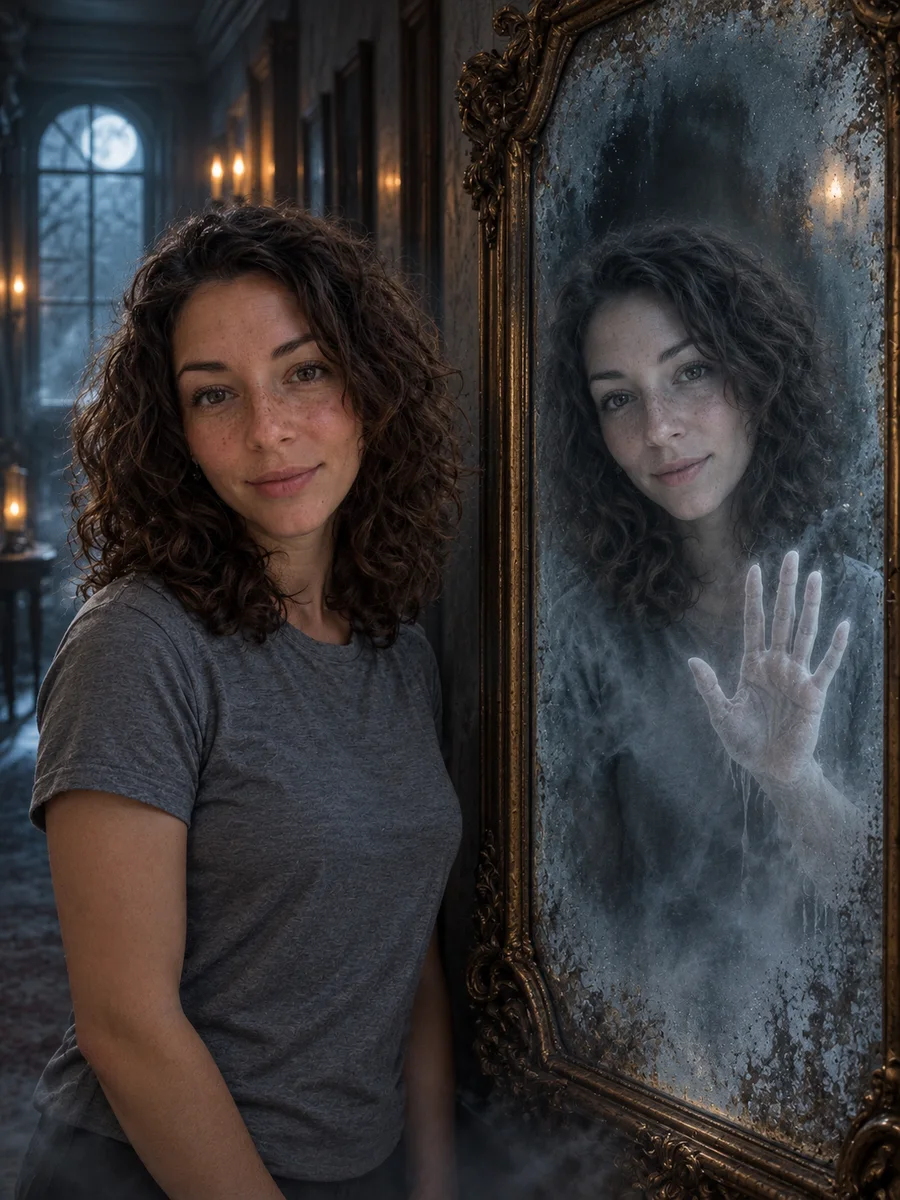
Mirror visitor
Your ghostly reflection moves on its own behind the glass. A little eerie; use one person.
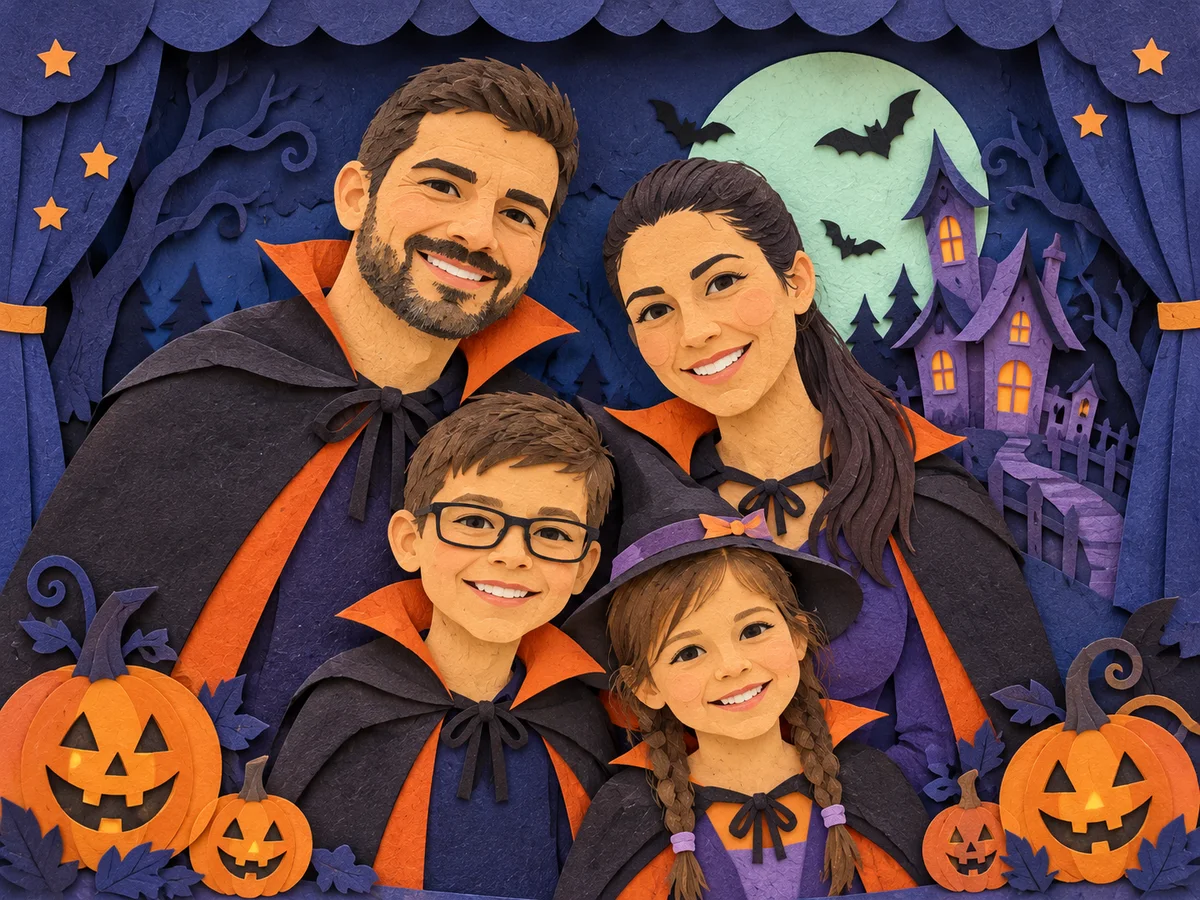
Paper theatre
Your family as layered paper characters in a tiny haunted-house theatre.
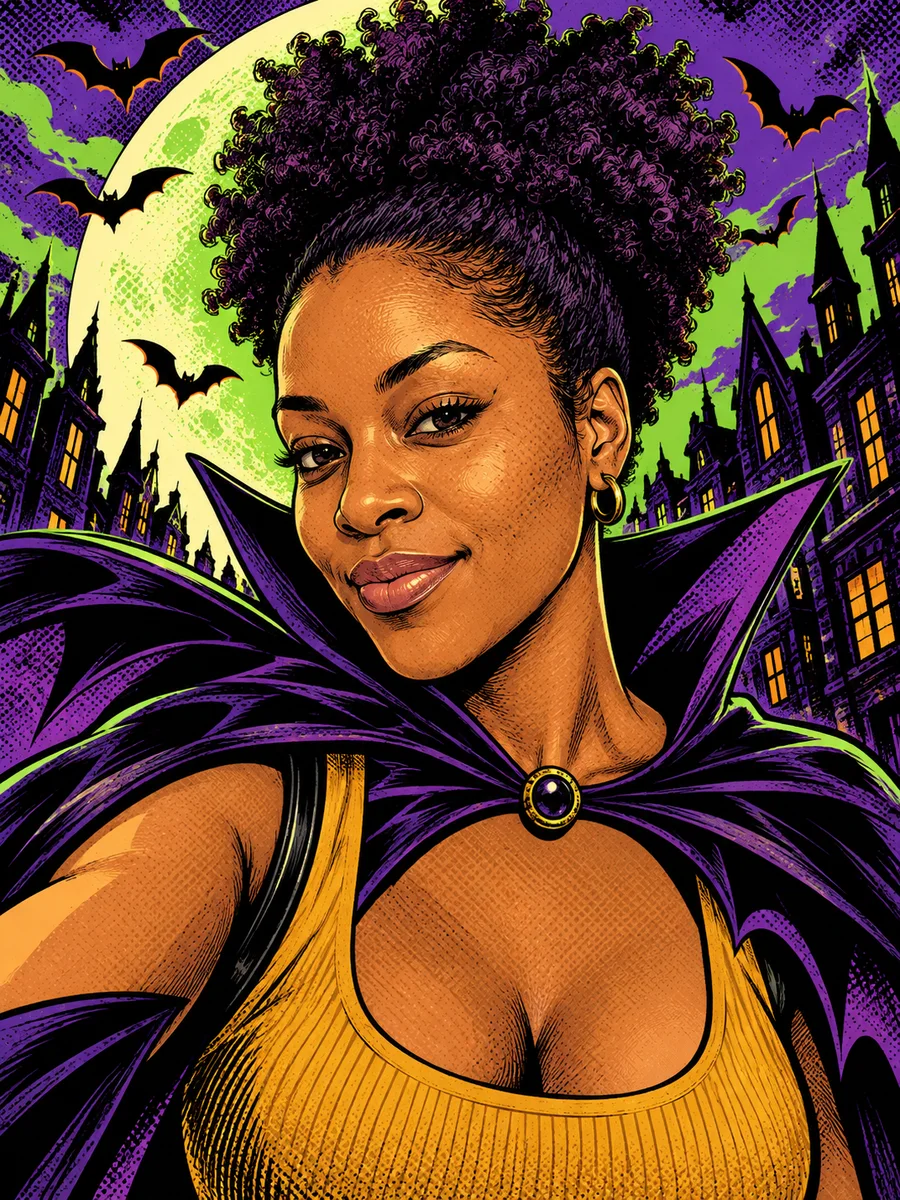
Comic poster
Bold ink outlines, purple and green halftones, and a bat-wing cape. Use a photo of one person.
Witch portrait
A velvet cloak and pointed hat in a pumpkin-lit autumn garden. Use a photo of one person.
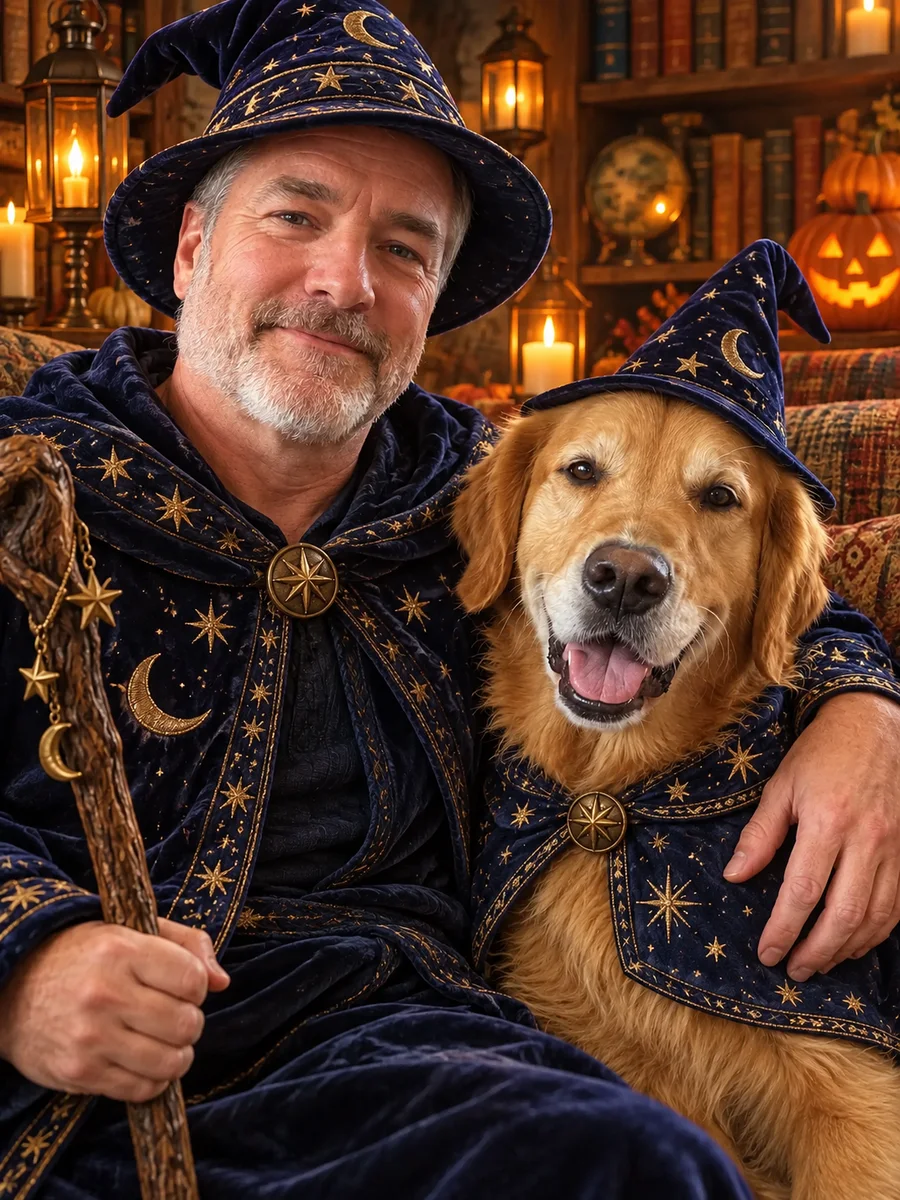
Wizard companions
Matching starry cloaks for you and your pet in a lantern-lit room.
Which photos work best
The result can only keep what it can see in your photo.
- Faces that are in focus and not too small. A selfie or a photo from a few steps away works better than a wide shot.
- Everyone facing the camera. Faces turned away or half hidden are more likely to change.
- Up to a handful of people and pets. In big group photos, small faces in the back are harder to keep.
- For the family costume mix, replace the examples in the prompt (“a witch, a vampire, a skeleton…”) with your own, such as “a pirate, an astronaut and a bat”.
- With the aspect ratio set to Auto, the result follows your first reference photo. Choose another ratio for a different layout.
Halloween costume questions
Will the people in the photo still look like themselves?
The photographic looks ask to keep you recognizable while changing the scene. Paper theatre and comic styles redraw people, so the features change while details such as hairstyle, skin tone and accessories help keep them recognizable. Check the result before sharing. You can use "Generate another" to try again; each new generation uses credits.
Can I choose the costumes?
Yes. In the family costume mix, the prompt suggests costumes such as a witch, a vampire, a skeleton, a pumpkin or a friendly ghost. Edit that part in the tool on this page before generating, for example to "a pirate, an astronaut and a bat". Once you change it, a "Reset to the original prompt" link appears to bring back the original prompt.
Can I use a family photo or a photo with my pet?
Yes. Family costumes and paper theatre suit group photos; wizard cloaks work with people and pets. Use one person for the witch, comic, haunted-TV and mirror looks. The mirror style deliberately adds a ghostly reflection of that same person.
Can I make something a little scarier?
Try Haunted channel for a hand reaching out of an old television, or Mirror visitor for a reflection that moves on its own. Both aim for an eerie ghost-story mood without gore. The family costumes, paper theatre and wizard looks are more playful.
How much does it cost?
Each photo uses credits, and new accounts receive free credits. The cost is shown on the button before you create anything.
What happens to my photo?
Your photo and the result are kept for 30 days so you can find them again in your recent photos, then deleted. You can delete them earlier from My tasks.
Want to write your own version? Open the image generator, paste a prompt and optionally add a reference image.