
AI Christmas photo generator
Style: Christmas paper theatre
Browse styles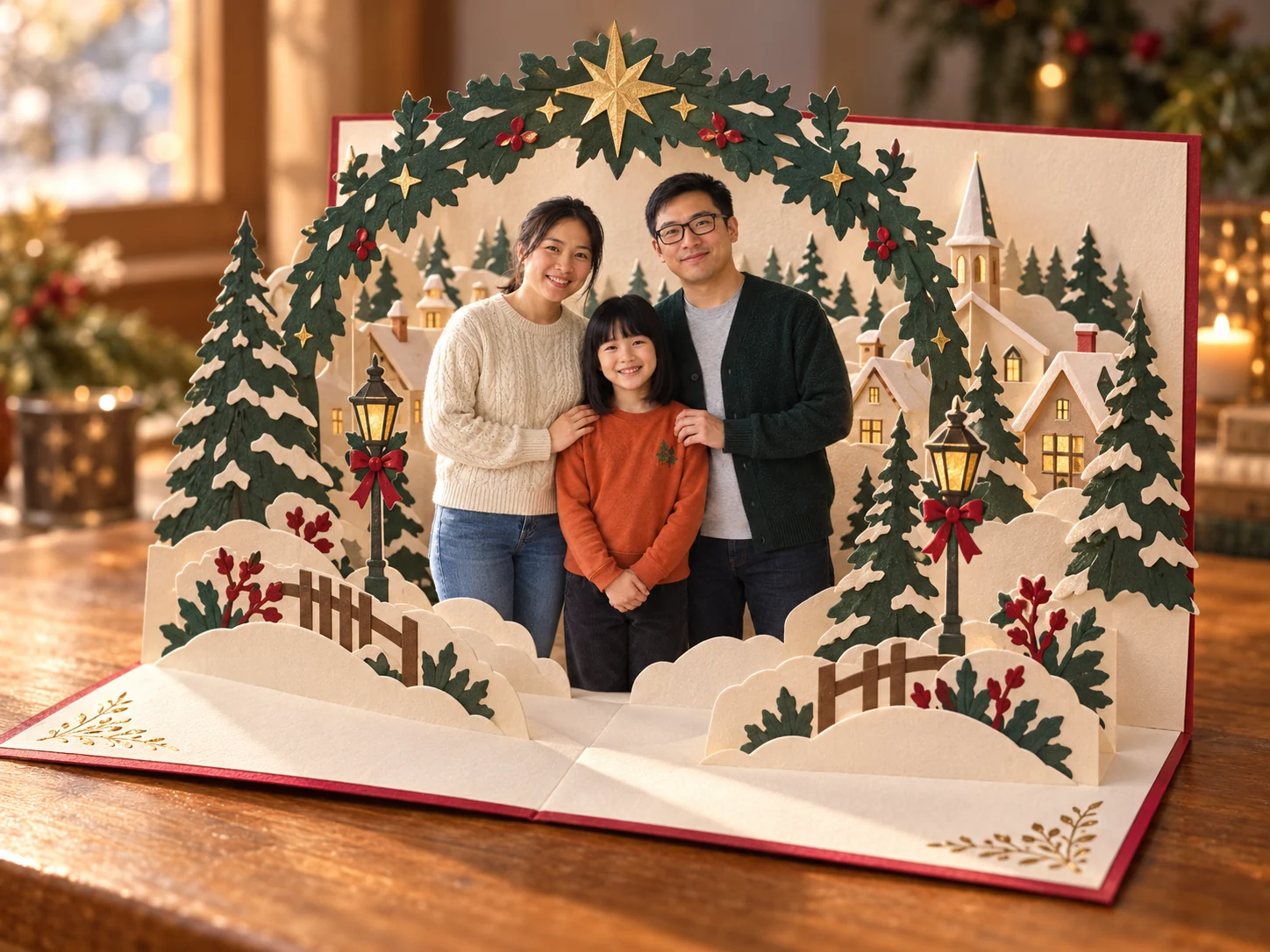
Upload a normal photo and get a festive version of it. The people and pets in your photo stay who they are; only the outfits, background and light change.
The people in these examples are AI-generated; no real family was photographed.
- 01
Upload a photo
Any clear photo of you, your family or your pet. JPG, PNG or WebP up to 5 MB.
- 02
Pick a style
Cozy at home, a snowy card with lettering, a Santa hat portrait, or a pop-up paper theatre.
- 03
Download
Save the result for a card, a profile picture or the family chat. It stays in your recent photos for 30 days.
Four Christmas looks
Each look was made from an ordinary snapshot. Open a prompt to see exactly what the style asks for.
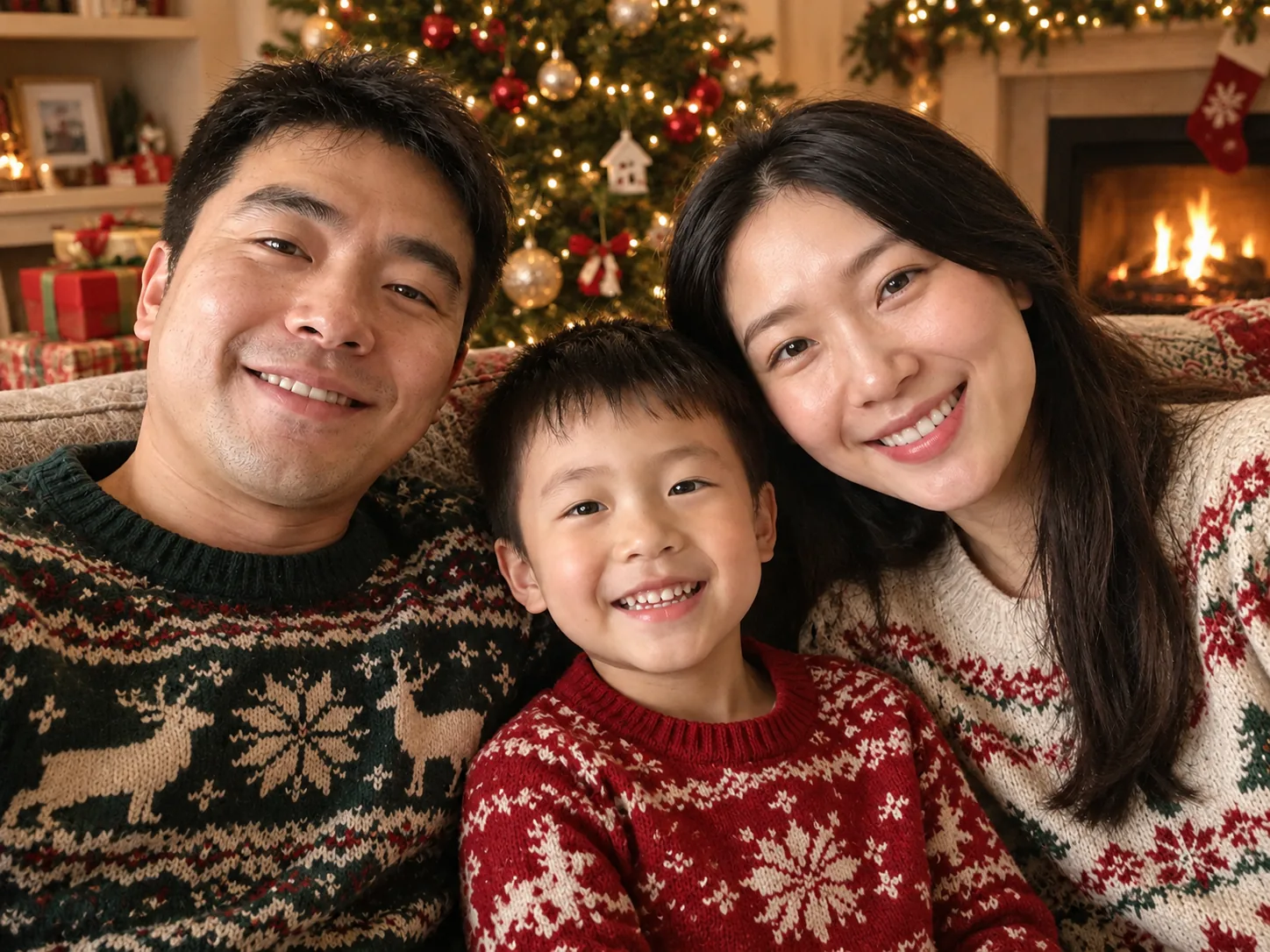
Cozy at home
Knit sweaters, a lit tree, presents and a warm fireplace.
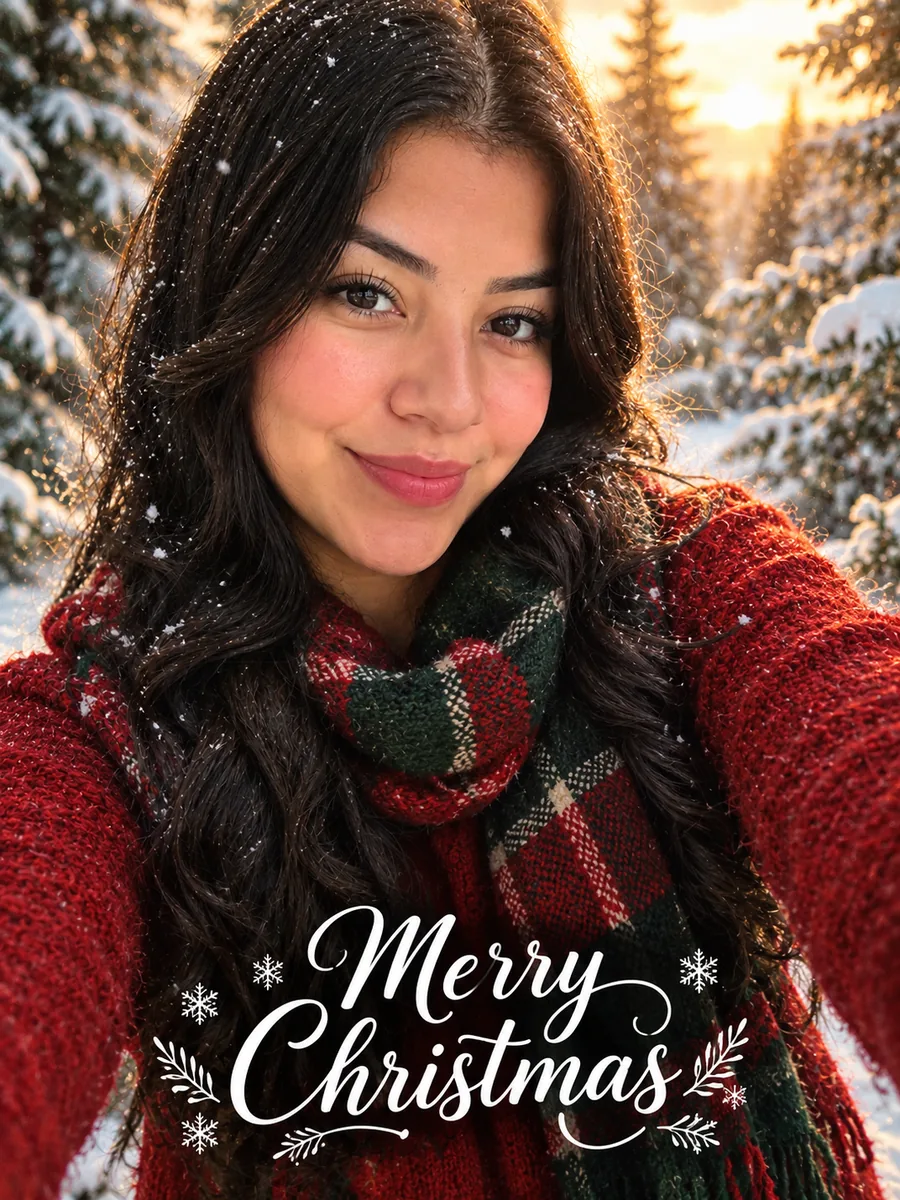
Snowy card
Red and green winter outfits in a snowy forest, with “Merry Christmas” lettering.
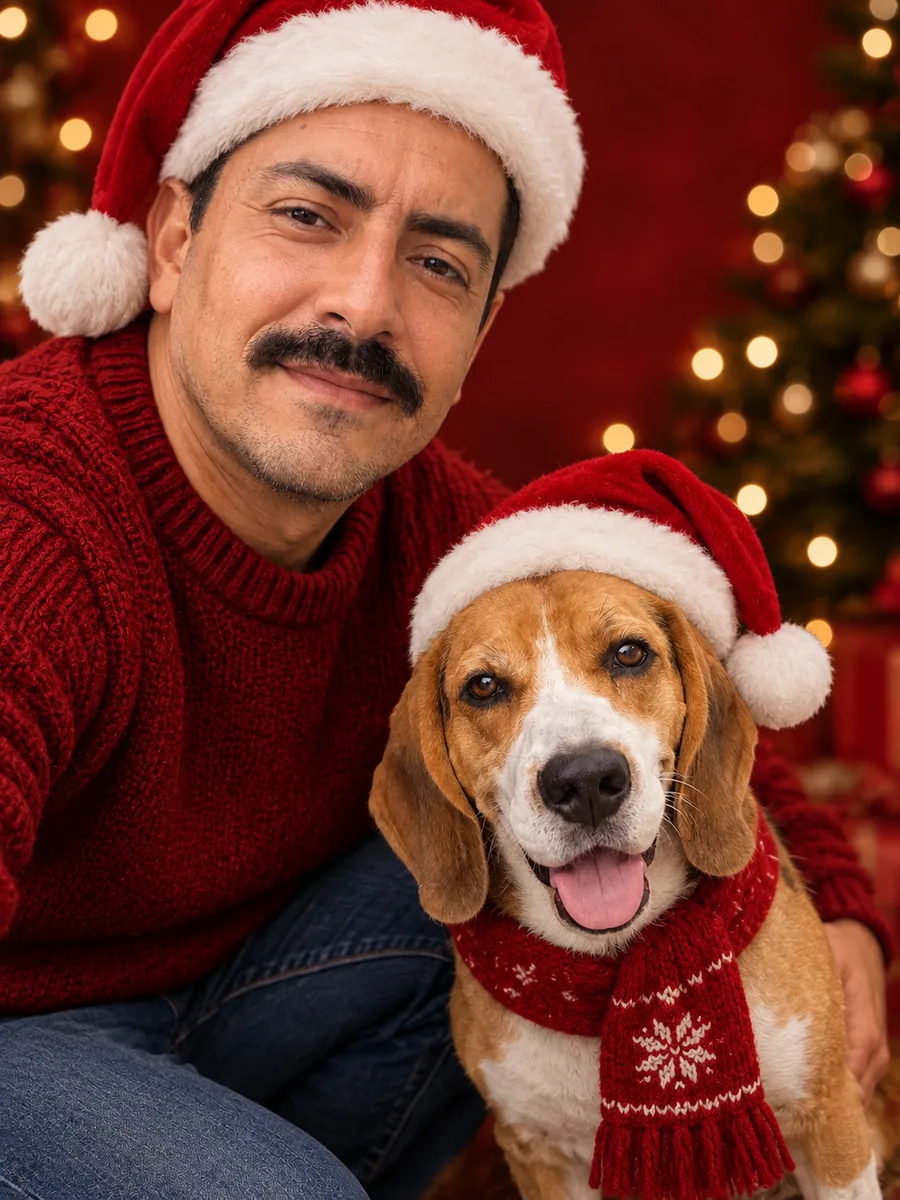
Santa hat portrait
Santa hats on a deep red studio backdrop with golden lights.
Christmas paper theatre
Your family inside an open pop-up card, surrounded by a layered snowy paper village.
Which photos work best
The result can only keep what it can see in your photo.
- Faces that are in focus and not too small. A selfie or a photo from a few steps away works better than a wide shot.
- Everyone facing the camera. Faces turned away or half hidden are more likely to change.
- Up to a handful of people and pets. In big group photos, small faces in the back are harder to keep.
- The photo keeps its shape: a landscape photo gives a landscape result, a portrait photo a portrait one.
Christmas photo questions
Will the people in the photo still look like themselves?
That is what each style is written for: it asks to keep every face, hairstyle, age, expression and the number of people and pets, and to change only the clothes, background and light. Look closely before you share it, and if something is off, press "Generate another" to make a new version from the same photo.
Can I use a family photo or a photo with my pet?
Yes. Photos with several people and pets work; the pet gets a festive touch too. The clearer each face is in the original, the better it is kept.
Does the snowy card style add text?
Yes, it adds "Merry Christmas" in white script lettering. The other styles add no text. If the lettering comes out wrong, try again.
Can I change the prompt?
The full prompt of every style is on this page. Copy it into the image generator, edit it, and add your photo as a reference image.
How much does it cost?
Each photo uses credits, and new accounts receive free credits. The cost is shown on the button before you create anything.
What happens to my photo?
Your photo and the result are kept for 30 days so you can find them again in your recent photos, then deleted. You can delete them earlier from My tasks.
Want to write your own version? Open the image generator, paste a prompt and optionally add a reference image.