About This Model
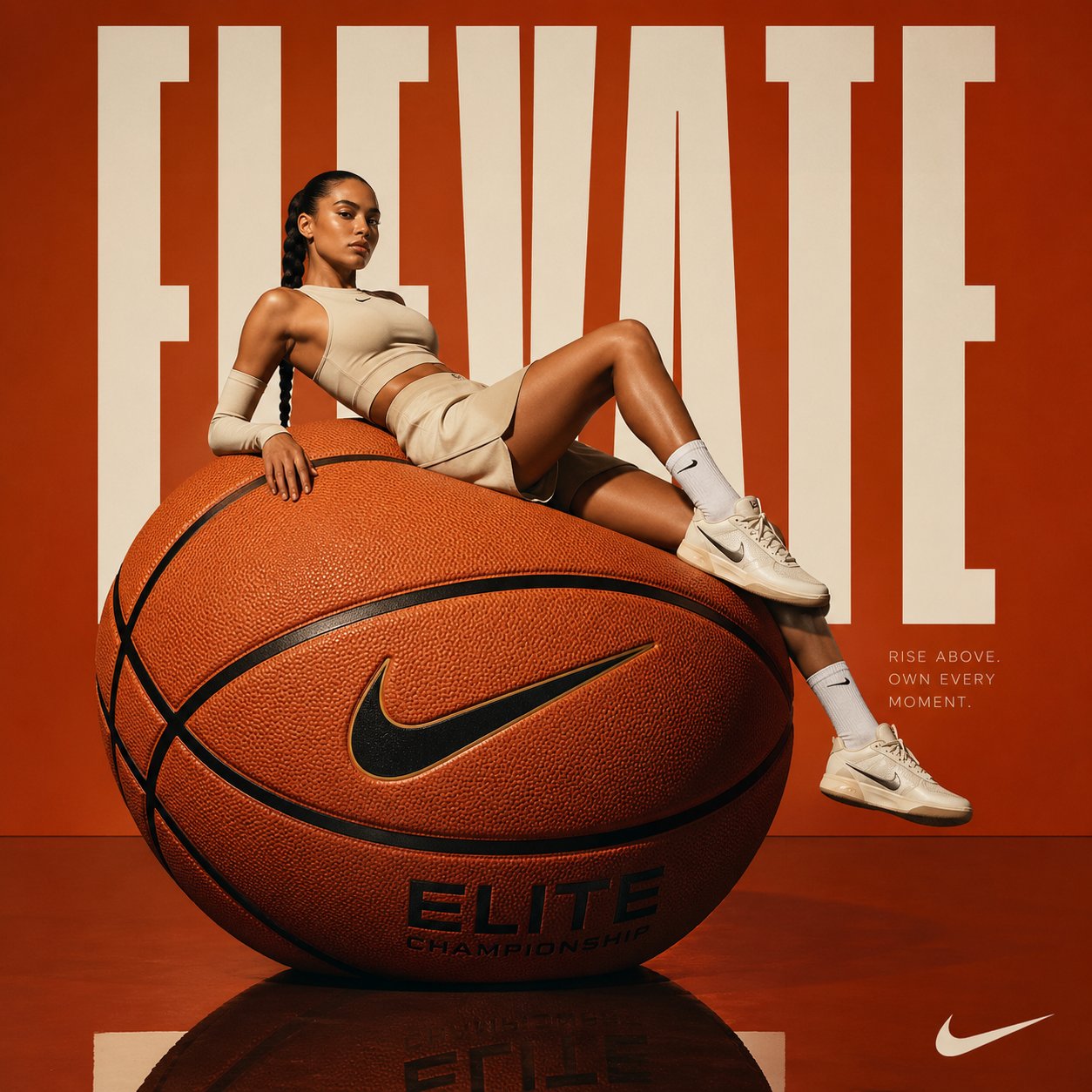
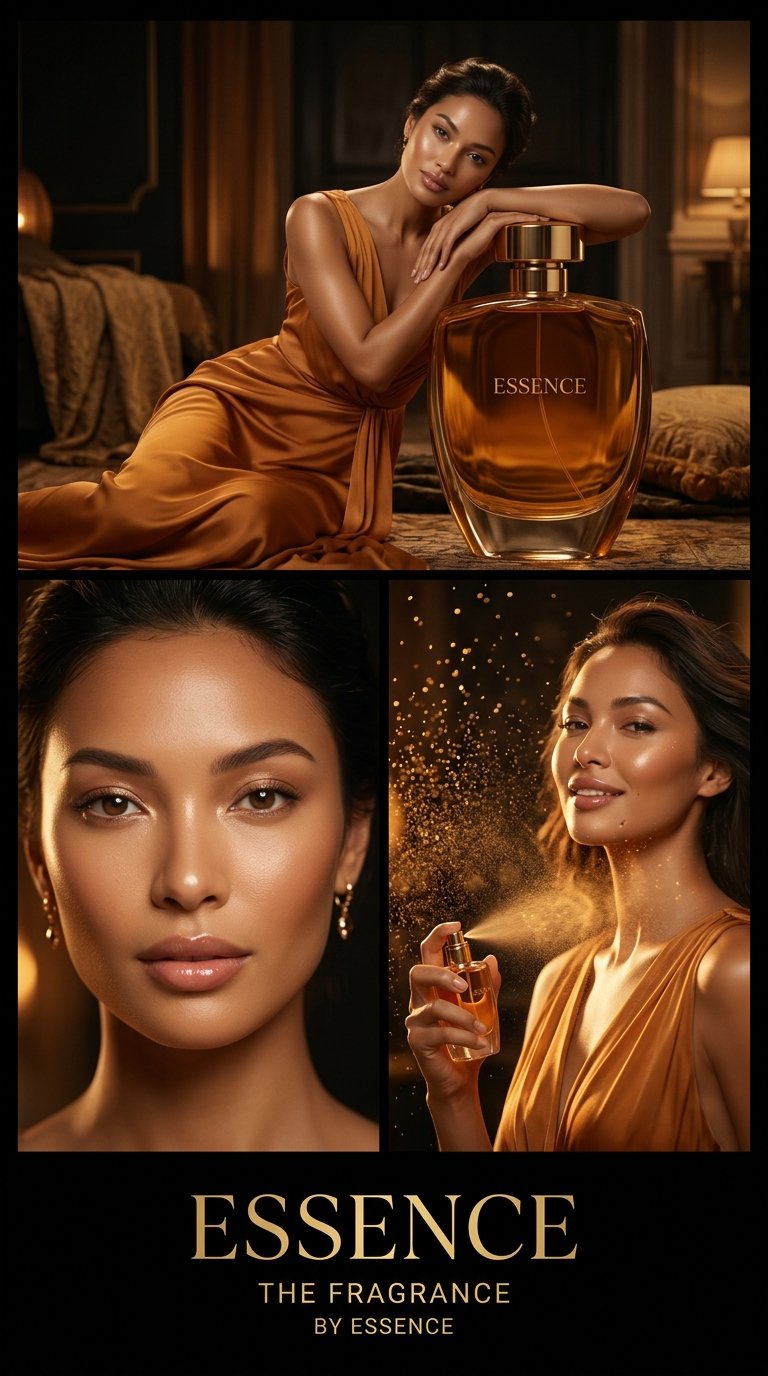
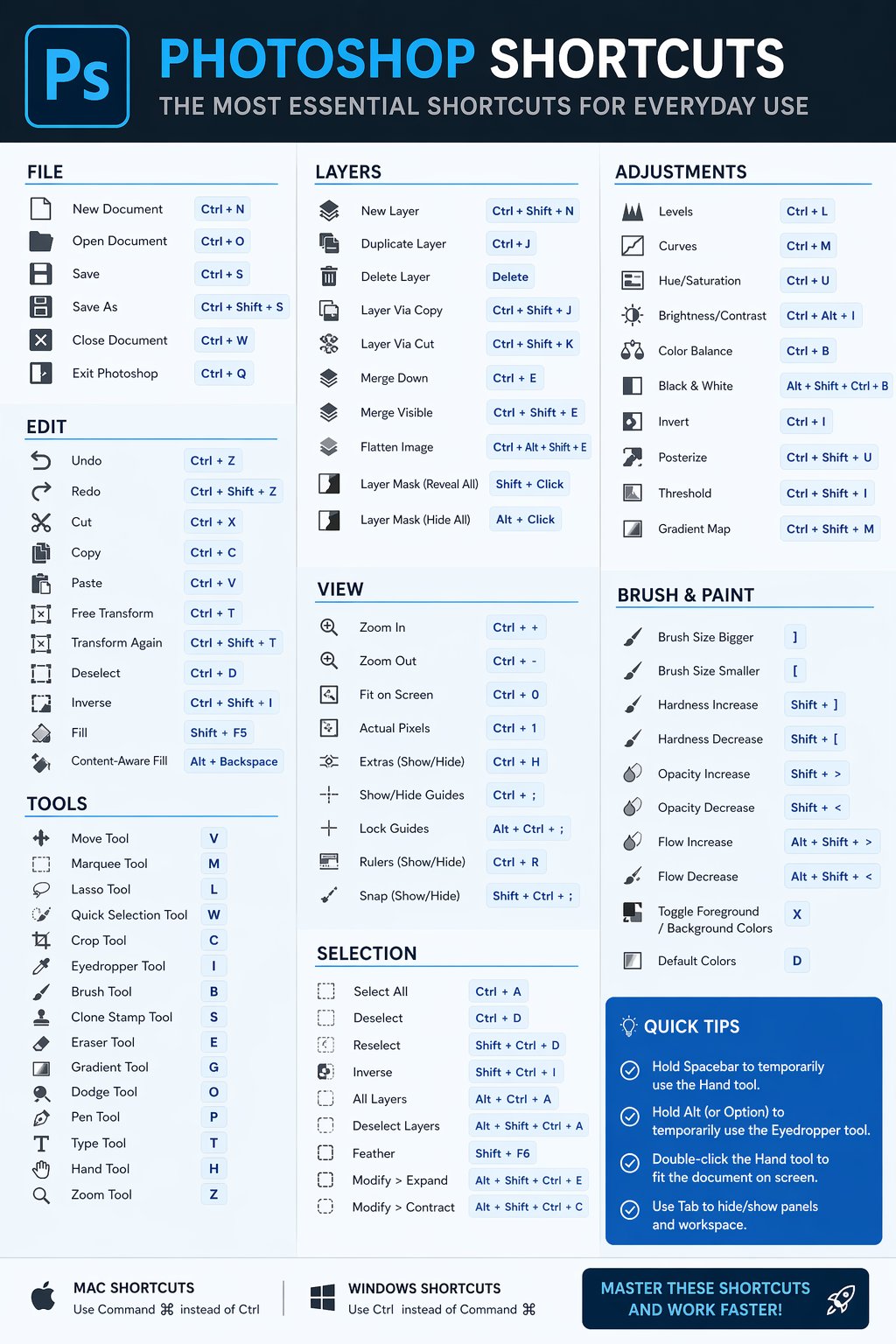
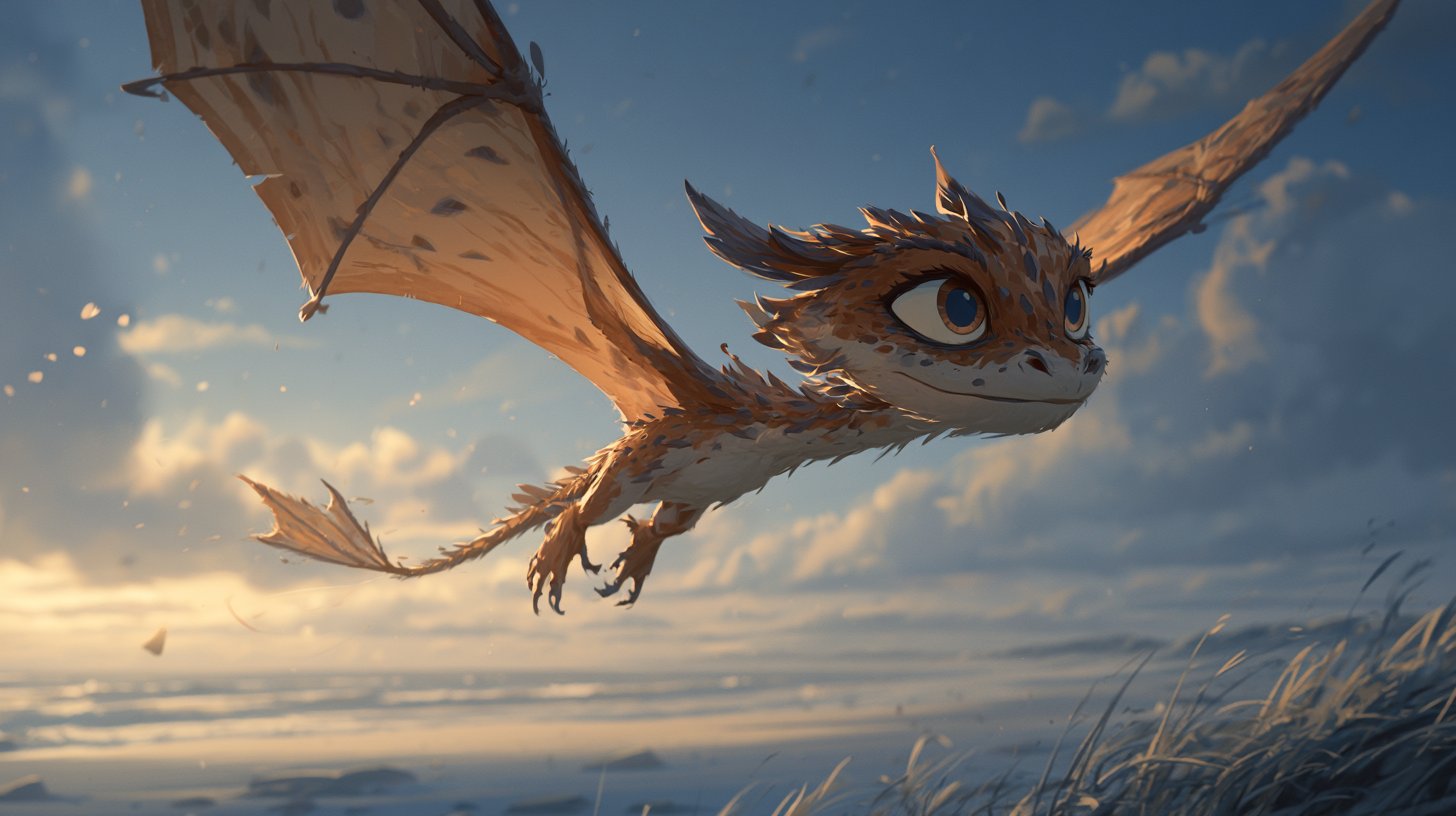
GPT Image 2 is OpenAI's most advanced image generation model, succeeding GPT Image 1.5. It delivers photorealistic output quality, supports 11 aspect ratios, and handles both text-to-image generation and image-to-image editing through a single unified interface.
Key Features
- Photorealistic quality — Industry-leading image fidelity and detail
- 11 aspect ratios — From square (1:1) to ultrawide (21:9) and vertical (9:16)
- Text-to-Image — Generate images from detailed text descriptions
- Image-to-Image editing — Upload images and describe the changes you want
- Multi-image input — Combine elements from up to 10 source images
- 20,000 character prompts — Extremely detailed instructions for precise control
- Auto aspect ratio — Let the model choose the best ratio for your content
Best For
- Photorealistic product photography
- Marketing and advertising campaigns
- Creative concept art and illustration
- Photo editing, retouching, and compositing
- Social media content at any aspect ratio
Tips for Better Results
- Use "auto" aspect ratio — Let the model pick the best fit unless you need a specific size
- Be descriptive — GPT Image 2 responds well to detailed, specific prompts
- Image editing — Upload source images and describe only what you want changed
- Combine images — Upload multiple reference images to merge elements into one scene
FAQ
What's new in GPT Image 2 vs GPT Image 1.5?
GPT Image 2 offers improved photorealistic quality, more aspect ratio options (11 vs 3), longer prompts (20K vs 3K characters), and enhanced image editing capabilities.
How does image-to-image work?
Switch to the "Image to Image" tab, upload one or more source images, and describe what you want to change. The model edits based on your instructions while preserving everything else.
What aspect ratios are available?
Auto, 1:1, 5:4, 4:3, 3:2, 16:9, 21:9, 4:5, 3:4, 2:3, and 9:16 — covering landscape, portrait, square, and ultrawide formats.