버전 선택
Flare 또는 Sunburst를 선택한 뒤 해상도와 화면 비율을 정하세요.
 TikTomato
사실적인 빛과 질감, 정밀한 편집에 강점을 가진 OpenAI의 이미지 생성·편집 모델이에요. Flare는 빠른 버전이고 Sunburst는 시간이 더 걸리는 대신 디테일에 집중해요.
GPT Image 2.5로 생성한 실제 1K 결과와 사용한 영어 프롬프트, 모델 버전이에요. 프롬프트를 복사해 아이디어에 맞게 바꿔 보세요. 결과는 달라질 수 있어요.
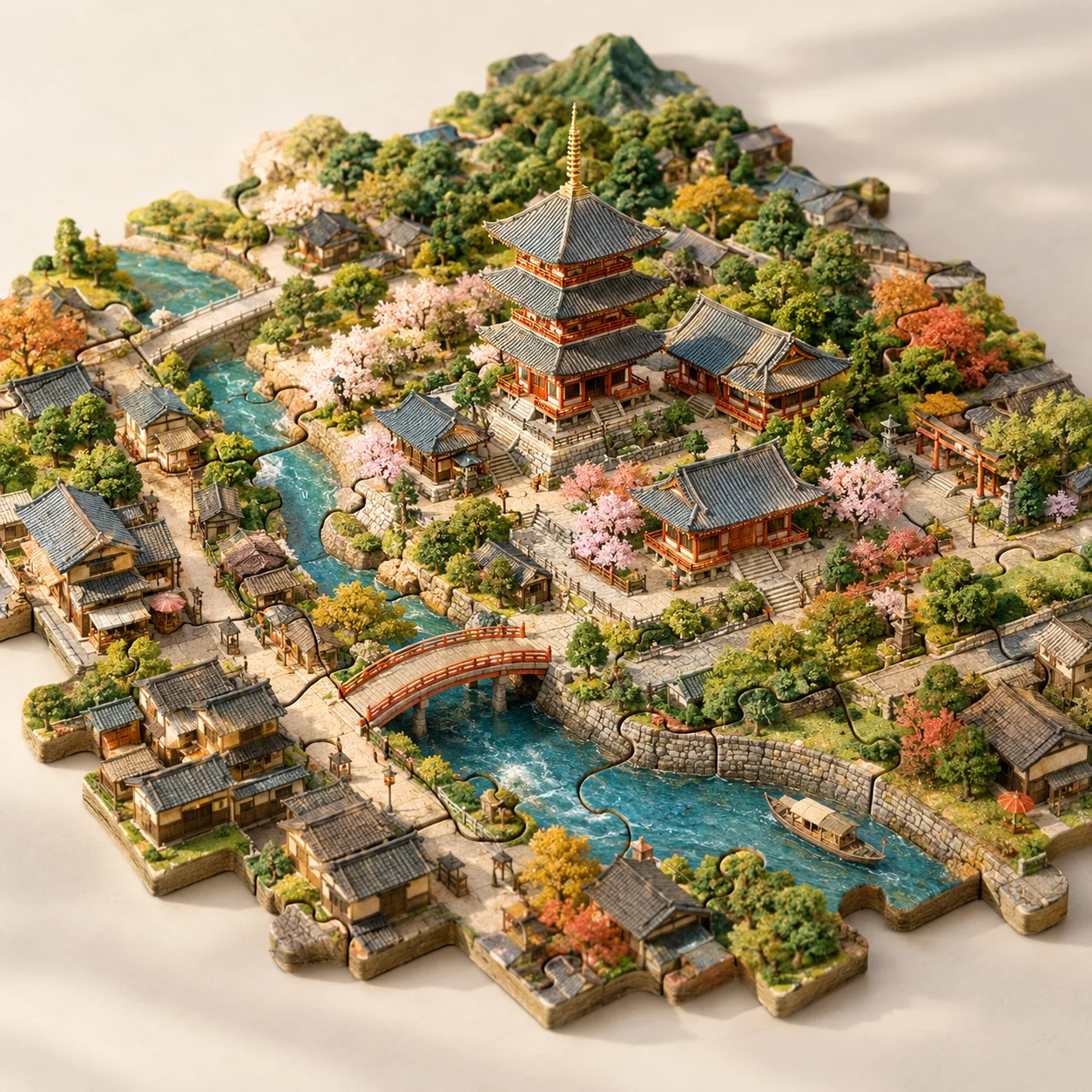
GPT Image 2.5 Flare · 1K · 1:1
재료, 시점, 조각이 연결되는 방식을 설명하세요. 원하는 도시와 명소로 바꿔 보세요.
Imagine Kyoto as a tabletop city assembled from interlocking jigsaw pieces. A recognizable temple forms the center, with miniature lanes, a river, bridges and trees distributed across neighboring pieces. Make the puzzle joints clearly visible while keeping all pieces part of one coherent landscape. Use handmade model textures, gentle afternoon light, a pale studio background and an elevated three-quarter view. No extra floating buildings or text.
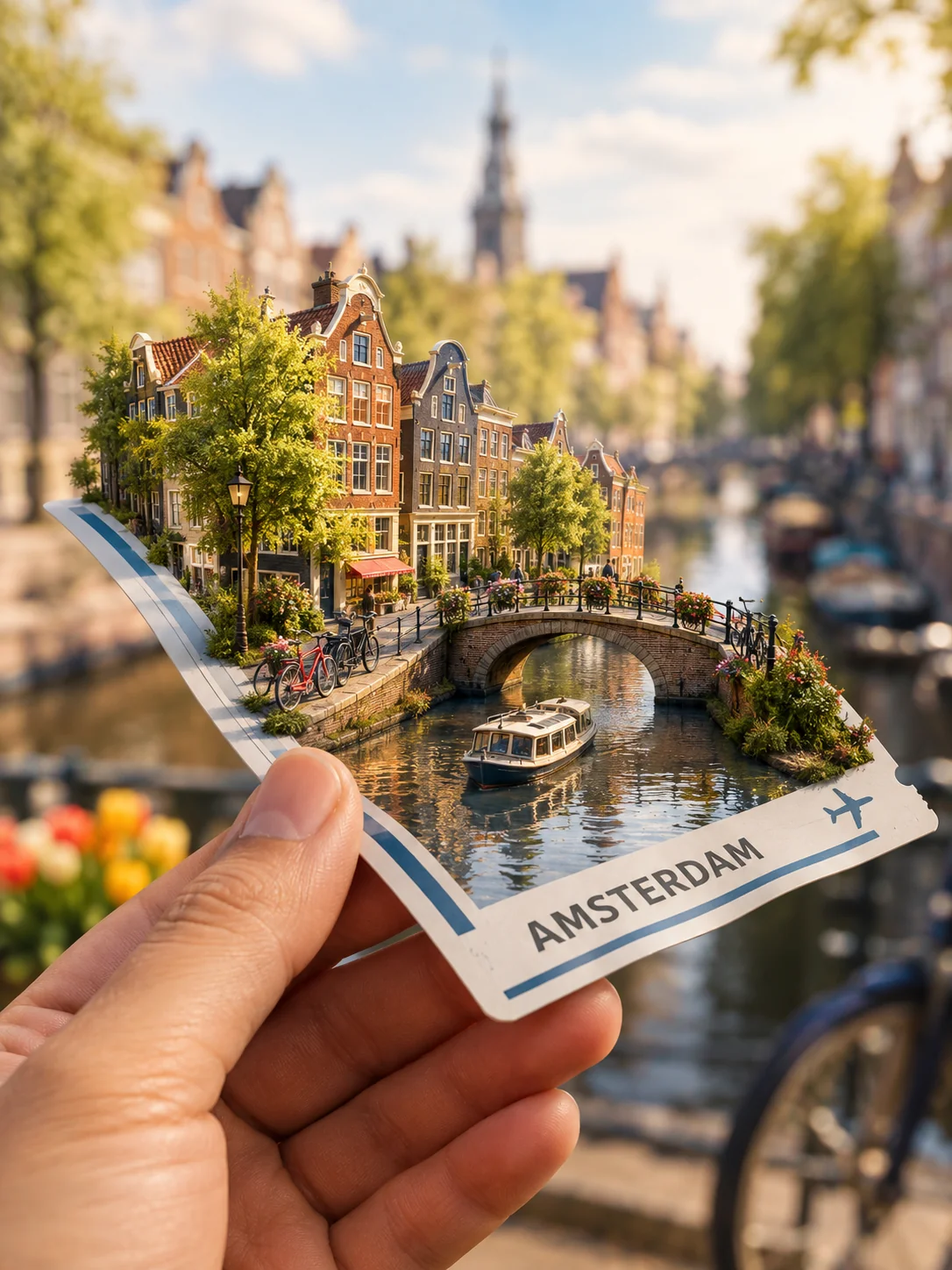
GPT Image 2.5 Sunburst · 1K · 3:4
익숙한 물건 위에 미니어처 세계를 만들어 보세요. 닿는 부분의 그림자와 티켓에 적힐 문구를 지정하세요.
Show a hand holding a fictional travel ticket in the foreground. A miniature Amsterdam grows from the ticket's surface: a canal, narrow houses, tiny bicycles and a small bridge. Make the paper bend naturally under the little world, with convincing contact shadows and realistic fingers. Use a softly blurred travel background and warm daylight. The ticket may say AMSTERDAM but should contain no real booking data, barcode or extra fine print.
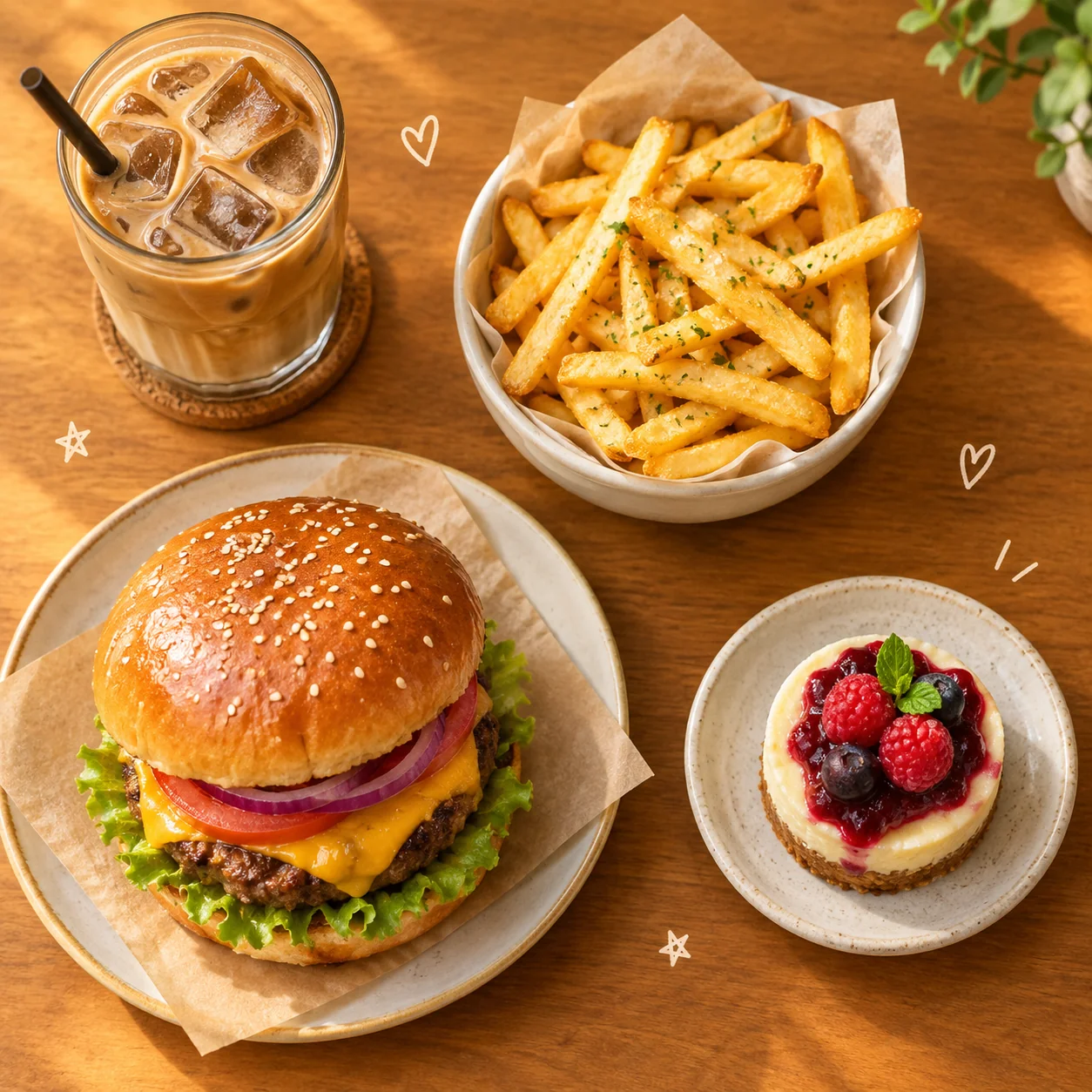
GPT Image 2.5 Flare · 1K · 1:1
음식을 뚜렷이 구분하고 작은 일러스트를 넣을 여백을 남기세요. 내 메뉴에 맞게 음식을 바꿔 보세요.
Create a cozy overhead café collage featuring a burger, crisp fries, an iced coffee and a small dessert. Make the food photographic and appetizing, then add a few tiny hand-drawn hearts and stars in the empty spaces. Arrange the objects with clear separation on a warm tabletop. Use soft golden light, cheerful restrained colors and believable portions. Keep the composition readable as a square app thumbnail. No brand names, labels or watermarks.
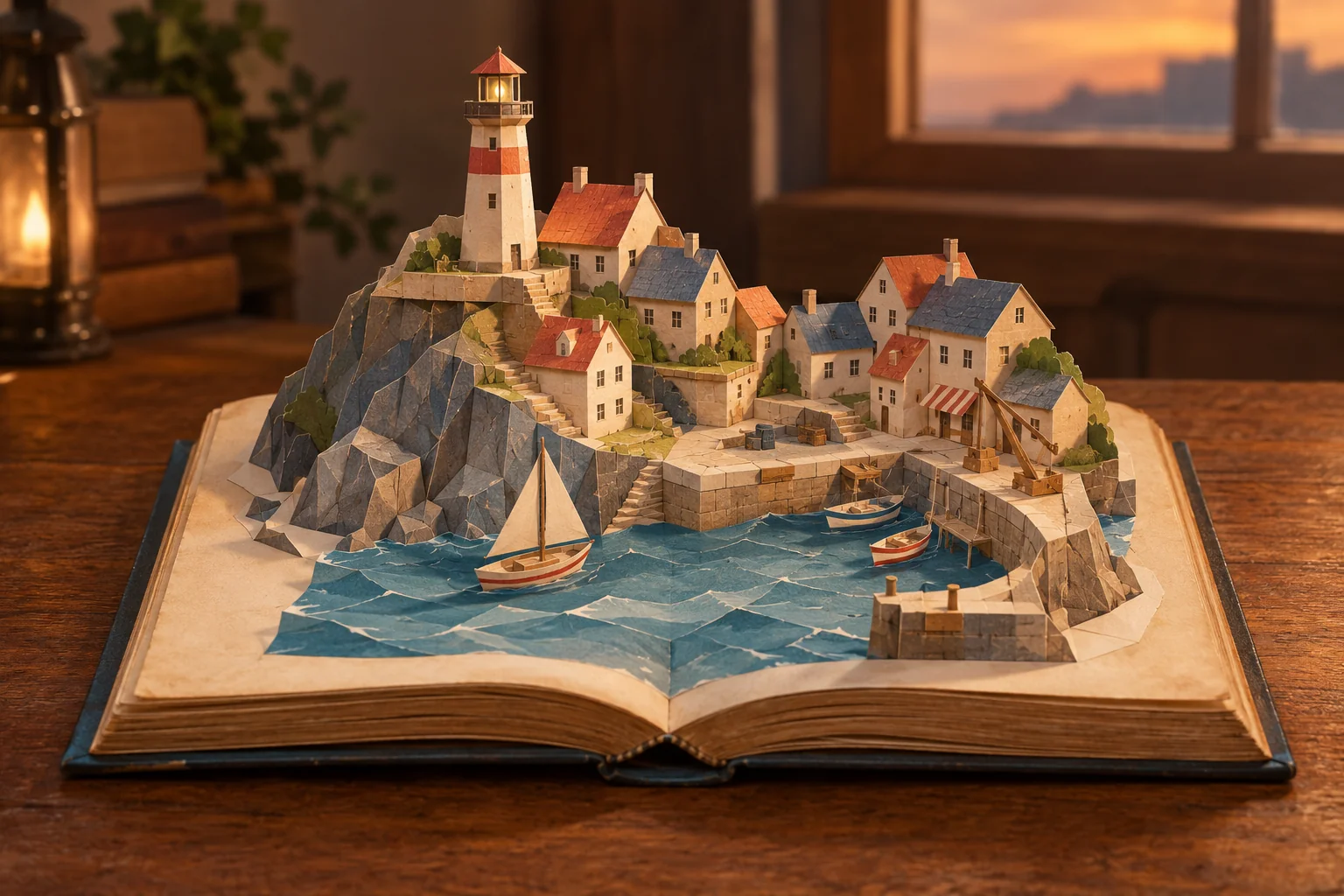
GPT Image 2.5 Sunburst · 1K · 3:2
접은 종이, 연결 탭, 부드러운 그림자처럼 재료와 조립 방식을 설명하세요. 제작 디테일을 유지하면서 마을을 바꿔 보세요.
An open old storybook rests on a wooden table. From its pages rises a handmade pop-up model of a coastal town, with folded-paper rooftops, a lighthouse, steps and a tiny harbor. Show visible paper folds and tabs so the construction feels possible. Use soft evening light and a cozy, tactile color palette. Keep the open book and its complete silhouette inside the frame. No floating scenery outside the book and no readable story text.
GPT Image 2.5 Sunburst · 1K · 3:4
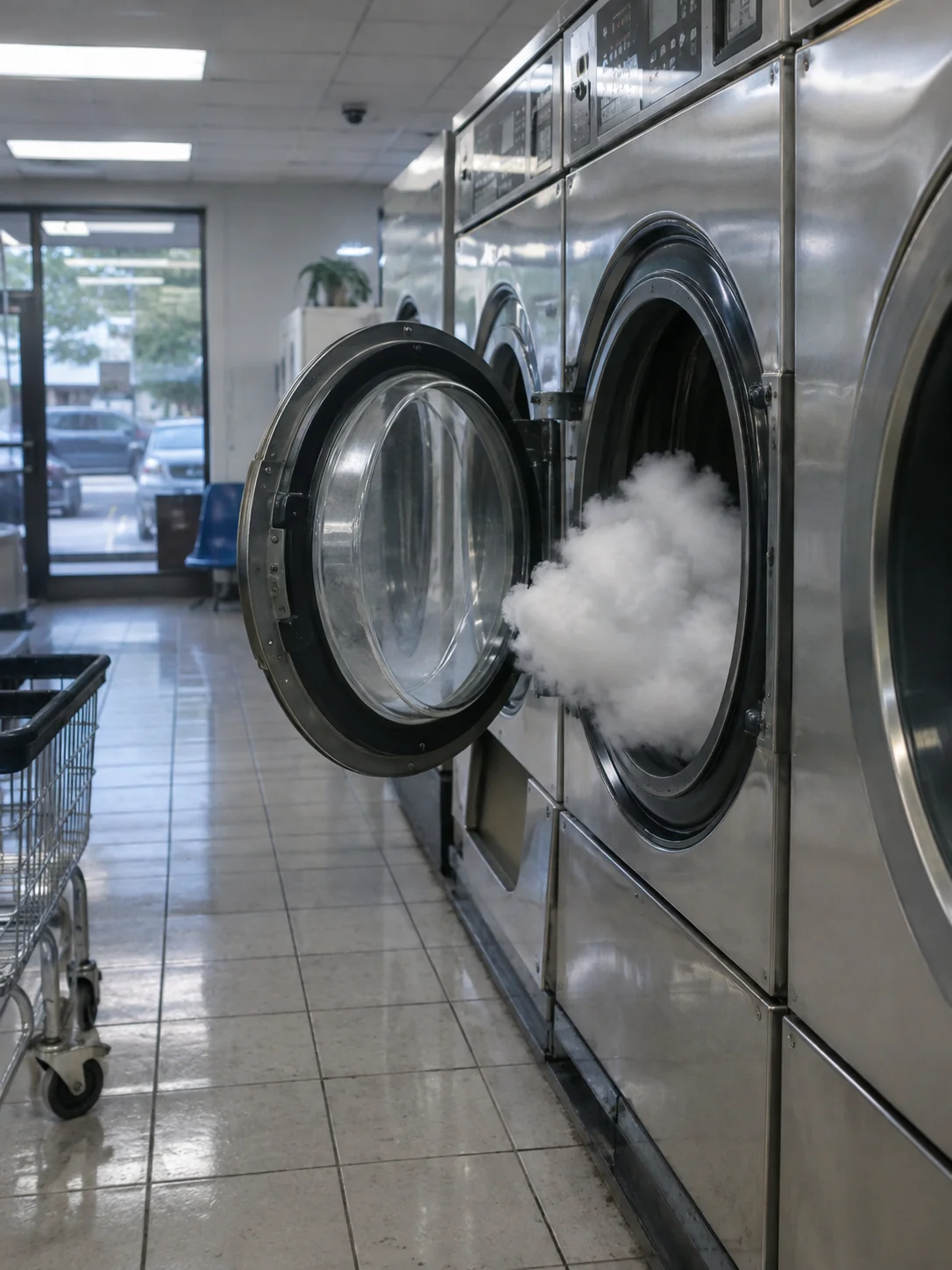
일상적인 장소에 불가능한 피사체 하나를 더하세요. 평범한 조명과 표면을 설명하면 재미있는 장면도 사진처럼 느껴져요.
Photograph an impossible but peaceful event as if it truly happened: a small cloud has drifted into a neighborhood laundromat and is quietly waiting inside an open washing machine. Render ordinary fluorescent lighting, slightly worn tiles, convincing reflections and a candid eye-level viewpoint. The impossible subject should belong naturally in this mundane setting. Keep the image photographic rather than illustrative. No signs, captions or visual effects.
GPT Image 2.5 Flare · 1K · 3:2
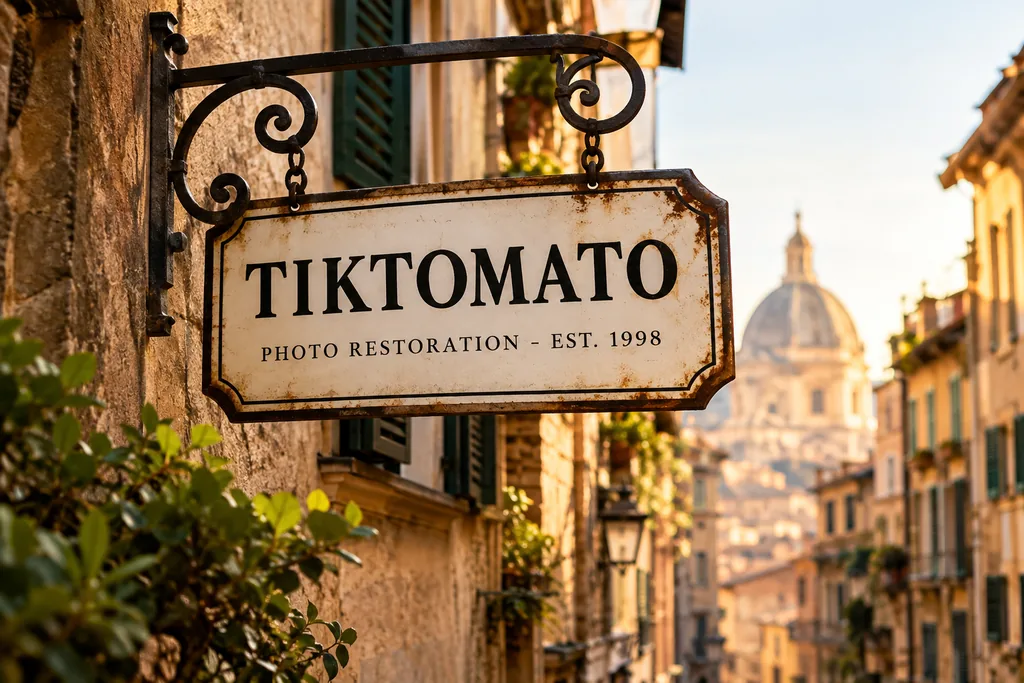
정확한 문구를 따옴표로 표시하고 줄 순서를 지정하세요. 사용 전에 모든 글자를 확인하세요.
A vintage enamel shop sign hanging above a narrow European street. The sign reads "TIKTOMATO" on the first line and "PHOTO RESTORATION - EST. 1998" on the second line, in clean serif lettering. Warm late-afternoon sunlight, shallow depth of field, photorealistic.
GPT Image 2.5 Flare · 1K · 3:4
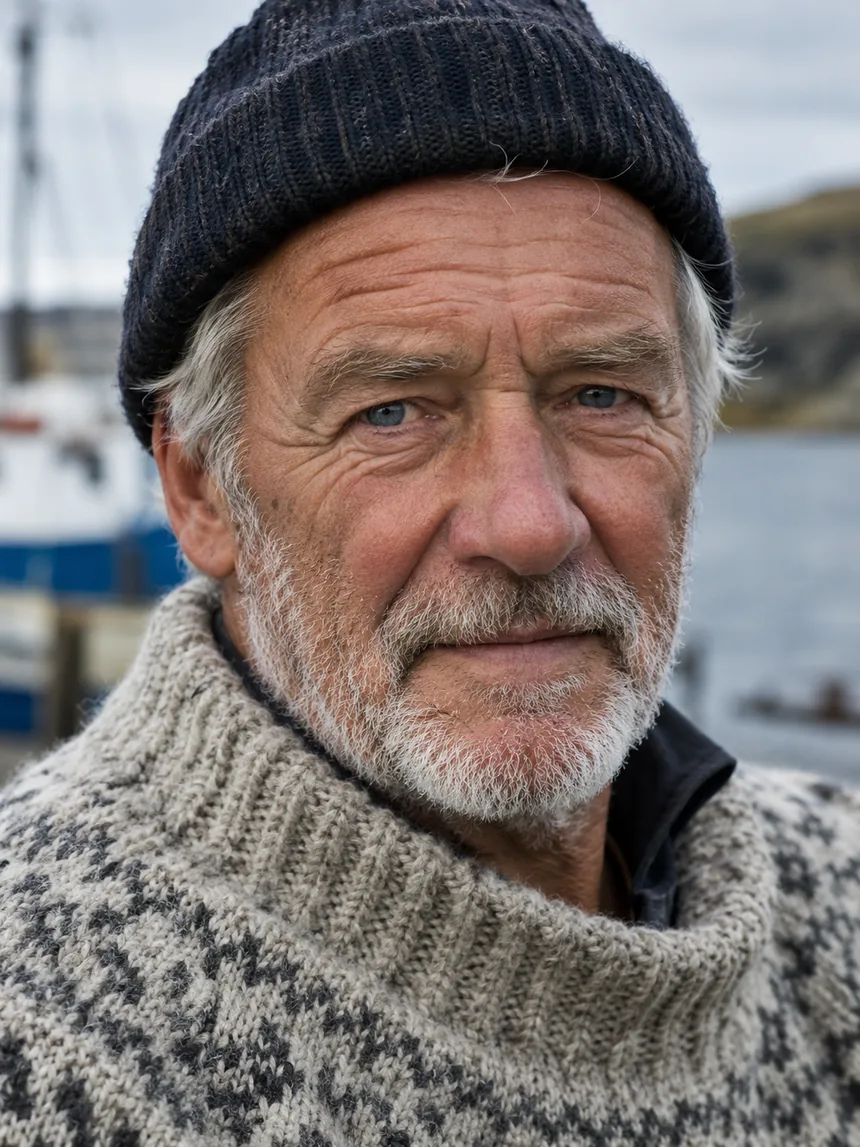
단순히 사실적인 인물 사진을 요청하기보다 조명, 렌즈, 피부 디테일을 구체적으로 적으세요.
Close-up portrait of an elderly fisherman with a weathered face and white stubble, wearing a hand-knitted wool sweater, soft overcast daylight, sharp focus on the eyes, natural skin texture with visible pores and fine wrinkles, shot on an 85mm lens.
GPT Image 2.5 Sunburst · 1K · 3:4
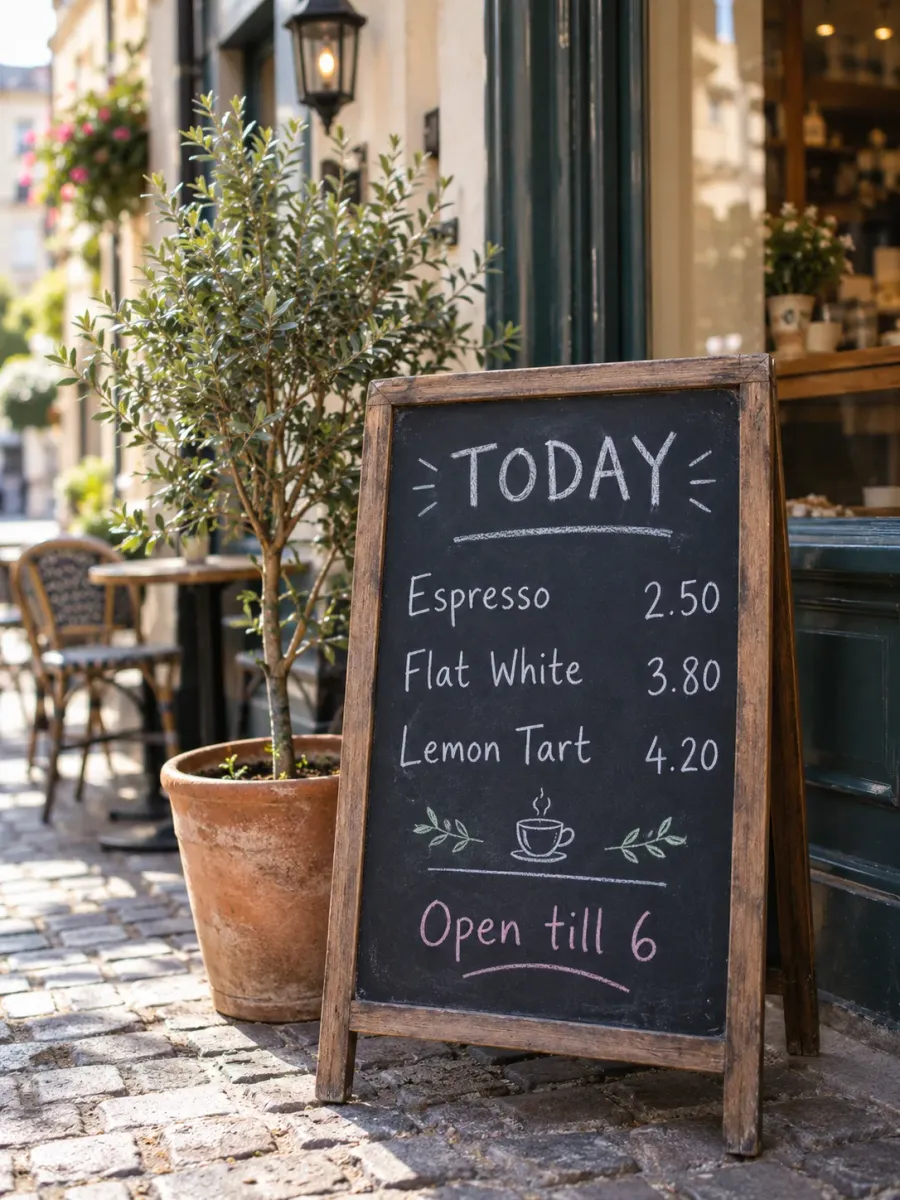
각 줄의 문구와 위치를 따로 지정하세요. 완성된 이미지의 철자와 가격을 확인하세요.
A hand-lettered chalkboard menu standing outside a small cafe on a cobblestone street. The board reads, top to bottom: "TODAY" as the heading, then "Espresso 2.50", "Flat White 3.80", "Lemon Tart 4.20", and at the bottom "Open till 6". White and pastel chalk, slightly imperfect handwriting, a potted olive tree beside it, soft morning light, photorealistic, shallow depth of field.
Flare 또는 Sunburst를 선택한 뒤 해상도와 화면 비율을 정하세요.
프롬프트를 직접 쓰거나 아래 예시를 복사하세요. 편집하려면 참고 이미지를 추가하고 바꿀 부분과 유지할 부분을 설명하세요.
로그인한 뒤 버튼에 표시된 크레딧 사용량을 확인하고 생성하세요. 결과를 다운로드하거나 프롬프트를 수정해 다시 시도해 보세요.
GPT Image 2.5는 OpenAI가 2026년 9월 8일 GPT Image 2의 후속으로 공개한 이미지 생성·편집 모델이에요. ChatGPT에서는 ChatGPT Images 2.5로 제공되며 개발자는 OpenAI API로 사용할 수 있어요.
두 가지 버전이 있어요. Flare는 일상적인 고품질 이미지를 빠르게 만드는 OpenAI 모델이에요. Sunburst는 생성 시간이 더 걸리는 대신 세밀한 창작과 편집에서 정밀도가 높아요. 이 페이지에서 둘 중 하나를 선택할 수 있고 비용은 같아요.
OpenAI가 설명하는 GPT Image 2 대비 개선 사항이에요.
빛의 표현이 자연스러워지고 피부, 직물, 금속 같은 표면의 질감이 풍부해져 사실적인 인물과 상품 사진에 적합해요.
참고 이미지를 추가하면 인물이나 사물의 특징이 결과에 더 잘 유지돼요.
편집 지시를 더 충실히 따르고 여러 번 수정해도 디테일을 일관되게 유지해요. 한 부분을 바꿀 때 다른 부분이 달라질 가능성을 줄여요.
OpenAI에 따르면 인포그래픽의 정확도와 레이아웃이 개선되어 포스터, 도표처럼 텍스트와 구조를 함께 표현하는 이미지에 도움이 돼요.
OpenAI 이미지 프롬프트 가이드의 핵심을 정리했어요.
피사체와 함께 상품 사진, 포스터, 도표 등 원하는 이미지의 종류를 먼저 쓰고 디테일을 더하세요.
이미지에 들어갈 문구를 따옴표 안에 적고 위치를 알려 주세요. 특이한 브랜드 이름은 철자를 하나씩 명시하고 결과에서 다시 확인하세요.
바꿀 부분을 정한 뒤 얼굴, 조명, 상품 라벨 등 그대로 둘 부분을 적으세요. 참고 이미지가 여러 장이면 각각의 역할을 설명하세요.
하나를 바꾸고 결과를 살펴본 다음 수정하세요. “이전과 동일하게”라고 쓰기보다 중요한 디테일을 매번 다시 적어 주세요.
네. 피사체, 재료, 조명, 구도를 자연어로 설명한 프롬프트는 두 모델 모두에서 출발점이 될 수 있어요. 이 페이지의 팝업북 예시도 GPT Image 2용으로 모아 둔 아이디어를 바탕으로 GPT Image 2.5 Sunburst에서 다시 생성했어요. 결과가 달라질 수 있으니 확인하고 수정하세요. 새 모델이 모든 아이디어에서 더 좋은 결과를 보장하지는 않아요.
두 버전 모두 사용할 수 있어요. 프롬프트 위의 버전 설정에서 일상적인 이미지를 빠르게 만드는 Flare와 정밀한 작업에 맞는 Sunburst를 고르세요. 비용은 같고 기본 선택은 Flare예요.
아니요. Google이나 Apple로 로그인하면 무료 크레딧으로 시작할 수 있어요. 설치하거나 API 키를 관리할 필요 없어요.
OpenAI는 조명, 질감, 참고 이미지 충실도, 편집이 개선됐다고 설명해요. 결과는 프롬프트에 따라 달라져요. 이 페이지에서는 Flare 또는 Sunburst를 선택할 수 있고 모든 해상도에 GPT Image 2.5를 사용해요.
1K, 2K, 4K 중에서 선택할 수 있어요. 1K에서 3:4 이미지는 1086×1448픽셀이에요.
이용량과 선택한 크기에 따라 달라지고 큰 이미지는 더 오래 걸려요. 처리 중에 페이지를 나가도 괜찮아요. 결과는 최근 이미지 목록에 보관돼요.
네. 참고 이미지를 최대 4장 추가하고 바꿀 내용과 유지할 부분을 설명하세요. 참고 사진의 피사체를 유지하는 능력은 GPT Image 2.5의 개선 사항 중 하나예요.
1K 비용은 기본 이미지 생성 도구와 같아요. 2K와 4K는 요금이 달라요. 정확한 사용량은 생성 버튼에 표시되며 해상도를 바꾸면 함께 업데이트돼요.
GPT Image 2.5는 OpenAI 이용 정책을 따르므로 성적 콘텐츠, 노골적인 폭력, 실제 인물을 기만적으로 묘사하는 이미지 등의 요청은 거부돼요. 프롬프트를 바꿔 보세요. 거부되거나 실패한 요청의 크레딧은 반환돼요.